TTSFree AI 1.8.0 for Mac
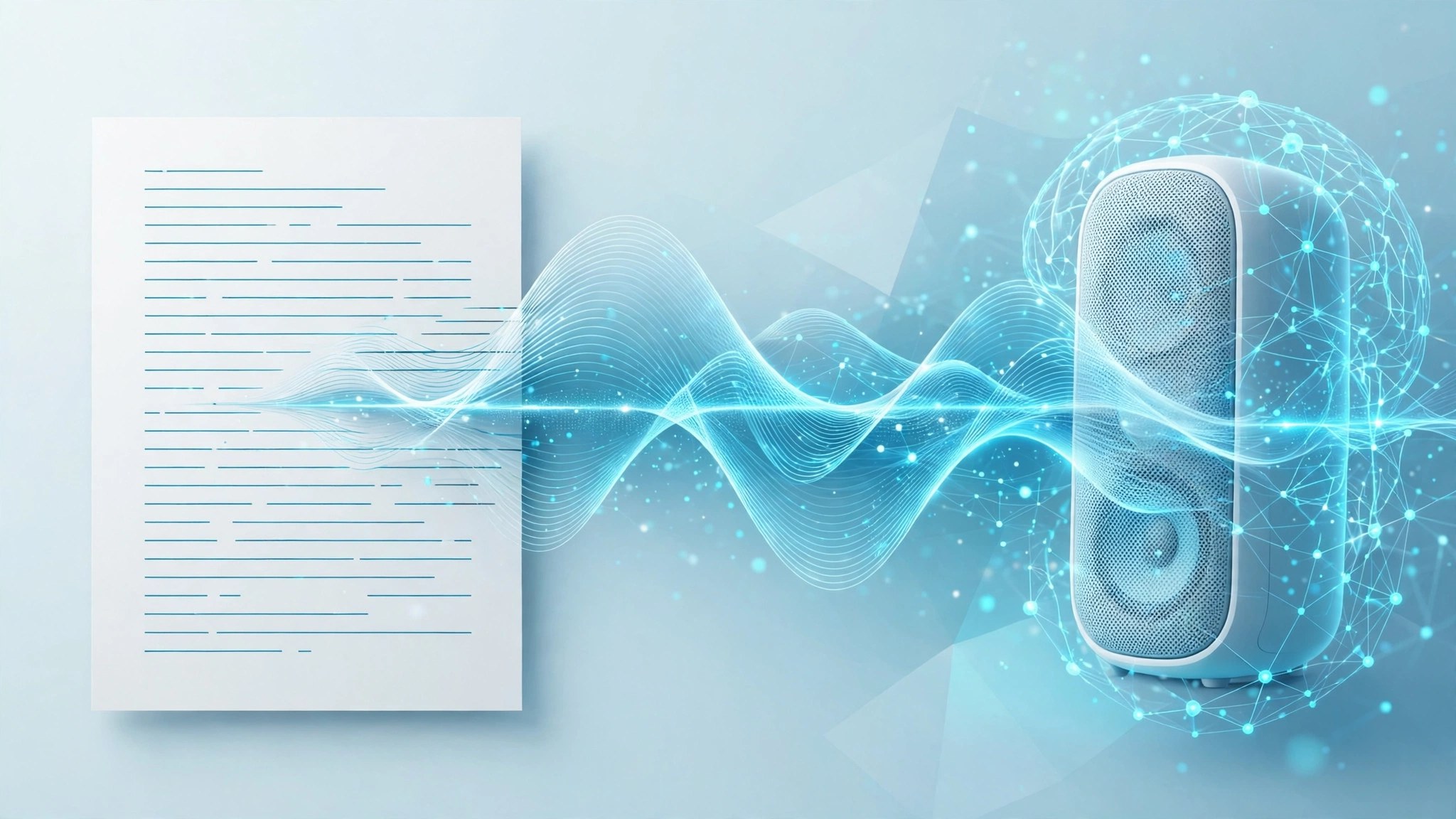
Mac UtilitiesReading long documents on screen is tiring, and most online voice tools cap your text or upload your files. TTSFree AI, a desktop app from PopPop AI, converts text and full documents into natural sounding speech directly on your Mac, with no queue and no character cap on local generation.
Key Features
- Imports PDF, DOCX, EPUB, TXT and other document formats in bulk
- More than 200 AI voices covering over 50 languages and accents
- Fully local processing, so documents never leave your computer
- Multi voice script mode for dialogues and narrated presentations
- Exports finished speech as MP3 or WAV files for any player
How to Download
- Use the download button on this page to get the Mac build, or Download from the official site instead.
- Open the disk image and move TTSFree AI into your Applications folder.
- Launch the app, import a document or paste text, pick a voice and generate your audio.
System Requirements
TTSFree AI needs macOS 13 Ventura or later, according to the developer. It is optimized for Apple Silicon from M1 onward and also runs on Intel Macs.
FAQs
Does TTSFree AI work offline?
Yes. Speech generation runs entirely on your Mac. You only need the internet to download new voice models or to check your licence status, not for day to day conversion work.
What can I turn into speech?
You can paste plain text or import whole documents, including PDF and EPUB files. It suits audiobooks, lecture notes, scripts and long reports.
Is there a free trial?
The developer offers full access for a trial period after a first install, with no registration or card details requested. After that, continued use follows the licence options shown on the official site.







Leave a Reply