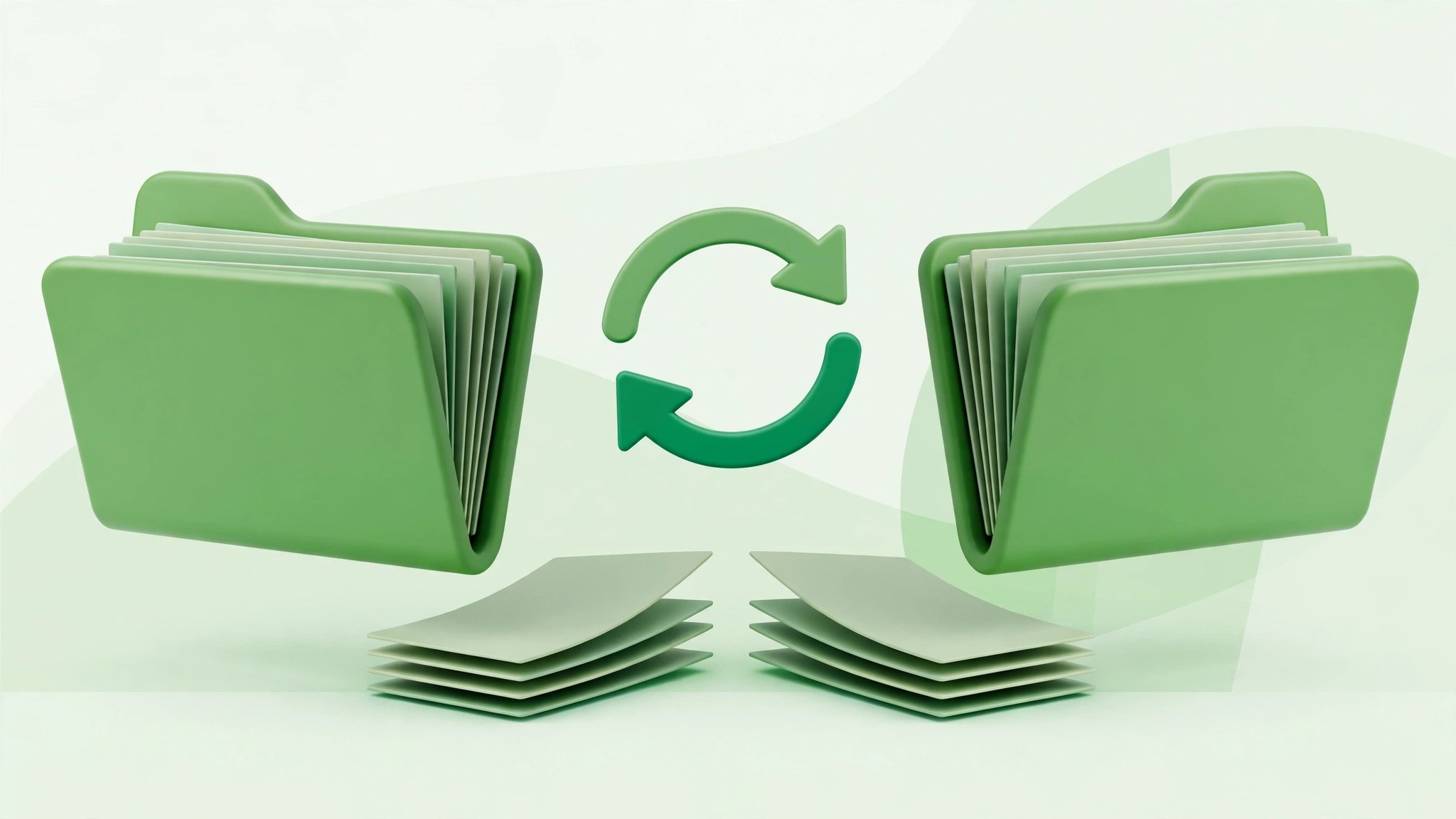
SyncTwoFolders for Mac
Mac UtilitiesSyncTwoFolders does one job plainly: it makes two folders hold the same files. Point it at a source folder and a target folder, say a project on your Mac and its copy on an external drive, and it copies what is missing and replaces what is old.
Key Features
- Sync any two folders Finder can see, including folders on external drives
- Choose each run direction: both ways, source to target, or target to source
- Match files by date, so the newest version wins in a two way sync
- Preview a full run in simulation mode before any file changes
- Read a log after each run listing copies, replacements and deletions
How to Download
- Use the download button on this page, then move the app to Applications
- Open SyncTwoFolders and choose your source and target folders
- Pick a mode, run a simulation to preview changes, then start the sync
System Requirements
You need a Mac running macOS, free space on the target drive for copied files, and a good backup of anything important before your first real run.
FAQs
Can SyncTwoFolders delete my files?
It can remove target files in some modes, since matching folders can mean deleting what left the source. Run the simulation first and keep a separate backup.
Can I sync to an external drive?
Yes. Any drive or network share Finder can open can hold your source or target folder, which suits simple drive mirroring.
Is this a full backup program?
No. It mirrors folders as they are now, with no history of older versions. It does not replace a real backup system.







Leave a Reply