Smart Remesh 3.0 for Mac
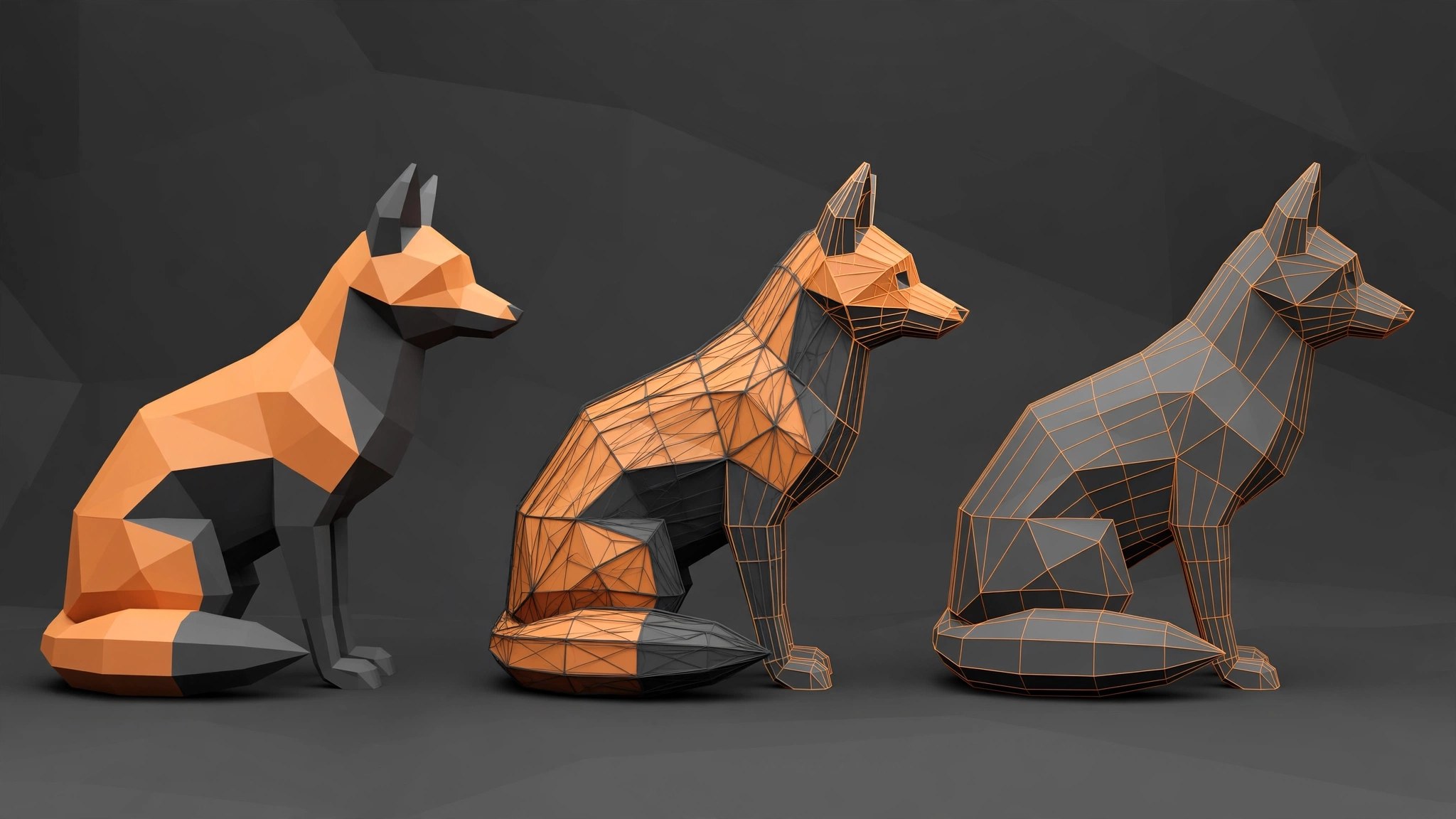
Mac UtilitiesScanned models and AI generated meshes often arrive with hundreds of thousands of tangled triangles. Cleaning them by hand can eat a day. Smart Remesh is a Blender add on by Milad Kambari, sold through Superhive, that rebuilds such models automatically. One mode is tuned for organic shapes, another for hard surface work, where flat panels become clean single faces.
Key Features
- Separate organic and hard surface modes so the rebuild matches the kind of model you feed it
- Rebuilds flat panels as clean n gons and removes edge loops that carry no shape
- Produces mostly quad based geometry that is easier to edit, rig and animate
- Drives polygon counts down hard for games and AR while keeping the silhouette
- Works inside Blender on Mac, with no round trip to an external app
How to Download
- Use the download button on this page to get the add on package for Mac.
- In Blender, open Preferences, choose Add ons, install the package and enable Smart Remesh.
- Select your mesh, pick organic or hard surface mode, set a target density and run the remesh.
System Requirements
Smart Remesh needs Blender 4.2 or newer on macOS, on Apple Silicon or Intel Macs. Very dense meshes benefit from more memory, since the rebuild runs locally.
FAQs
Does Smart Remesh preserve the shape of my model?
That is the aim. Hard surface mode keeps flat panels and sharp form, while organic mode lays an even quad grid over curved surfaces.
Can I use the result in a game engine?
Yes. Lower counts with cleaner topology are what game and AR work needs, and you can export the rebuilt mesh from Blender as usual.
Is this a standalone app?
No. Smart Remesh is a Blender add on, so you need Blender installed on your Mac first.







Leave a Reply