Spine 4.3.26 for Mac
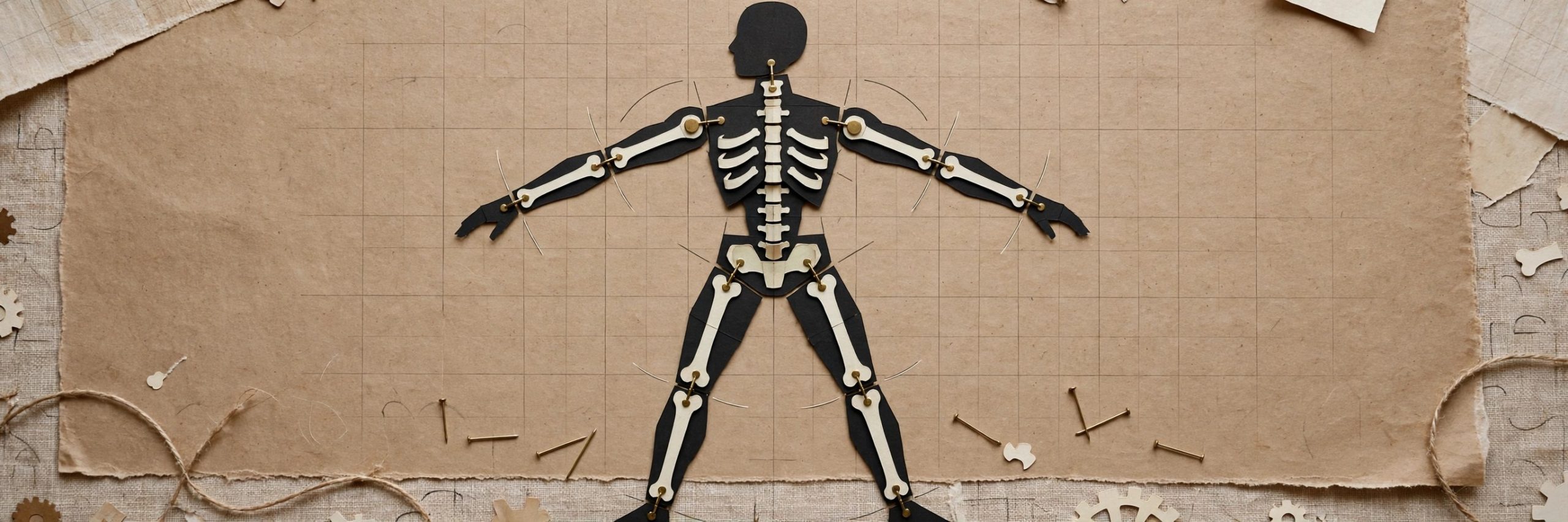
Mac UtilitiesSpine, from Esoteric Software, is built for one job: 2D skeletal animation for games. Instead of drawing every frame, you rig a character with bones once and then animate the bones. The artwork follows, bending and stretching through weighted meshes, so a single character can walk, run and attack with smooth motion and a small file size in your game.
Key Features
- Bone based rigging turns still artwork into characters that move smoothly
- Meshes with weights bend and stretch images as the skeleton moves
- Skins swap outfits, gear and whole looks on the same skeleton
- Graph editor and dopesheet give fine control over timing and curves
- Official runtimes play your animations in Unity, Unreal, Godot and more
How to Download
- Use the download button on this page, or Download from the official site to open the Esoteric Software site.
- Download the free Spine trial, or sign in to get the licensed build tied to your purchase.
- Install Spine, open it, and learn the workflow with the example projects and the free Spine Academy lessons.
System Requirements
Spine runs on macOS, Windows and Linux and suits both Intel and Apple Silicon Macs. A modest machine handles most projects, though large textures and busy skeletons benefit from more memory and a capable graphics chip.
FAQs
Is there a free trial of Spine?
Yes. A free trial lets you explore the editor and learn the workflow before you buy a license for your project.
Is Spine only for video games?
Games are its home ground, and the runtimes target game engines. The same skeletal approach also suits interactive apps and other animated media.
Do I export a separate animation for every engine?
No. You export your skeletons once, and the official Spine runtimes handle playback inside each supported engine.







Leave a Reply