Sonic Academy SA76 1.0.3 for Mac
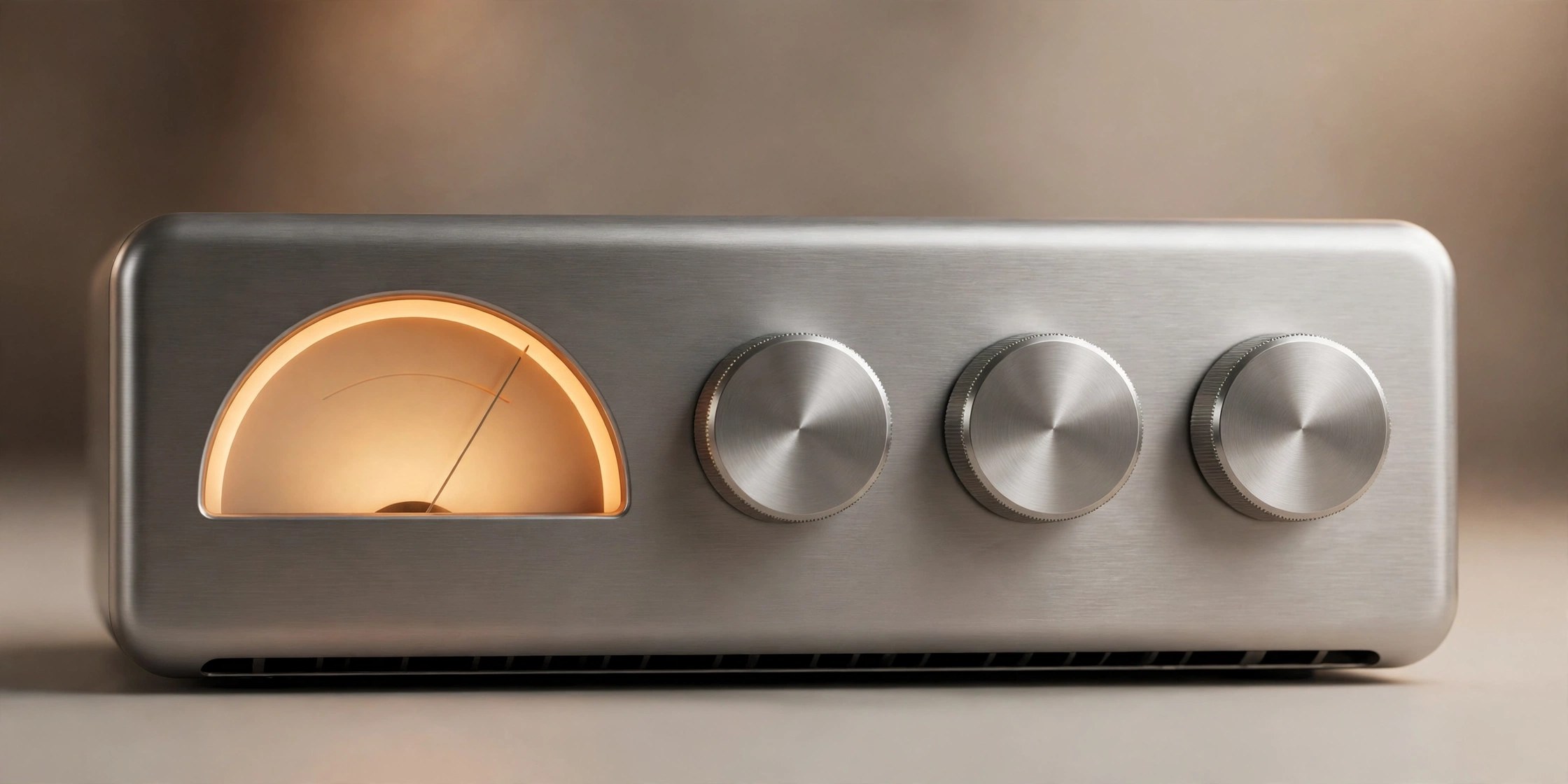
Mac UtilitiesSA76 from Sonic Academy is a compressor plugin modelled on the famous 1176 limiting amplifier, hardware loved for its fast attack and the lively, punchy way it grabs vocals, drums and bass. The plugin keeps the simple layout of the original unit, so you set input, output, attack and release and push the signal until it feels right, then adds a few modern touches that the old hardware never had.
Key Features
- Recreates the sound and behaviour of the classic 1176 limiting amplifier
- Keeps the original input, output, attack and release controls
- Offers ratio settings of 4, 8, 12 and 20 plus the famous all buttons mode
- Adds a drive control for extra colour and weight when you push a track
- Includes sidechain options and linked input and output for easier gain matching
How to Download
- Press the download button on this page and save the SA76 installer to your Mac.
- Run the installer and choose the plugin formats your music software uses.
- You can also Download from the official site to get SA76 directly from Sonic Academy.
System Requirements
SA76 runs on macOS as an AU, VST and AAX plugin, so you need a compatible host application and a Sonic Academy account for licensing.
FAQs
What is the all buttons mode?
Pressing every ratio button at once is a classic 1176 trick. It produces an aggressive, overdriven compression character that engineers love on drums and room mics.
Which tracks does SA76 suit best?
Its fast attack works well on vocals, bass, drums and guitars, anywhere you want energy and presence rather than smooth invisible control.
Can I try SA76 before buying?
Sonic Academy offers a trial through its website, and subscribers can use SA76 free for the length of their subscription according to the developer.







Leave a Reply