Snapzy 2.1.0 for Mac
Mac UtilitiesSnapzy is a free and open source Mac app for screenshots and screen recording that lives in your menu bar. It covers the jobs people usually buy a premium capture tool for, from tidy window shots to long scrolling pages, and it finishes each capture with editing tools close at hand. Support workers, teachers and creators who share visual instructions will feel at home quickly.
Key Features
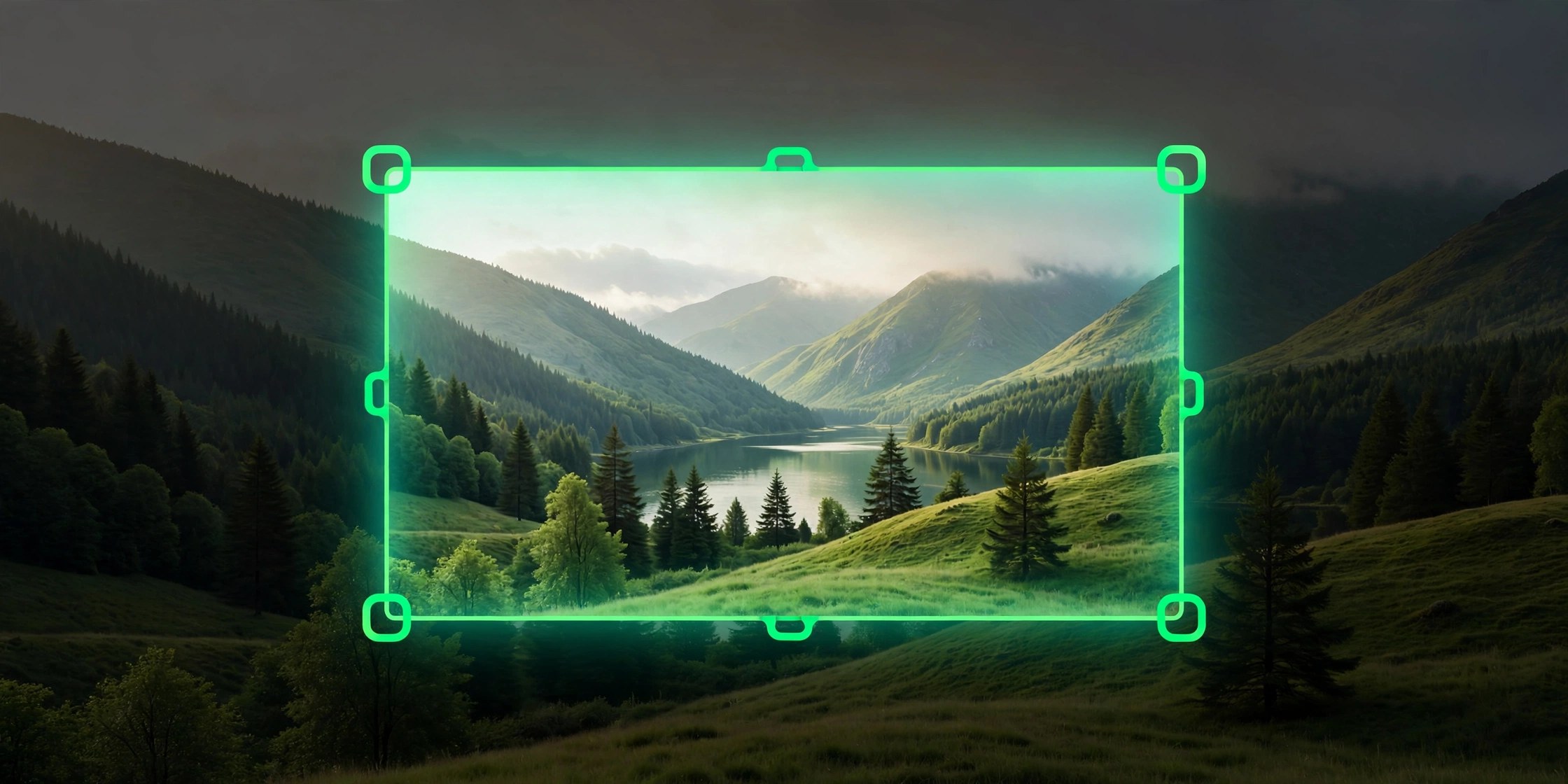
- Capture an area, a single window or the full display with precise selection guides
- Scrolling capture stitches long web pages and documents into one tall image
- Record the screen as video with system audio and microphone support included
- Annotate captures with arrows, text and highlights in the built in editor
- Text recognition copies words straight from an image or video frame to the clipboard
How to Download
- Check the feature tour on the product site to confirm it covers your capture needs.
- Download from the official site and save the disk image file to your Mac.
- Install Snapzy, grant the screen recording permission macOS requests and start capturing.
System Requirements
Snapzy requires macOS 13 or later. The app is native and signed and notarized by Apple, and it runs on Macs with Intel processors as well as Macs with Apple silicon.
FAQs
Is Snapzy free to use?
Yes. Snapzy is free and open source for everyone, with optional voluntary sponsorship for people who want to support ongoing development.
Why does it ask for screen recording permission?
macOS requires that permission before any app can capture your screen. Snapzy needs it for screenshots and recordings, and you grant it in System Settings.
Can it capture a whole web page?
Yes. The scrolling capture feature records a long page or document as it scrolls and stitches the result into a single continuous image.







Leave a Reply