Scratch Desktop for Mac
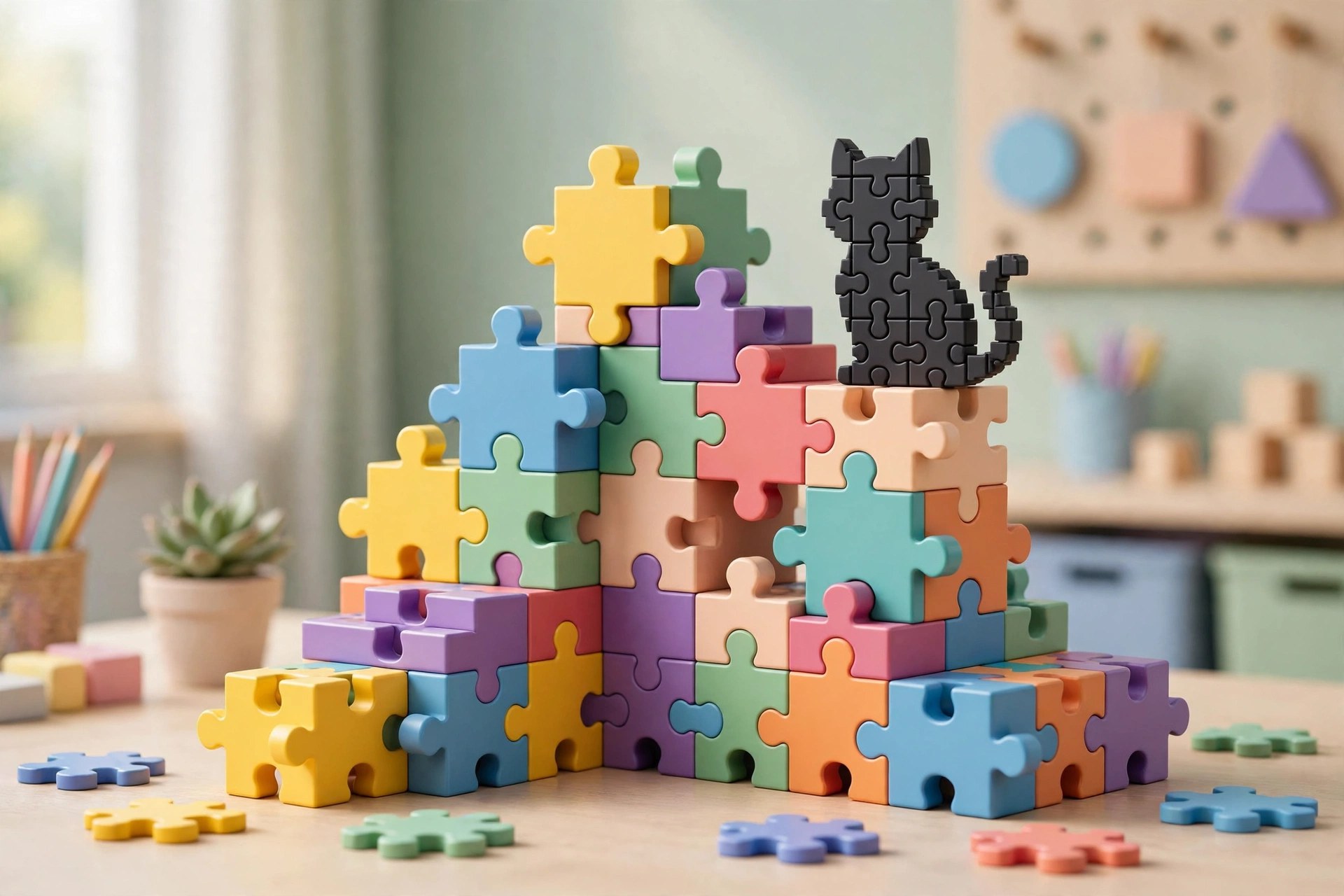
Mac UtilitiesScratch Desktop is the offline editor from the Scratch team at MIT, built around colourful coding blocks that snap together like puzzle pieces. It suits children, beginners and teachers who want to create games, stories and animations on a Mac without needing a live internet connection.
Key Features
- Drag and drop coding blocks teach logic, loops and events without typing complex syntax
- Full offline editing lets projects continue in classrooms, on trips and anywhere without Wi Fi
- Built in sprites, backdrops and sounds give new creators plenty to build with right away
- Paint and sound editors inside the app let users draw characters and record their own audio
- Projects save as local files that can later be shared to the online Scratch community
How to Download
- Use the download button on this page and save the Mac installer file to your computer
- Open the saved file and drag the Scratch app into your Applications folder
- For the vendor copy, go to Download from the official site and choose the macOS option there
System Requirements
Scratch Desktop is a light app made for typical home and school Macs. Check the current macOS needs on the vendor download page before installing, and keep some free space ready for saved projects.
FAQs
Is Scratch Desktop free to use?
Yes. Scratch is free, and no account is needed to create projects with the desktop editor.
Can I use it without the internet?
Yes. Creating and running projects works offline. You only need a connection to share or download extras.
What age group is Scratch made for?
Scratch was designed mainly for young people aged 8 to 16, though beginners of any age enjoy it.







Leave a Reply