Record Lectures 3.3 for Mac
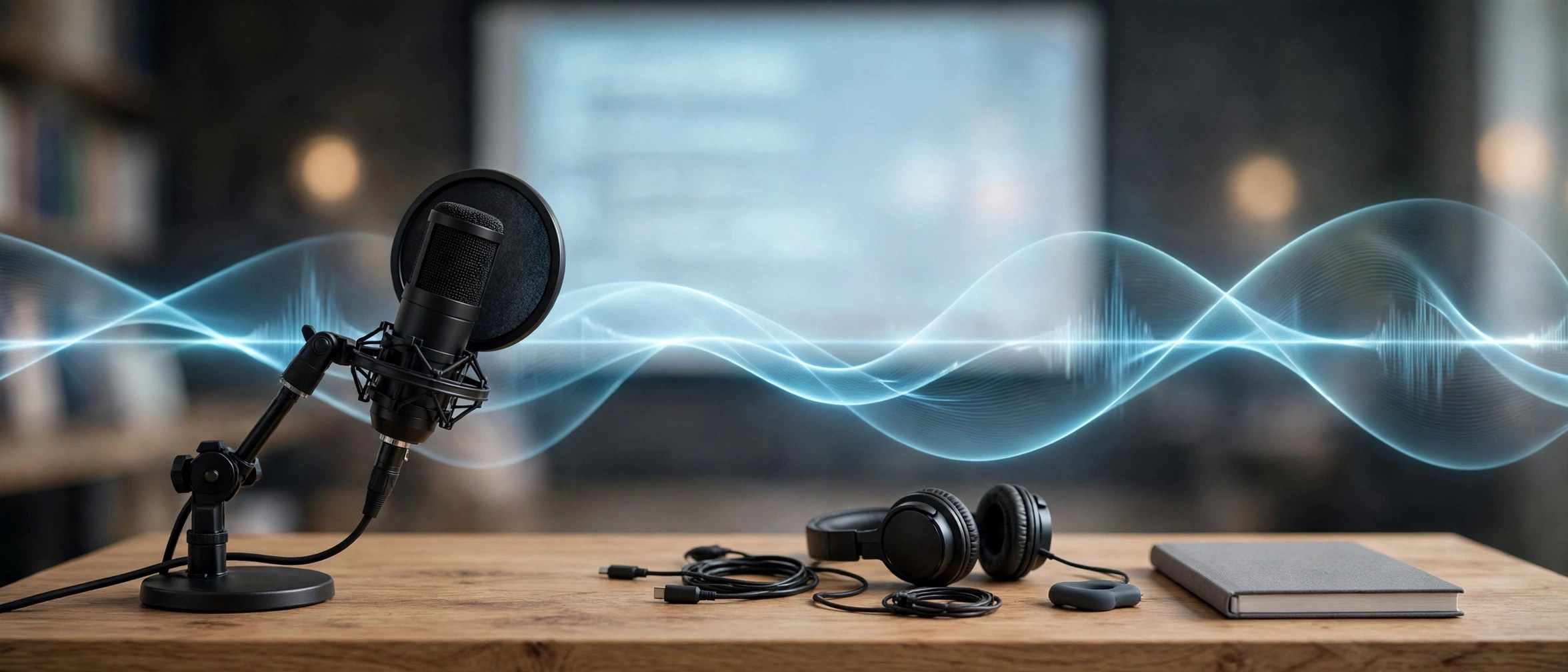
Mac UtilitiesTrying to write down every word in a lecture is a losing game. Record Lectures is a simple Mac recorder made for students. Open your laptop, start a recording when class begins, and listen properly. Later you can play the lecture back at your own pace.
Key Features
- Records lecture audio through your Mac microphone with a simple start and stop flow
- Keeps recordings organised so you can find a class session again without hunting
- Lets you play recordings back for revision before tests and assignments
- Suits long classes because you no longer rely on memory or rushed notes alone
- Keeps the controls plain so starting a recording takes only a moment before class
How to Download
- Use the download button on this page to get the installer for your Mac.
- Install the app and allow microphone access when macOS asks for your permission.
- Open the app before your next class, name the session, and press record.
System Requirements
The app needs a Mac with a working microphone, either built in or connected, plus enough free disk space for audio files from long classes. Any recent version of macOS that still supports standard audio recording apps will be suitable for everyday student use.
FAQs
Should I ask before recording a lecture?
Yes, always. Rules differ between schools and teachers, so ask for permission first and follow the policy of your institution.
Can I record a full length class?
Yes, as long as your disk has space and your Mac stays powered. Plug in the charger for long sessions so nothing is lost midway.
Does the app turn speech into text?
This is a recorder first. Its job is clear audio you can replay. If you need written notes, listen back and type the key points yourself.







Leave a Reply