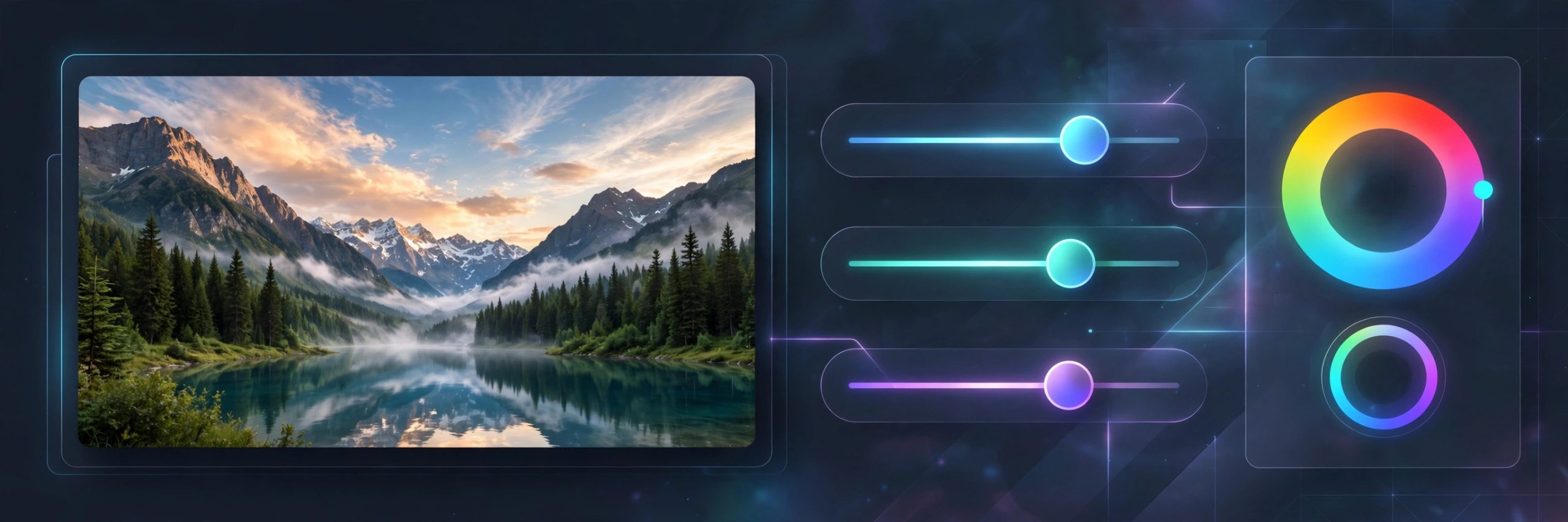
Photomator 3.4.15 for Mac
Mac UtilitiesPhotomator is the photo focused editor from the Pixelmator team. It works directly with your Photos library and with folders of images, so you can browse a shoot and edit without a separate catalogue. The editing tools cover the full range from simple exposure and colour fixes to curves, colour balance wheels and selective edits with masks. Machine learning tools handle tedious jobs, like selecting a subject or sky, in one click.
Key Features
- Works with your Photos library and with image folders on your Mac
- Supports more than 750 RAW formats, including Apple ProRAW files
- Offers colour adjustments from basic sliders to curves and colour wheels
- Selects subjects, skies and backgrounds automatically for selective edits
- Applies edits to many photos at once with batch editing and presets
How to Download
- Open the vendor product page and check the current purchase options.
- Download from the official site and follow its link to the App Store.
- Install Photomator, open it, and connect it to your Photos library or a folder.
System Requirements
Photomator needs a recent version of macOS and is built for Apple silicon and Intel Macs using Apple technologies such as Metal and Core ML. Edits save without changing your originals, so you can revisit them anytime.
FAQs
Does Photomator replace my original photos when I edit?
No. Edits are applied without destroying the original image, so you can undo changes or export a new version whenever you like.
Can Photomator edit RAW files from my camera?
Yes. It supports hundreds of RAW formats from major camera makers, along with common formats such as JPEG and Apple ProRAW.
Is Photomator the same as Pixelmator Pro?
No. Photomator focuses on photo editing and library work, while Pixelmator Pro is a broader image and design editor.







Leave a Reply