Path Finder 26.1.10 for Mac
Mac UtilitiesPath Finder from Cocoatech is a full file manager for people who move, rename and organise large sets of files every day and want far more control than the standard Finder gives them. Photographers, developers and office users with busy folders will feel at home here.
Key Features
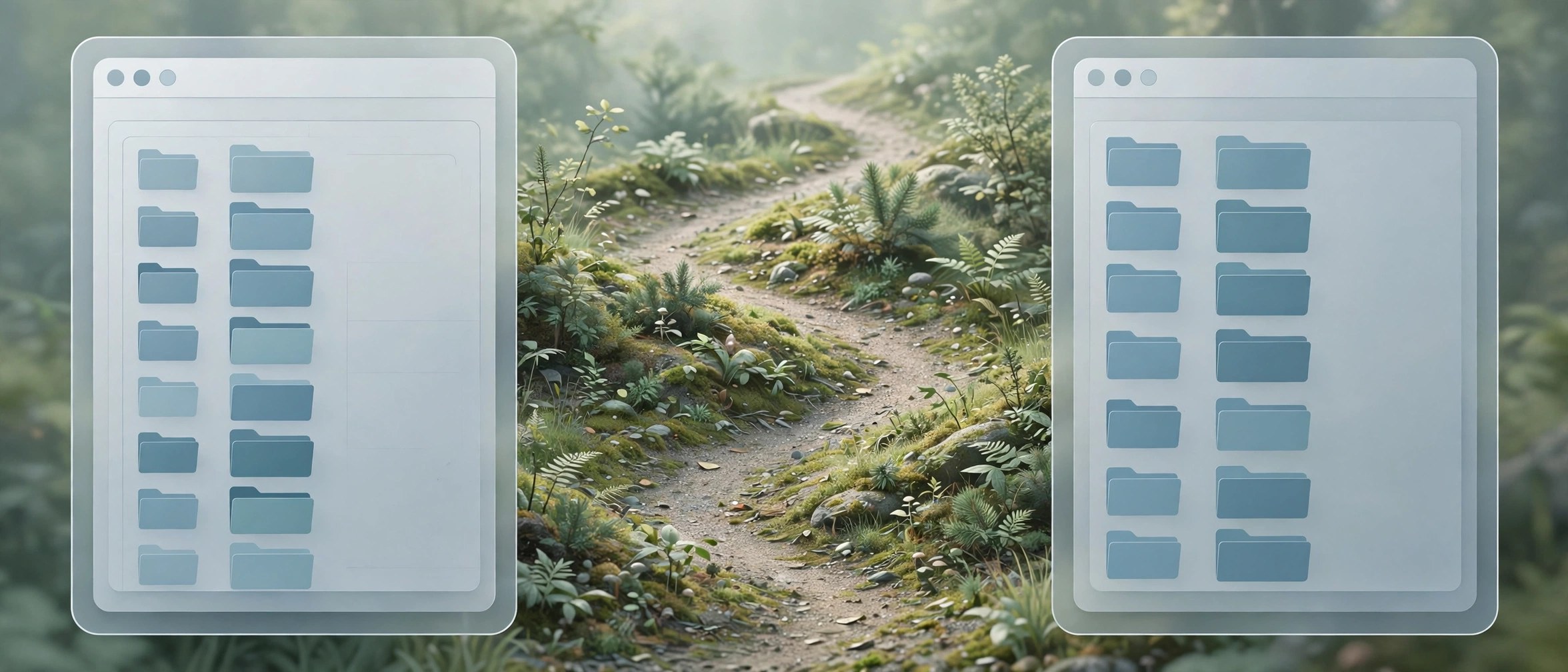
- Dual pane browsing lets you view two folders side by side and copy files between them quickly
- Folder sync keeps two locations matched so backups and shared project folders stay up to date
- Batch rename tools rename many files at once using clear rules you control
- Modules for preview, info and a terminal sit inside the window and adapt to your workflow
- Drop Stack holds files in a temporary pile while you gather items from different folders
How to Download
- Use the download button on this page and save the installer file to your Mac
- Open the saved file and move Path Finder into your Applications folder
- For the vendor release, visit Download from the official site and follow the steps shown there
System Requirements
Path Finder runs on current Mac systems with Intel or Apple silicon processors. Check your macOS version under About This Mac before installing, and keep some free disk space ready for the app and its cache files.
FAQs
Does Path Finder replace the Finder completely?
No. It works alongside the Finder, and you can open it only when you need its extra tools.
Can I try Path Finder before buying?
Cocoatech offers trial information on its own site, so check the current terms there before you commit.
Does it work on Apple silicon Macs?
Yes. Current builds run on Apple silicon Macs as well as Intel models, according to the vendor.







Leave a Reply