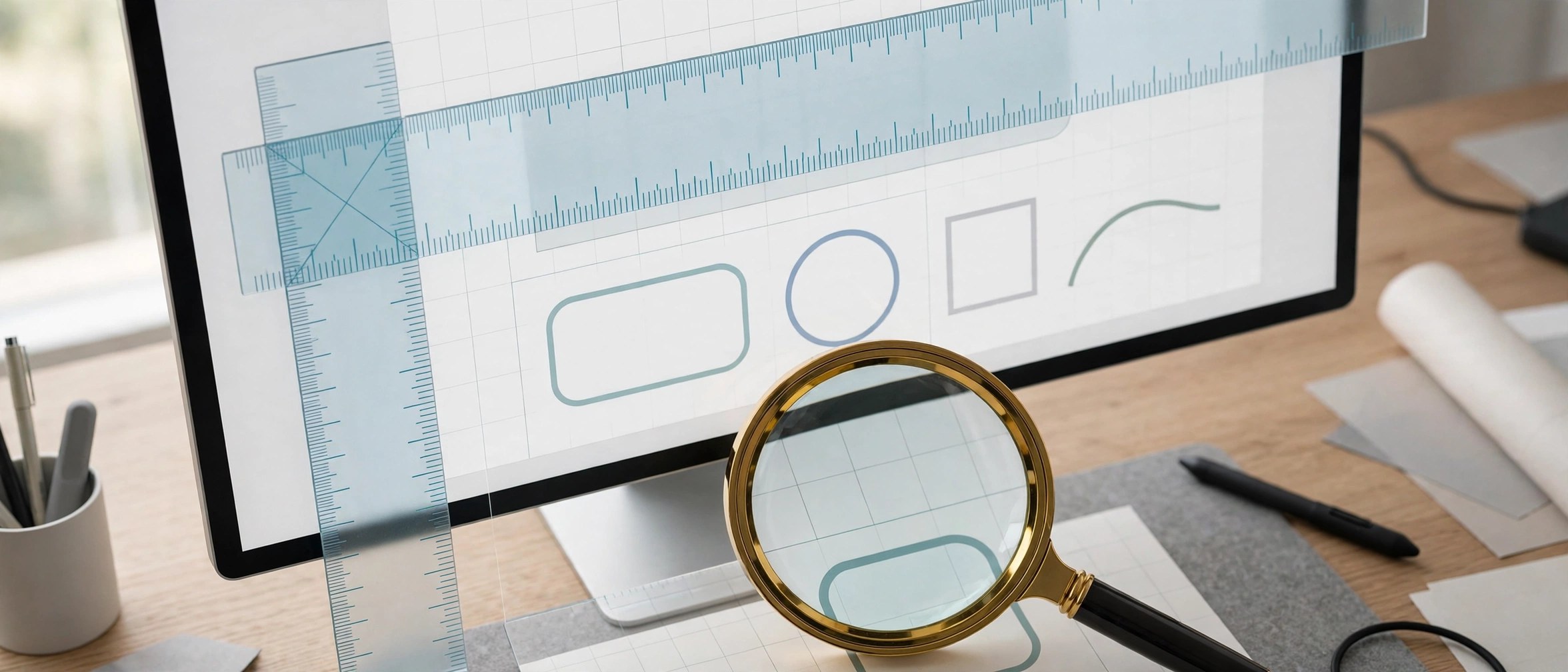
Pascal Free Ruler 2.0.19 for Mac
Mac UtilitiesPascal Free Ruler puts simple rulers on your Mac screen so you can measure windows, images and layouts without guessing. The rulers float above your other apps and report sizes in pixels, millimeters or inches. It suits designers, developers and anyone checking spacing or dimensions while they work.
Key Features
- Horizontal and vertical rulers that sit on top of your screen content
- Measures in pixels, millimeters or inches, with a key press to switch units
- Rulers can float above other applications or drop behind them
- Move rulers on their own or grouped together in a single window
- Drag the end of a ruler to resize it, and align it at the mouse position
How to Download
- Download from the official site and use the download link on the Free Ruler page.
- Open the downloaded file and move the app into your Applications folder.
- Launch the app and position the rulers over whatever you want to measure.
System Requirements
The developer states that Free Ruler requires macOS Sonoma or later, with older builds on the releases page for earlier systems. Check your macOS release in About This Mac. The app is small and needs little disk space.
FAQs
Is Free Ruler really free?
Yes. It is free and open source, and the developer welcomes donations. Direct downloads are signed and notarized, as the official page explains.
How do I change the measurement units?
Press the U key to cycle between pixels, millimeters and inches. Other actions also have keys, such as F to toggle floating and G to group the rulers.
Can the rulers stay above my design app?
Yes. Floating is a core part of the app. Toggle it with the F key and the rulers remain visible above other windows while you measure your layout.







Leave a Reply