ON1 Resize AI 2026.5.2 for Mac
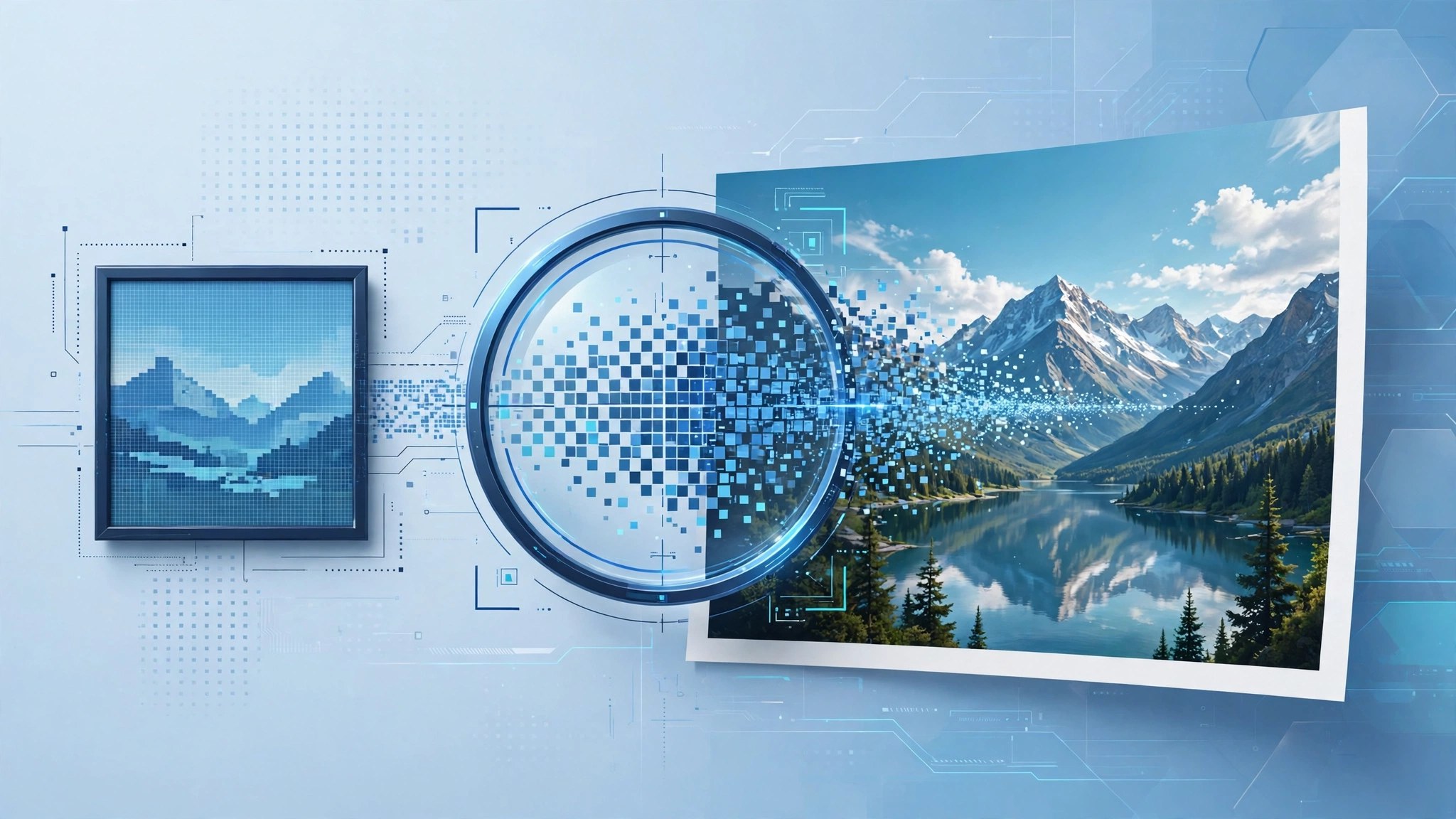
Mac UtilitiesON1 Resize AI exists for one job: making photos bigger without the soft, smeared look that plain resizing gives. It descends from Genuine Fractals, the enlargement tool photographers trusted for years, and now pairs that base with AI models. The result is a print ready file from a tight crop, an old small image or a phone photo you want on the wall.
Key Features
- Enlarge photos up to ten times with detail, sharpness and clean edges kept intact
- Two AI models, a highest quality model for hard cases and a standard model for speed
- Face recovery that rebuilds small faces in group shots and old portraits
- Print tools for tiling large murals, gallery wrap edges and exact print sizes
- Batch mode for whole folders, plus plugin use in Photoshop and Lightroom Classic
How to Download
- Use the download button on this page to get the Mac installer, or Download from the official site instead.
- Open the installer and follow the steps, then launch Resize AI from Applications.
- Open a photo, set your target size or scale and let the app build the enlarged file.
System Requirements
Needs a Mac running a current version of macOS. The highest quality model asks more of your graphics chip, so newer Macs finish big enlargements faster.
FAQs
How is this different from resizing in my editor?
Resizing stretches the pixels you have. Resize AI studies the image and rebuilds detail as it grows, which matters at print sizes.
Can it rescue a tight crop?
Often, yes. Cropped and low resolution images are its home ground, though tiny or damaged files show limits.
Is Resize AI included in Photo RAW?
Yes. Resize AI is built into ON1 Photo RAW, and this standalone copy suits people who work mainly in other editors.







Leave a Reply