Omi App 0.12.572 for Mac
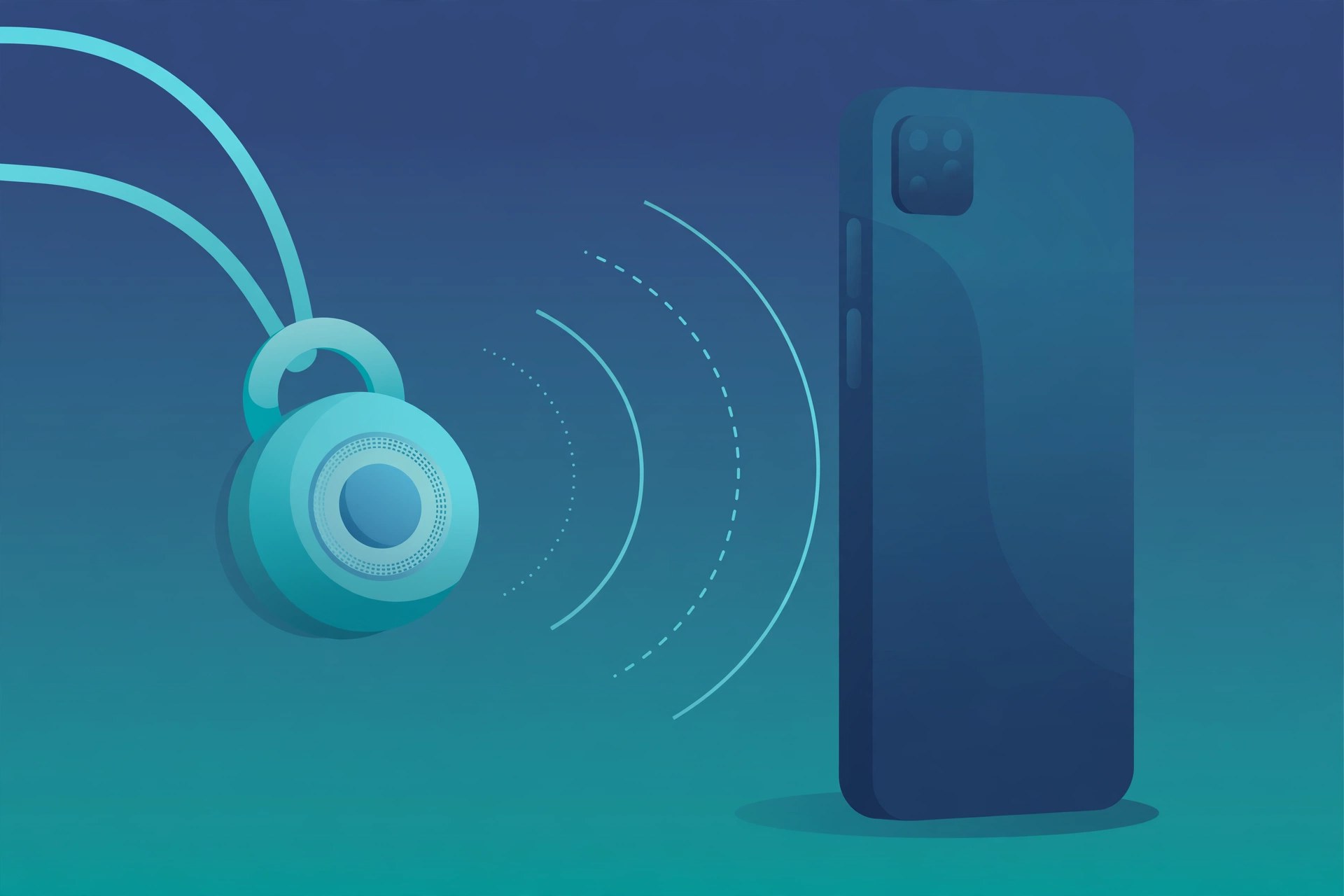
Mac UtilitiesOmi is an AI companion app from Based Hardware for people whose day is full of meetings and conversations. Running on your Mac, it records what is said and turns it into transcripts you can search, short summaries and action items, building a memory of your discussions over time. It can pair with the Omi wearable, but the Mac app can also record on its own at your desk.
Key Features
- Record meetings and conversations from your Mac and get a written transcript
- Turn recordings into short summaries with the main points picked out
- Pull action items and tasks out of what was discussed
- Search past conversations when you need to recall a detail or a decision
- Build memories from your talks that the app can draw on later
- Works with the Omi wearable, and can also record using the Mac itself
How to Download
- Use the download button on this page, or visit Download from the official site to get the Mac app from the vendor.
- Download the macOS app and open the file when it arrives.
- Move the app into place, launch it, and follow the setup screens to sign in and grant the permissions it asks for.
FAQs
Do I need the Omi wearable to use the Mac app?
No. The wearable adds hands free capture away from your desk, but the Mac app can record meetings and conversations using the computer itself.
What does Omi do with a recording?
It produces a transcript, a summary and action items, and stores them as searchable memories you can go back to when you need them.
Is Omi open source?
Yes. Based Hardware shares the project in public on GitHub, and the vendor download page links to it for anyone who wants to look or contribute.







Leave a Reply