MonitorControl 4.4.0 for Mac
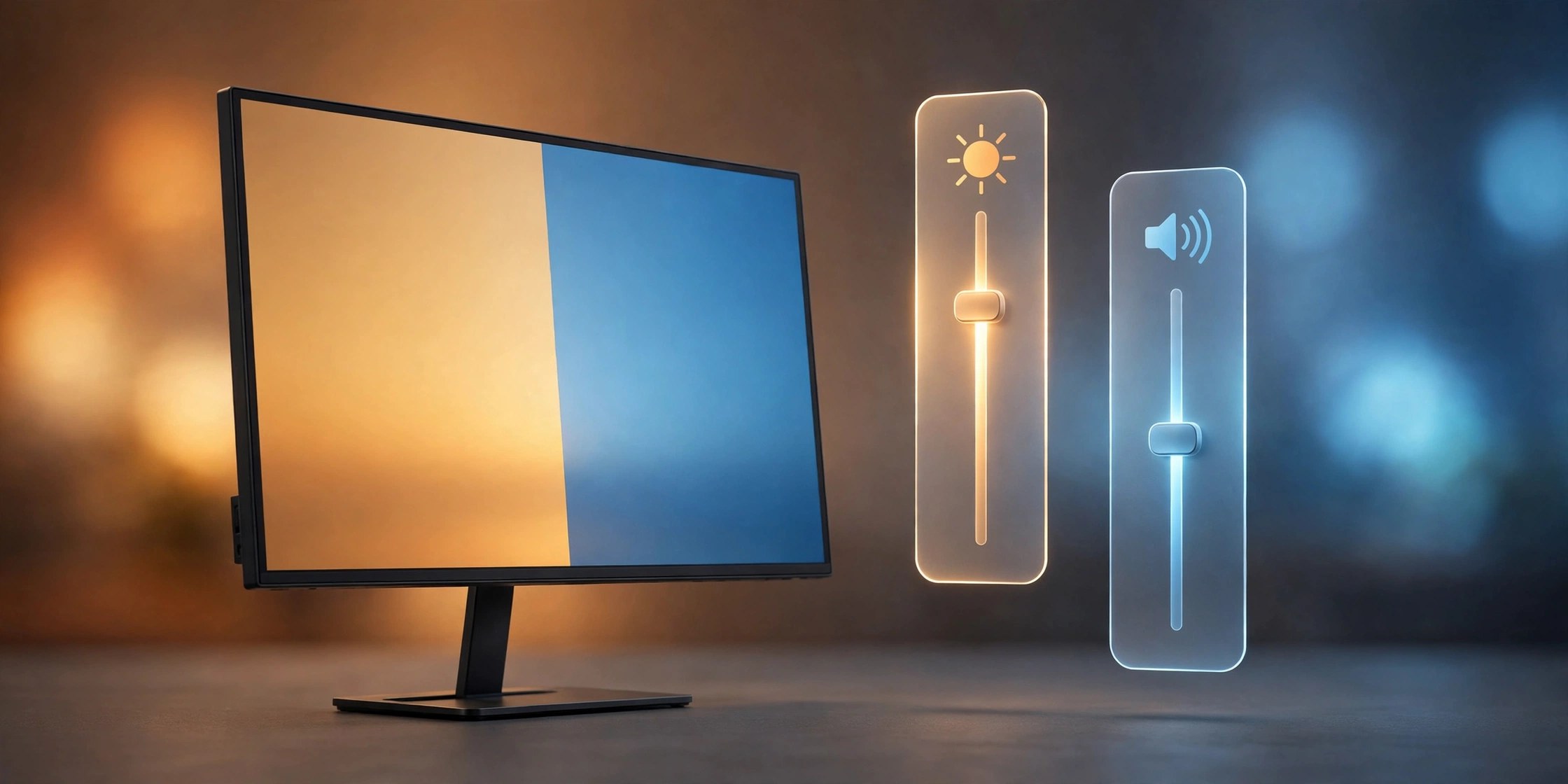
Mac UtilitiesIf you use an external monitor with your Mac, the brightness keys probably do nothing for that screen. MonitorControl fixes this. It is a free open source menu bar app that talks to your display and lets you adjust its brightness, contrast and volume with the same keys you use for a built in screen, or from a small panel in the menu bar.
Key Features
- Adjust external display brightness with the standard Mac brightness keys
- Control display volume and contrast from a tidy menu bar panel
- Uses the DDC protocol that most modern monitors already support
- Separate sliders and settings for each connected display
- Free and open source, with the code published on GitHub
How to Download
- Use the download button on this page, or Download from the official site to open the project page on GitHub.
- Download the latest release, open the disk image and move MonitorControl to your Applications folder.
- Launch the app and allow the accessibility access macOS asks for.
System Requirements
MonitorControl runs on recent versions of macOS and works on both Intel and Apple Silicon Macs. Your monitor needs to accept DDC commands, which most modern displays do, though some docks and adapters can block them.
FAQs
Is MonitorControl really free?
Yes. It is published under an open source license and costs nothing to download or use. Development is supported by voluntary donations.
Why do the brightness keys not change my screen?
Some monitors, docks and adapters do not pass DDC commands through. Connect the display with a direct cable, check again, and make sure accessibility access is granted.
Does it work with more than one monitor?
Yes. MonitorControl lists each connected display on its own, so you can set the brightness and volume of every screen separately.







Leave a Reply