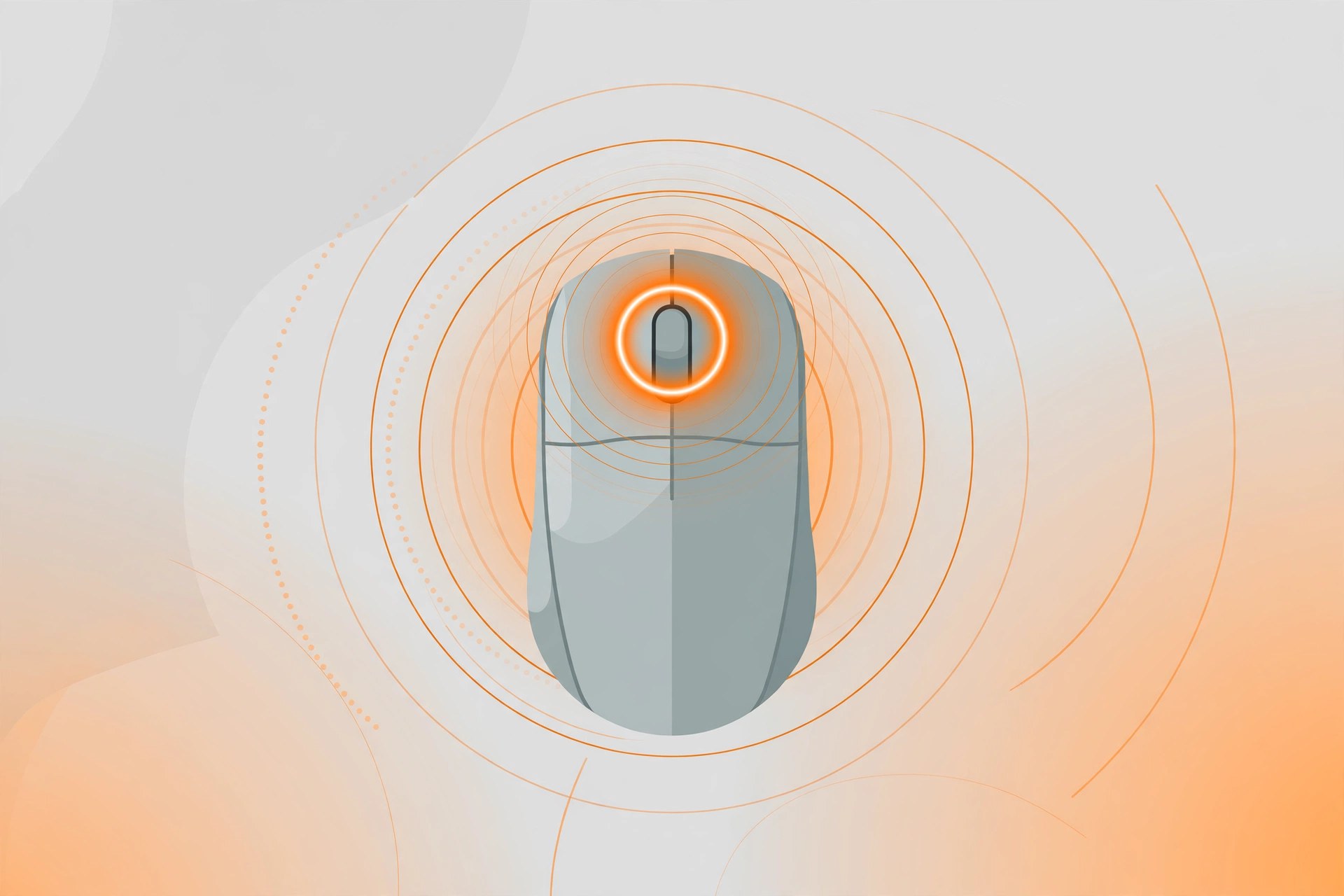
Middle 1.15 for Mac
Mac UtilitiesMiddle is a small utility from developer Ryan Hanson that adds a proper middle click to the Mac trackpad and Magic Mouse. macOS never shipped a middle button, which can be annoying, because the middle click opens links in new tabs, closes tabs quickly and pans the view in many design and CAD apps. Middle fills that gap with one focused job, runs quietly in the background and stays out of your way the rest of the time.
Key Features
- Click with three fingers on a trackpad or Magic Mouse to trigger a middle click
- Tap with three fingers or four fingers on a trackpad
- Click with two fingers on the Magic Mouse
- Force touch with one finger on a supported trackpad
- Click with one finger in the center of the Magic Mouse
- Hold the fn key and click with any pointing device
How to Download
Middle is sold through the developer website, where you can also try it before you buy. Download the app, move it to your Applications folder and grant the permissions macOS asks for, so it can read your gestures. Download from the official site
Frequently Asked Questions
Is Middle free?
No. The developer offers a free trial of seven days, after which a one time purchase is required to keep using it.
What can I use the middle click for?
Common uses include opening links in new browser tabs, closing tabs and panning inside CAD and 3D modeling apps. In Terminal, a middle click pastes selected text.
Who makes Middle?
It is made by Ryan Hanson, the developer behind the Multitouch gesture app.







Leave a Reply