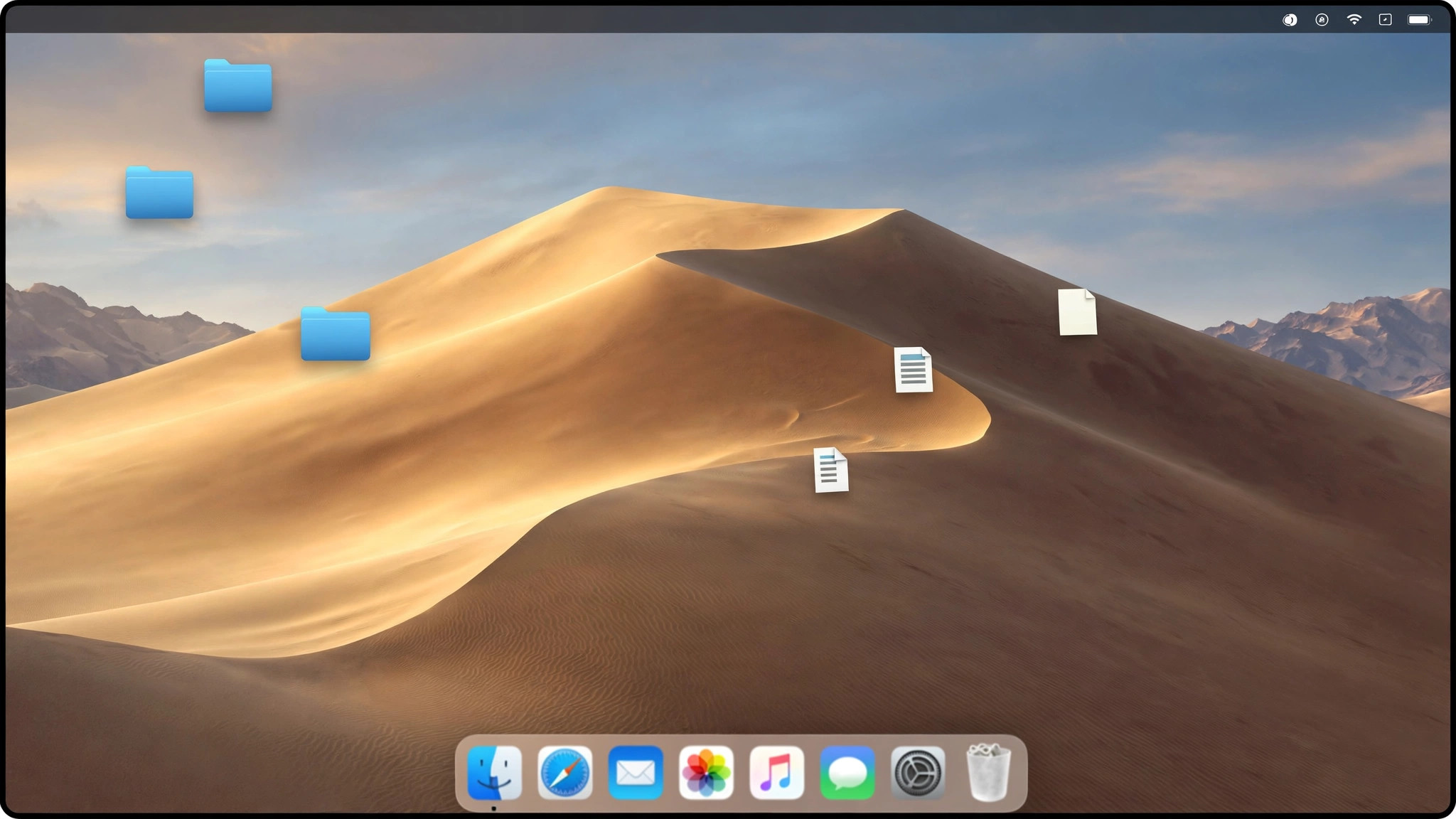
macOS Mojave 10.14.6 (18G103) for Mac
Mac UtilitiesmacOS Mojave 10.14.6 (build 18G103) is Apple's free desktop operating system release from 2018, best remembered for introducing system-wide Dark Mode and for being the final macOS to support 32-bit applications. It shipped with a redesigned Mac App Store, Stacks for decluttering the desktop, Dynamic Desktop wallpapers, and continuity features like Continuity Camera with iPhone. Build 18G103 corresponds to the 10.14.6 update level. Because Mojave is an older, obsolete release — Apple ended security updates for it in 2021 — it is really only relevant today for users who need to run legacy 32-bit software or keep older Mac hardware working. It is completely free from Apple, and the only safe way to get it is through Apple's own channels.
Key Features
- System-wide Dark Mode across the interface and built-in apps.
- Last macOS release with support for 32-bit applications.
- Stacks on the desktop, a redesigned Mac App Store and Dynamic Desktop.
- Continuity features with iPhone, including Continuity Camera for scanning documents.
- Free operating system release, installable on supported Mac models.
How to Download
- Download from the official site to open Apple's official guide to downloading and installing macOS.
- Find the macOS Mojave section on that page and follow Apple's App Store link — it opens the Mac App Store on a compatible Mac.
- Alternatively, on a Mac running Catalina or later, fetch the full installer from Terminal with: softwareupdate --fetch-full-installer --full-installer-version 10.14.6
Is macOS Mojave still free?
Yes. macOS has always been free from Apple; you only ever download it through Apple's own support pages, the Mac App Store, or the built-in softwareupdate tool.
Is Mojave still safe to use?
Apple no longer ships security updates for Mojave, so it should only be used where you genuinely need it — such as running legacy 32-bit apps — ideally offline or behind a firewall.







Leave a Reply