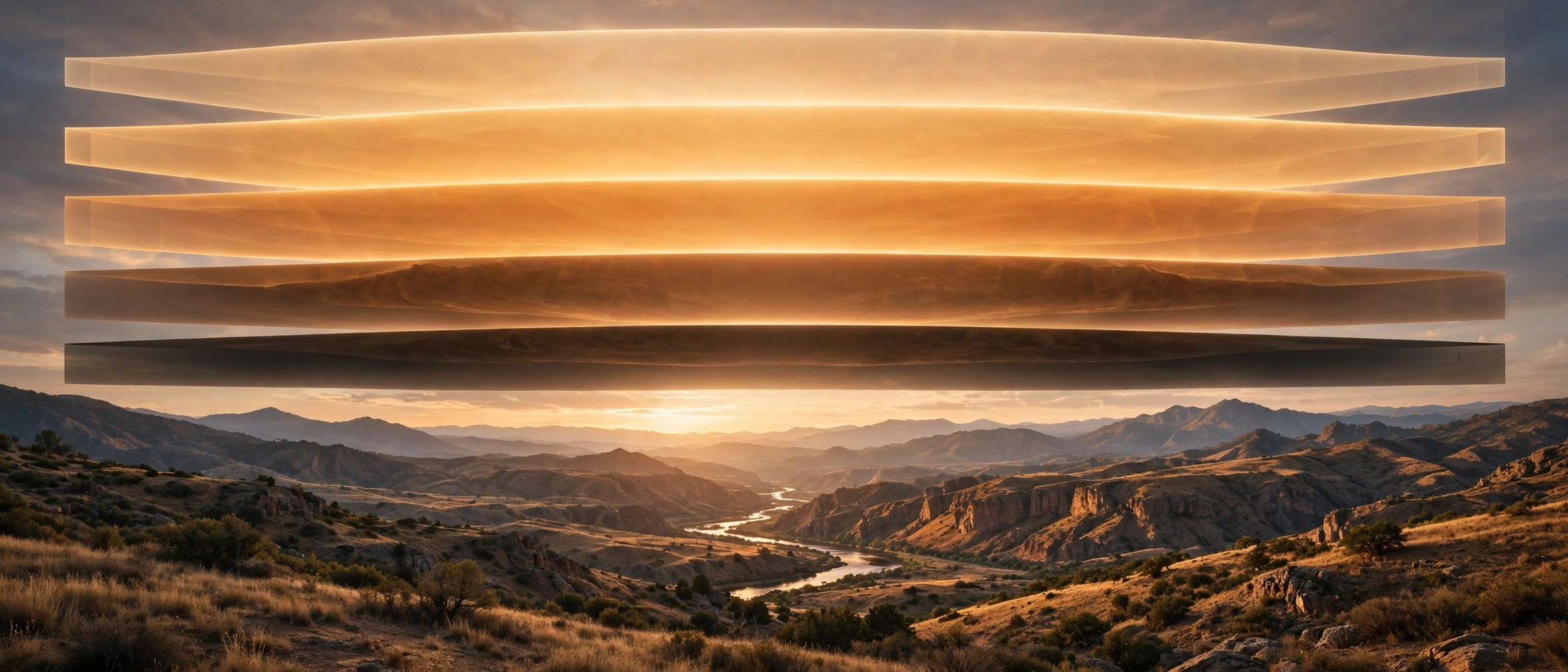
Lumenzia 12.1.2 for Mac
Mac UtilitiesLumenzia is a panel for Adobe Photoshop, created by photographer Greg Benz, that makes luminosity masks simple to build and adjust. Instead of wrestling with channels, you preview a mask on screen, click the tones you want and apply it as a selection or layer mask. Landscape photographers use it to blend exposures and guide light through an image with care.
Key Features
- Visual preview of every mask before you apply it to your image
- Zone and range pickers that build the right mask when you click tones
- Custom masks refined by colour or by location inside the picture
- Tools for exposure blending, including stacking and aligning exposures
- Custom vignettes and live masks that show the blended result at once
How to Download
- Open the official Lumenzia page from Greg Benz Photography: Download from the official site
- Read what is included and complete your purchase on the official page
- Follow the delivery email from the vendor to install the panel in Photoshop
System Requirements
Lumenzia needs Adobe Photoshop. The vendor states it works with Photoshop CS6 and with current Photoshop CC versions on Mac, including native support for Apple silicon.
FAQs
Does Lumenzia work without Photoshop?
No. Lumenzia is a panel that lives inside Adobe Photoshop, so a working Photoshop installation on your Mac is required to use it.
Are updates included after I buy?
The vendor sends update links by email to customers. Keep the delivery address on your safe sender list so update messages reach you.
Is Lumenzia good for beginners?
Yes. It includes a Basics panel, a quick start video and tutorials, so newcomers can learn luminosity masking while they edit real photos.







Leave a Reply