Logitech Presentation 2.10.276 for Mac
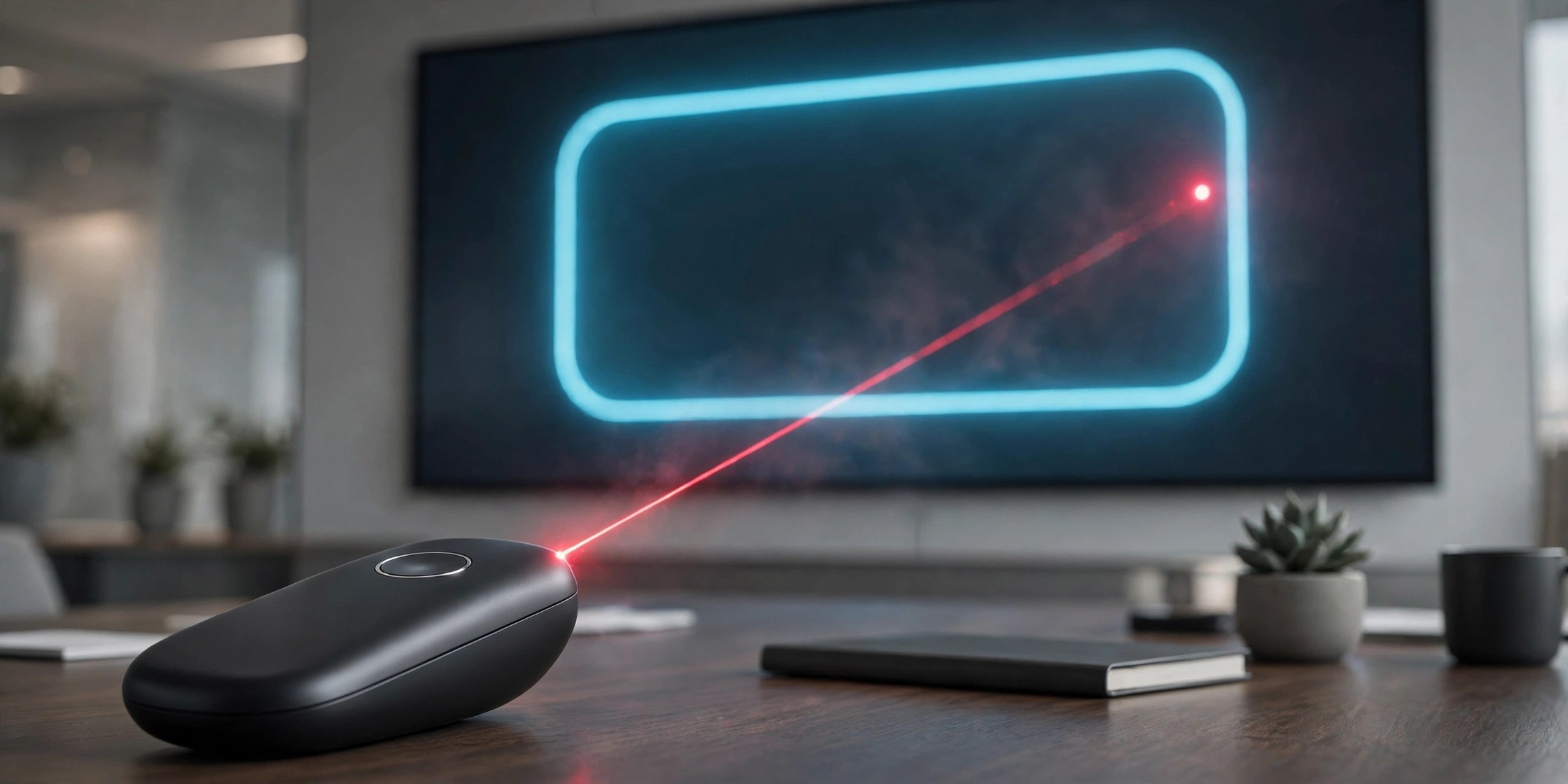
Mac UtilitiesLogitech Presentation is the companion software for the Logitech Spotlight presentation remote. It unlocks the on screen pointer effects, timing tools and button settings that the remote alone cannot offer. It suits presenters, teachers and trainers who run slides from a Mac in meeting rooms, classrooms or video calls.
Key Features
- Highlight mode that dims the screen around the area you point at
- Magnify mode that zooms into fine detail on busy slides
- Digital laser pointer effect that stays visible on any display
- Presentation timer with vibration alerts sent to the remote
- Custom button actions and battery level shown in the app
How to Download
- Use the download button on this page to get the Mac installer.
- Download from the official site if you want the current support page and setup guidance from Logitech.
- Run the installer, grant the permissions macOS asks for, then pair your Spotlight remote.
System Requirements
You need a Mac with Bluetooth or a free USB port for the receiver, plus a Spotlight presentation remote. Check your macOS version under About This Mac and update the system if the installer asks you to.
FAQs
Does the Spotlight remote work without this software?
Basic slide navigation works on its own. The pointer effects, timer and custom button settings only become available once the software is installed.
Which presentation apps does it work with?
The pointer effects are designed for common slide tools such as PowerPoint, Keynote, Google Slides and Prezi, and for PDF based talks.
How does the remote connect to a Mac?
Spotlight connects over Bluetooth or through its small USB receiver, so you can present while moving around the room.







Leave a Reply