Logi Tune for Mac
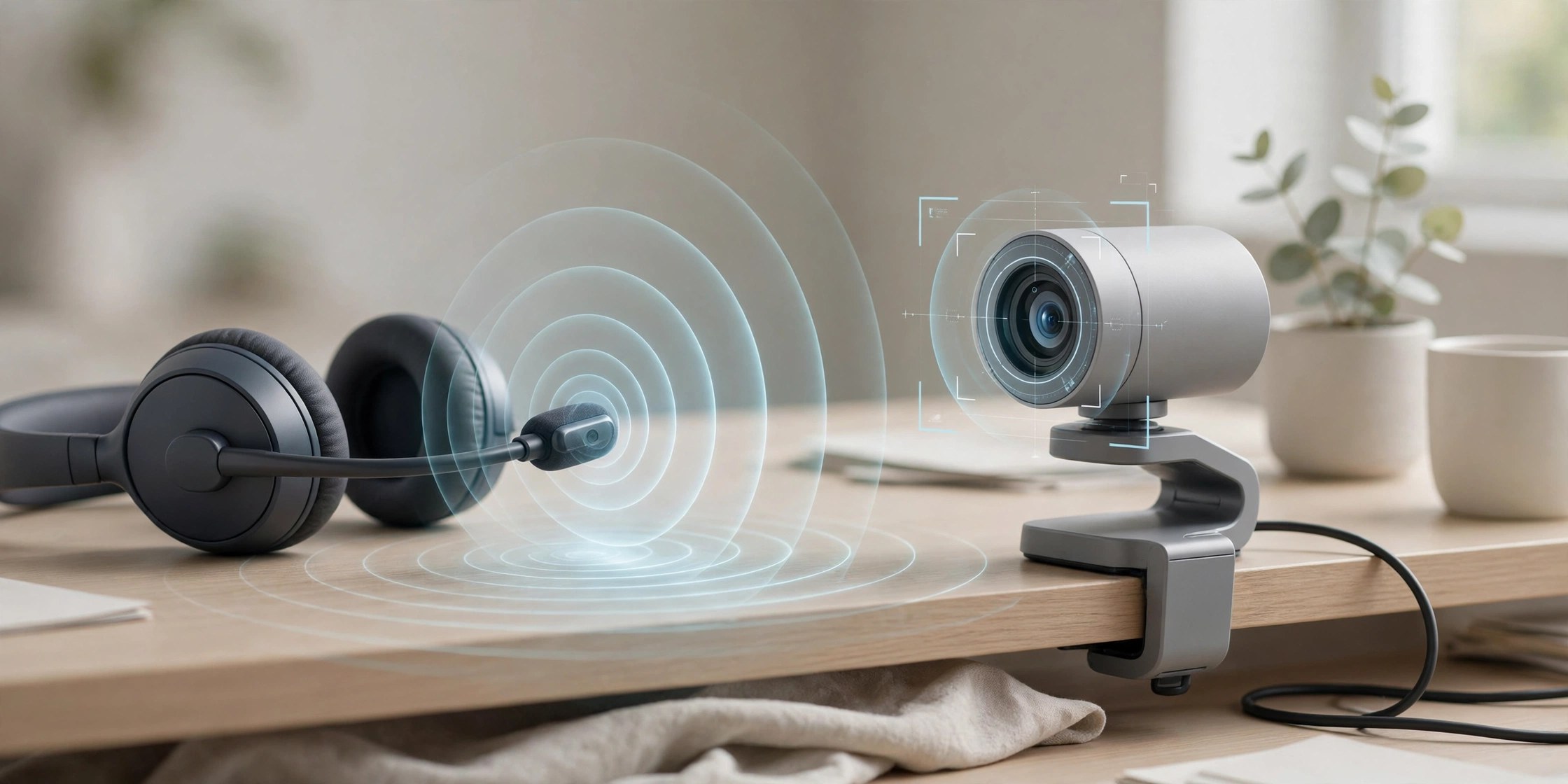
Mac UtilitiesLogi Tune is the Logitech app for people who spend their day on calls. It gathers controls for supported Logitech headsets, webcams and docks into one small window beside your meeting apps. You can shape how you sound, frame how you look and keep device firmware current without digging through system settings. It suits remote workers, teachers and anyone who presents online from a Mac.
Key Features
- Adjust headset equaliser and sidetone so your voice sounds natural on calls
- Frame webcam shots with zoom and field of view controls on supported cameras
- See meeting alerts and join upcoming calls from the app calendar view
- Download and install firmware updates for connected Logitech devices
- Works as a small companion window that stays out of the way during calls
How to Download
- Use the download button on this page to get the Mac installer.
- Download from the official site for the Logitech download page for desktop.
- Run the installer, open the app, and connect your headset or webcam.
System Requirements
Logi Tune needs a Mac and at least one supported Logitech device, such as a Zone headset or a supported webcam. Check About This Mac for your system version and the Logitech page for supported models.
FAQs
Is Logi Tune free?
Yes. Logitech provides the desktop app at no cost for owners of supported devices, and the mobile companion is free too.
What is the difference between Logi Tune and Logi Options+?
Logi Tune focuses on headsets, webcams and meeting life, while Options+ focuses on mice and keyboards. Some newer models appear in both apps.
Can I use Logi Tune without a Logitech device?
It installs on its own, but its controls only matter with a supported device connected. Without one there is nothing to adjust or update.







Leave a Reply