JixiPix Artista Impresso Pro 1.8.31 for Mac
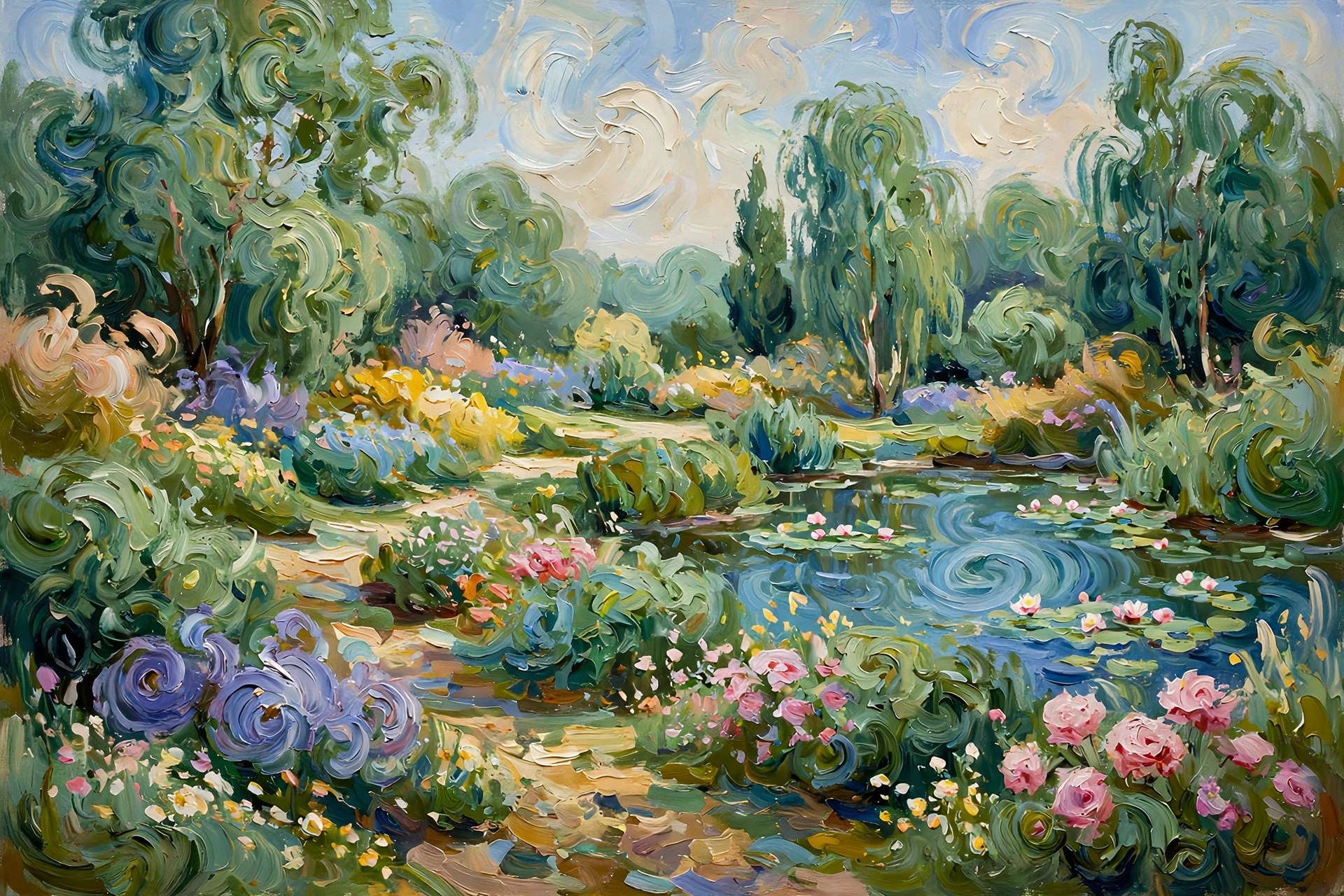
Mac UtilitiesJixiPix Artista Impresso Pro rebuilds photos as impressionist oil paintings full of visible brush strokes and rich texture. It suits photographers who want gallery style artwork and artists who enjoy steering the paint with layers and brushes.
Key Features
- Six classic paint styles including Alla Prima, En Plein Air and Tache
- Smart layers that let you blend several paint styles within one picture
- Brushes for painting effects on or off in selected areas of the image
- Painted edges and artistic finishes that complete the look of a canvas piece
- Standalone app plus a plugin for Photoshop, Lightroom and other hosts
How to Download
- Use the download button on this page to get started, or Download from the official site for full product details.
- Run the downloaded installer and follow the prompts to install the app.
- Launch Impresso Pro, drop in a photo and watch it render as a painting, then refine it with layers and brushes.
System Requirements
The vendor lists Mac OS X 10.7 or later in 64 bit for the standalone product. A recent macOS version is still the safer choice, so confirm what you run under About This Mac before installing.
FAQs
How is Impresso Pro different from a simple filter?
It rebuilds the image with layered paint styles and brushes that control where each style shows. That approach creates depth a single flat filter cannot match.
Can I restore detail in a face or subject?
Yes. Tools such as the detail ellipse and soft paint layers help you keep important areas clearer while the rest of the scene stays loose and painterly.
Is the plugin included with every version?
The plugin comes with copies bought from JixiPix. The vendor notes that the Mac App Store version does not include it, so choose your source carefully.







Leave a Reply