jGRASP 2.1.0_02 for Mac
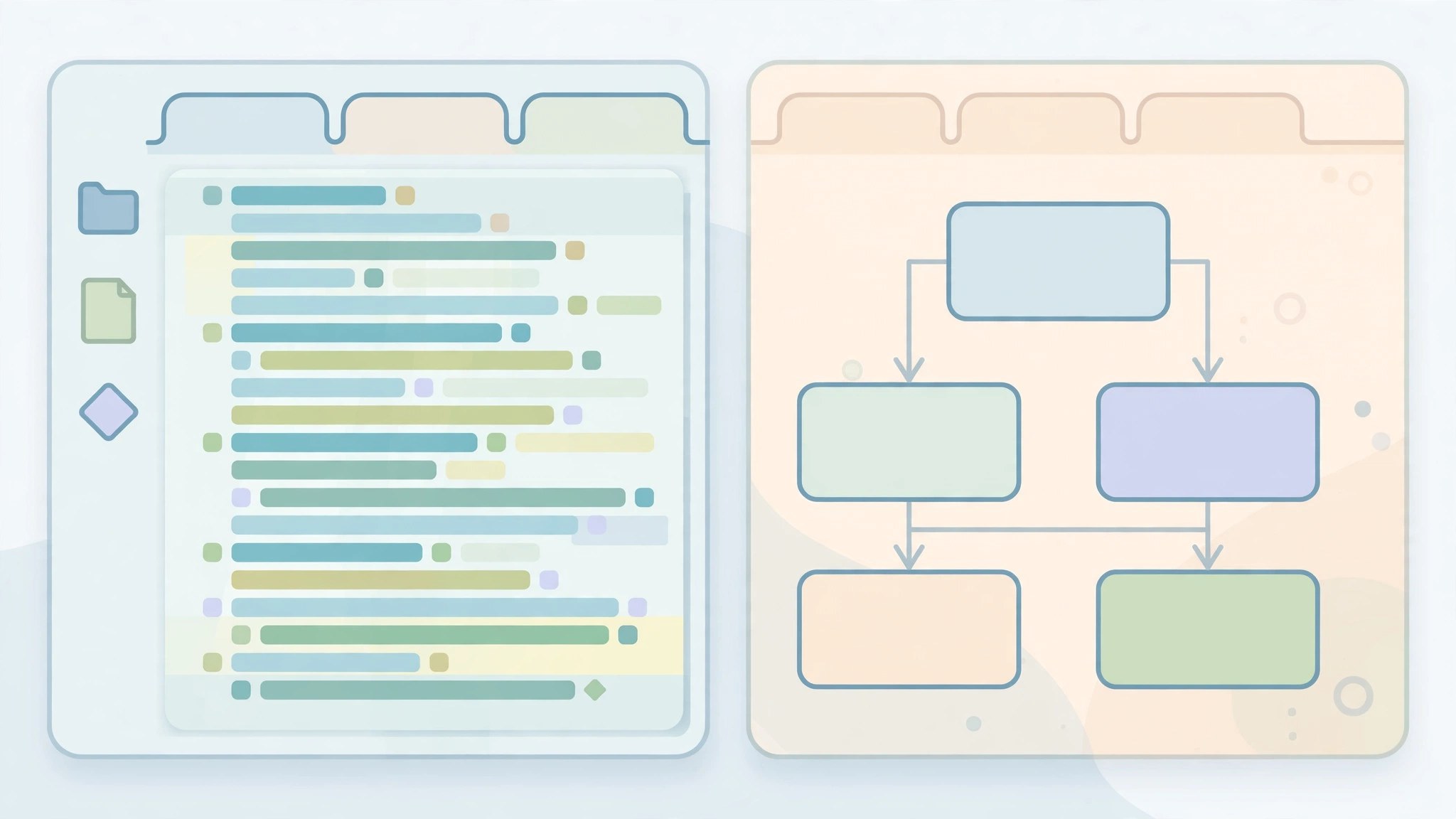
Mac UtilitiesMost editors show lines of code and leave the structure in your head. jGRASP, built at Auburn University, does the opposite. This lightweight development environment generates software visualizations automatically, so students and programmers can see how a program fits together while they write and debug it.
Key Features
- Automatic control structure diagrams that update as your code changes
- UML class diagrams generated from Java projects with a single action
- Interactive viewers that show objects, arrays and linked structures live
- Integrated debugger and workbench for stepping through running programs
- Support for Java, Python, C, C++ and other languages
How to Download
- Get the Mac package from the download button on this page, or Download from the official site and choose the macOS pkg build.
- Open the package and follow the installer steps to place jGRASP in Applications.
- Launch the app and open or create a project file to start editing and running code.
System Requirements
jGRASP is written in Java and needs Java 11 or higher on your Mac. Bundled builds that include a Java runtime are also offered, which removes the separate install step. It runs on Intel and Apple Silicon machines alike.
FAQs
Is jGRASP free?
Yes. jGRASP is distributed free of charge by Auburn University for students, teachers and developers. There is no licence fee and no account is needed to download or use it.
Does jGRASP include a compiler?
No. It works with compilers and interpreters already on your system, such as the Java Development Kit. The bundled download adds a Java runtime, but language toolchains remain a separate install.
Who is jGRASP mainly for?
It is popular in teaching, because the diagrams make structure visible to beginners. Experienced developers also keep it as a fast, uncluttered editor with strong visualization tools.







Leave a Reply