Godot Engine 4.7.2 for Mac
Mac UtilitiesUpdated Aug 19, 2026
Mac Utilities • Updated Aug 19, 2026
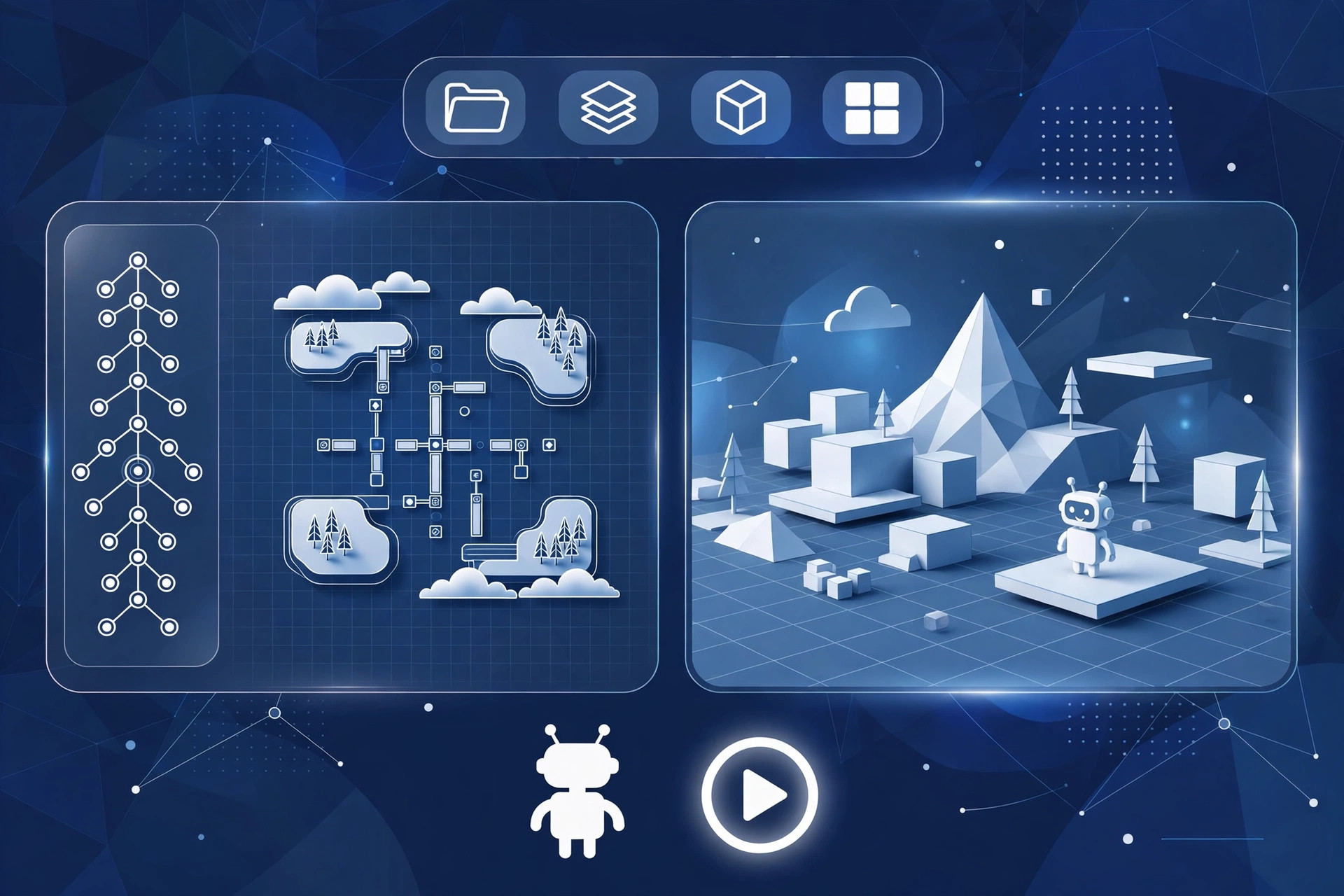
Godot Engine is a free game engine for building 2D and 3D games on a Mac. Everything happens in one editor: you assemble scenes from nodes, write game logic in the friendly GDScript language or in C Sharp, and export to many systems when your game is ready. There are no royalties and no seat fees, so solo makers and small teams keep full ownership of their work. Updated Aug 19, 2026.
Key Features
- A scene and node system that keeps game structure clear and reusable
- Dedicated tools for both 2D and 3D games in the same editor
- GDScript, a language made for games, plus C# support in the matching build
- Animation, physics, particles and tile maps built into the editor
- Exports for desktop, mobile, web and other platforms
- Free and open source under the MIT licence, with no royalties
How to Download
- Decide whether you need the standard build or the .NET build for C Sharp.
- Download from the official site and get the universal Mac build.
- Open the archive, move Godot into your Applications folder, and launch it.
- Create a project, or open the free demo projects to learn the editor.
System Requirements
- A Mac running a recent version of macOS
- An Apple silicon or Intel processor; the Mac build is universal
- Graphics hardware that supports the renderer you plan to use
- Free disk space for the engine, export templates and your projects
FAQs
Can I sell games made with Godot?
Yes. The MIT licence allows commercial use, and the engine charges no royalties. Your game and its code belong to you.
Is Godot good for a first game?
Many beginners start here. The editor is approachable, GDScript reads a lot like plain English, and a large community shares guides and answers.







Leave a Reply