Garmin Express 7.29.3 for Mac
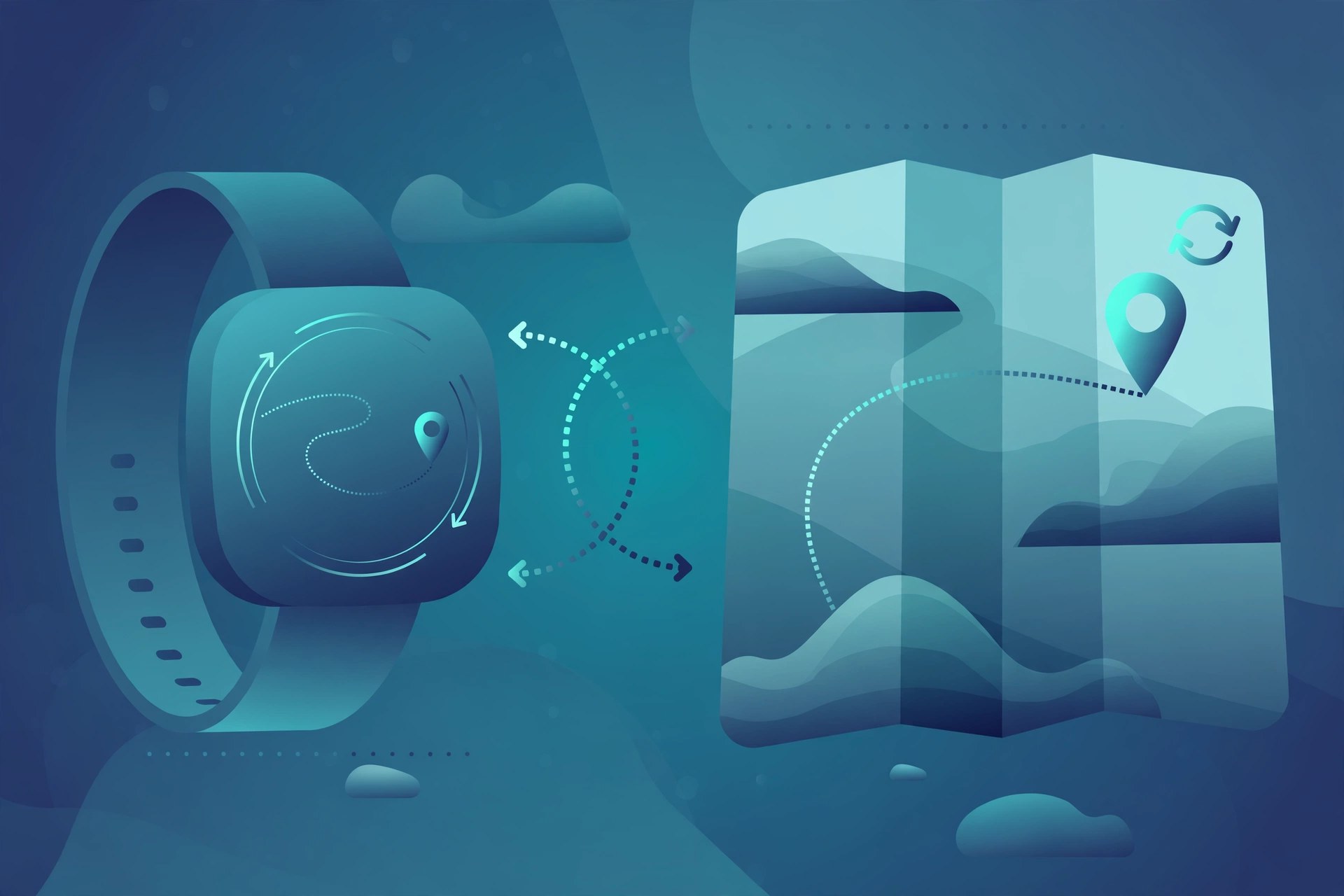
Mac UtilitiesGarmin Express is the free desktop app from Garmin for looking after your Garmin devices from your Mac. Connect a compatible watch, bike computer, handheld or car navigation device and Express checks for new maps and device software, installs updates, syncs your activities to Garmin Connect and backs up your data. It is the simplest way for runners, cyclists, hikers and drivers to keep a Garmin device current, registered and ready for the next trip out.
Key Features
- Update maps and device software for compatible Garmin devices
- Sync activities and health data with your Garmin Connect account
- Back up courses, activities and device settings
- Register a new device and manage several devices in one place
- Clear notices when new updates are ready for your devices
How to Download
- Use the download button on this page, or get the Mac version from the official page: Download from the official site
- Open the downloaded installer and follow the steps to install Garmin Express.
- Launch the app, add your device, and let Express check for updates and sync your data.
System Requirements
Garmin states that the current version of Garmin Express for Mac needs macOS 13.0 or newer.
FAQs
Is Garmin Express free?
Yes. Garmin Express is free to download and use from Garmin, and device software updates through it are free as well.
Which devices does it work with?
It supports a wide range of Garmin watches, cycling computers, handhelds and automotive devices. Connect your device and Express will tell you if it is supported.
Do I need a Garmin Connect account?
You need a free Garmin Connect account to sync and view your activities online. Express will guide you to sign in or create one when you add a device.







Leave a Reply