FotoMagico 6.11.0 for Mac
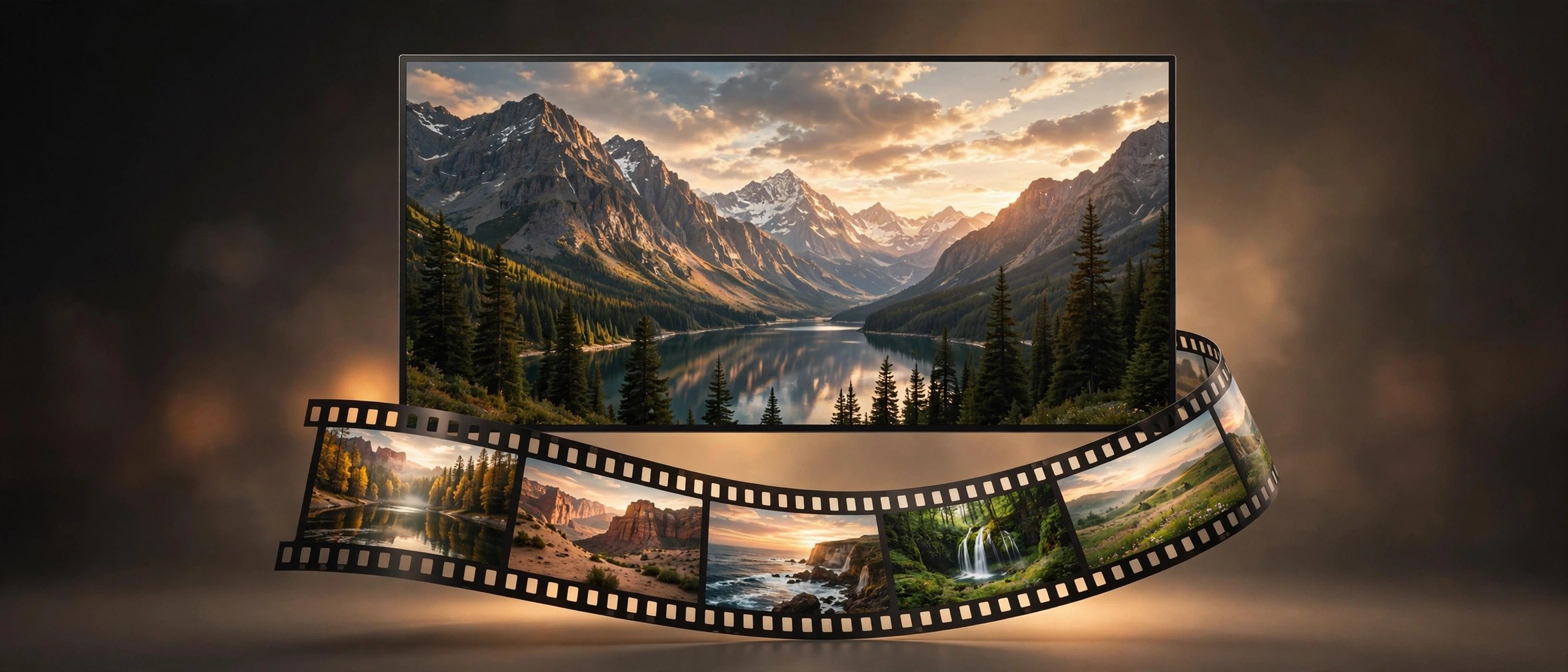
Mac UtilitiesFotoMagico from Boinx Software turns your photos and video clips into slideshows that feel like short films. You arrange images on a stage, add music and titles, and the app plays the result in full resolution without a long render. It suits photographers and families who want a travel story or event recap to look polished.
Key Features
- Build slideshows from photos, video clips, music and text on a visual stage
- Play slideshows at once in full resolution with smooth pan and zoom animation
- Add travel routes with the Map Assistant and chapters with ready made snippets
- Record narration and lower music volume per slide when you present live
- Share finished shows as video files or present them on Mac and iPad
How to Download
- Use the download button on this page to get FotoMagico for your Mac.
- Open the file you saved and move the app into your Applications folder.
- You can also Download from the official site where Boinx lists the current release and its notes.
System Requirements
Recent FotoMagico 6 releases need macOS 14 or later and an Apple silicon or 64 bit Intel Mac. The same license also covers the companion iPad app.
FAQs
Is FotoMagico a video editor?
Not in the usual sense. It focuses on slideshows, so you combine still photos with short clips, music and text. That narrower focus makes it faster to learn than a general video editor.
Can I present a slideshow live?
Yes. FotoMagico plays shows in full resolution without rendering first, and audio ducking on slides lets you speak over quieter music while you present.
Does FotoMagico work on iPad too?
Yes. FotoMagico runs on Mac and iPad, and projects can move between them through iCloud Drive, so you can start a show and present it from your iPad.







Leave a Reply