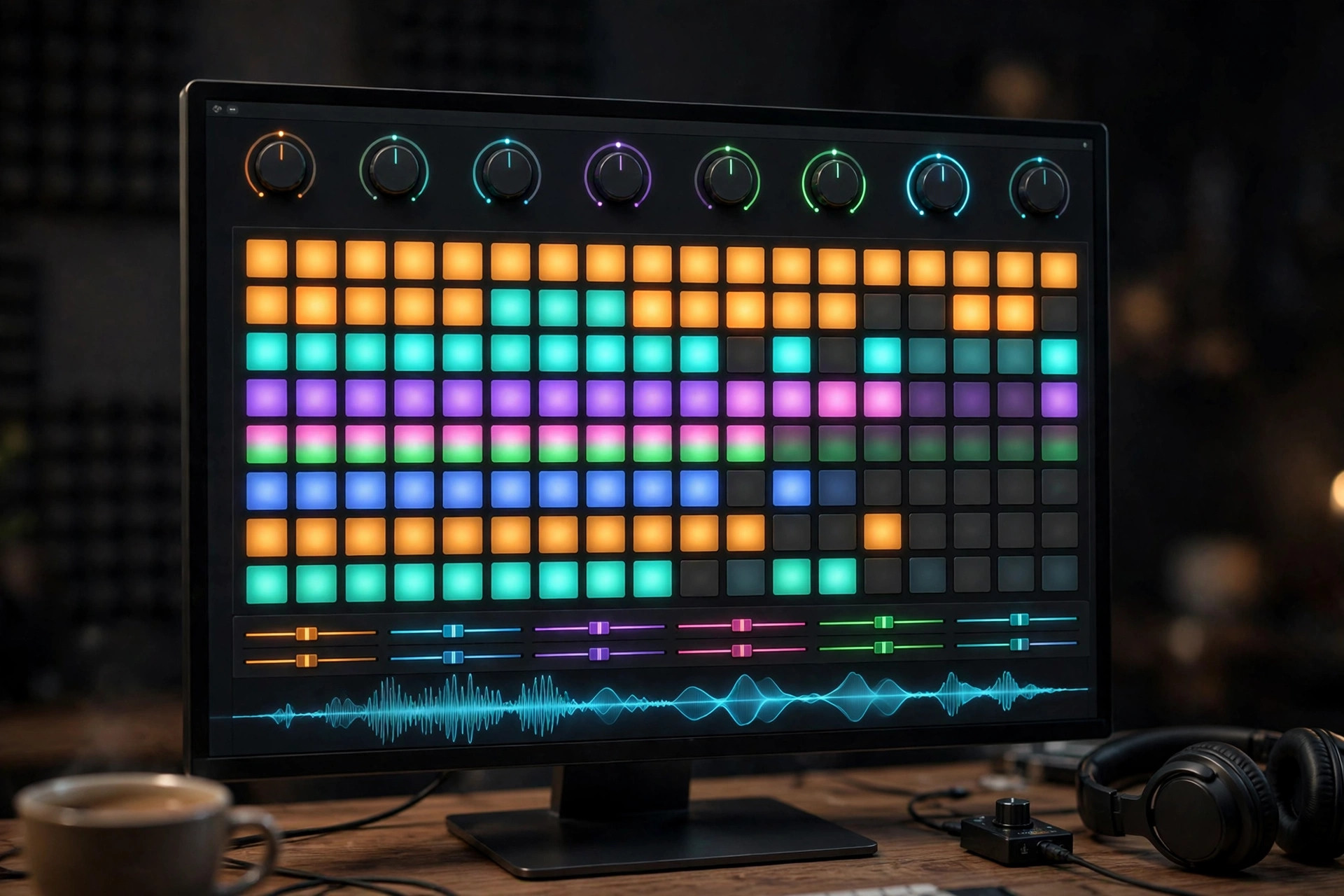
FL Studio 2026 for Mac
Mac AudioFL Studio 26 is the latest generation of Image-Line's legendary digital audio workstation, now fully at home on the Mac. FL Studio started life as a Windows-only step sequencer, but the native macOS version has been a first-class citizen since version 20, and the current release runs cleanly on Intel and Apple silicon Macs. It is a complete production environment: pattern-based beat making, multi-track recording, a deep piano roll, dozens of built-in instruments and effects, and flexible mixing and mastering tools. The 2026 line brings a redesigned FLEX instrument, cloud project backup and new assistance features aimed at keeping you in the creative flow. Image-Line's standout policy remains lifetime free updates — once you own an edition, every future release is yours at no extra cost.
Key Features
- Native macOS app for Intel and Apple silicon, with the same workflow as the Windows version.
- Pattern-based step sequencer plus multi-track timeline, piano roll and playlist arrangement.
- Dozens of built-in instruments and effects, including the redesigned FLEX synth.
- Cloud project backup and integrated FL Cloud sounds, plugins and mastering options.
- Lifetime free updates for every paid edition — buy once, get future versions free.
How to Download
- Download from the official site to reach the official FL Studio page on image-line.com.
- Open the Downloads section and grab the macOS installer — the free trial is the full program with no time limit.
- Install on your Mac, then unlock the paid features any time by signing into your Image-Line account.
Is FL Studio free on Mac?
The trial is free and unlimited in time — you can make full projects, though saving and reopening requires a paid edition. Owners get lifetime free updates.
Does FL Studio 26 run on Apple silicon?
Yes. FL Studio runs natively on Apple silicon Macs and Intel Macs alike; the same license works on both macOS and Windows.







Leave a Reply