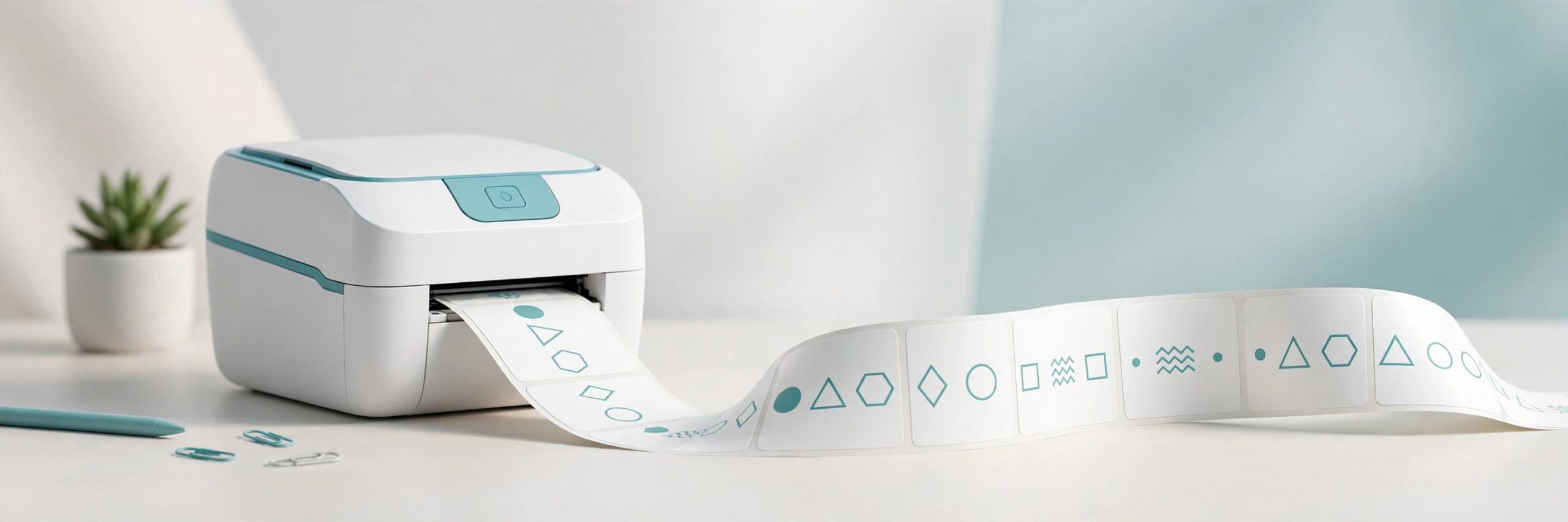
DYMO Connect 1.6.4 for Mac
Mac UtilitiesDYMO Connect for Desktop is the official DYMO software for designing and printing labels on a Mac. If you run a LabelWriter or LabelManager printer, this is the app that drives it. You build a label from a template, drop in text, addresses, barcodes or images, and print in a few clicks.
Key Features
- Designs and prints labels on DYMO LabelWriter and LabelManager printers from one desktop app
- Starts you off with ready made templates for address, shipping, file folder and badge labels
- Adds barcodes, QR codes, images, shapes and counters to a label design
- Pulls names and addresses from your contacts to fill mailing labels
- Installs the Mac printer drivers plus the DYMO Web Service, which lets other programs print to your printer
How to Download
- Click the download button on this page and save the Mac installer package.
- You can also Download from the official site through the DYMO Software Download Center.
- Run the installer with administrator rights, finish the setup, then connect your printer and print a test label.
System Requirements
The current DYMO download page lists DYMO Connect for Desktop 1.6.4 for macOS 14 or later. You also need a compatible DYMO label printer and an administrator account for the installation.
FAQs
Is DYMO Connect free?
Yes. DYMO offers it as a free download from its own Software Download Center.
Which printers need DYMO Connect?
The LabelWriter 550 series and the LabelWriter 5XL require DYMO Connect. Many older LabelWriter and LabelManager models can use it as well.
My printer does not appear after installing. What helps?
Install the software before plugging the printer in, use an administrator account, then connect the printer and check whether the DYMO service is running from the menu bar icon.







Leave a Reply