Dangerzone 0.11.1 for Mac
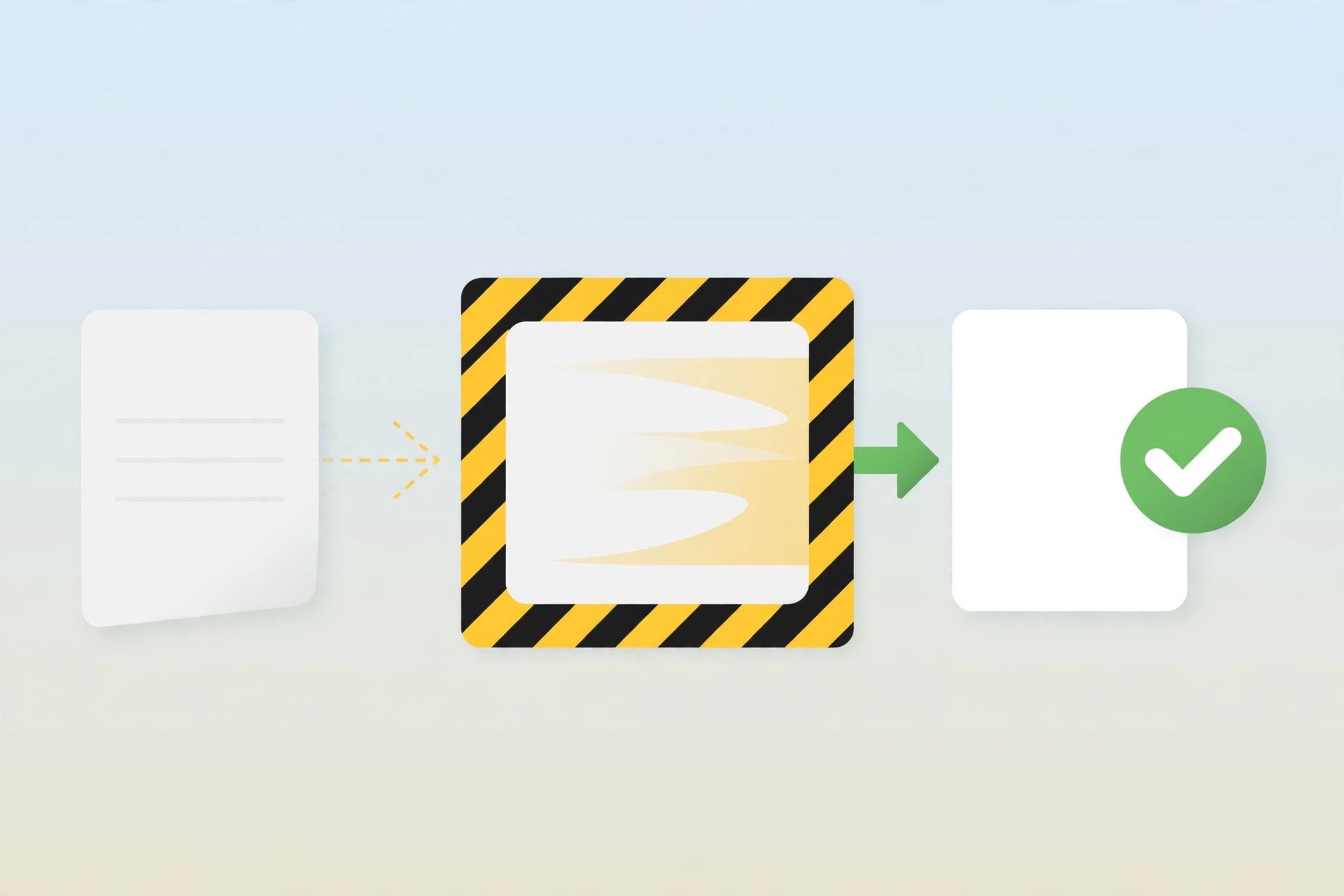
Mac UtilitiesDangerzone is a free open source tool from Freedom of the Press Foundation that makes it safer to open documents you receive from people you do not know. Journalists, lawyers and office staff often get PDFs, Word files or images from strangers, and such files can hide harmful content. Dangerzone takes the document apart inside an isolated container, rebuilds it as a clean PDF, and gives you that safe copy to read. The original file never runs freely on your Mac, which greatly lowers the risk.
Key Features
- Convert PDFs, office documents and images into safe PDF files
- Processing happens inside isolated containers away from your system
- Works with common formats from Microsoft Office and LibreOffice
- Optional text recognition so converted pages stay searchable
- Free and open source, built for journalists and careful users
- Runs on macOS, Windows and Linux with the same simple workflow
How to Download
Get Dangerzone only from its official project site so you know the installer is genuine and signed by the foundation. Open the official page, choose the Mac download for Apple silicon or Intel, open the disk image and drag Dangerzone into your Applications folder. The tool is free, and the project also offers a Homebrew install option for Mac users who prefer it. Download from the official site
Frequently Asked Questions
Is Dangerzone free? Yes. Dangerzone is free and open source software released by Freedom of the Press Foundation and its contributors.
What file types can it handle? It accepts PDFs, Microsoft Office and LibreOffice documents, and common image formats, and returns a safe PDF.
Does the converted PDF look the same? It looks very close to the original because pages are rebuilt from images, but complex interactive elements do not carry over.







Leave a Reply