Compresto 1.32 for Mac
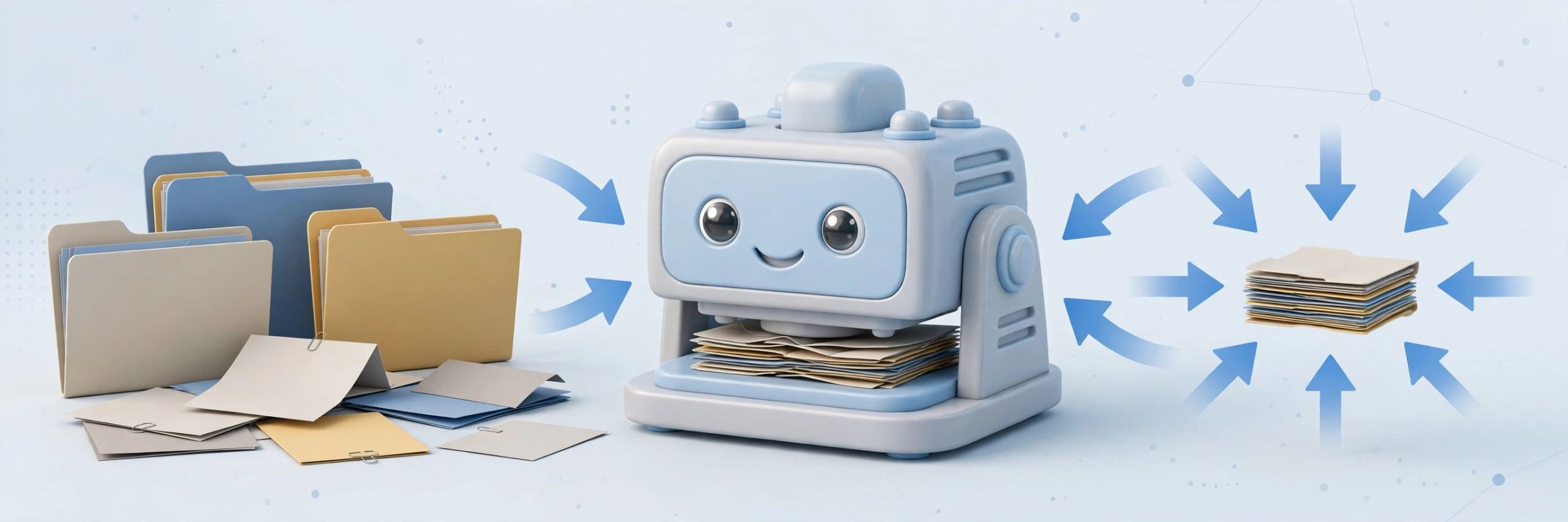
Mac UtilitiesCompresto tackles a familiar problem. Video clips, photos and PDFs quietly eat your disk until sharing a file means a long upload and a grumpy recipient. This native Mac app compresses all of them in one place. Drop in a mixed batch and it works through the queue while you do something else. Everything happens on your Mac, with no uploads to a web service, which matters for client work and family videos alike.
Key Features
- Batch compression for video, images, GIFs and PDFs in one app
- Folder monitoring that compresses new files as they land
- Floating drop zone and Raycast support for a fast workflow
- Quality presets and a target file size option for images
- Video to GIF conversion, with fully local processing throughout
How to Download
- Download from the official site and get Compresto for macOS.
- Open the downloaded file and move Compresto into Applications.
- Launch the app, drop in a test file and check the result.
System Requirements
The maker states that Compresto needs macOS 13 or later and runs on Intel and Apple Silicon Macs. PDF compression also needs Ghostscript, which the official documentation explains.
FAQs
Does Compresto upload my files to a server?
No. Compression runs locally on your Mac, and files are not uploaded or stored elsewhere.
How much smaller will my files get?
It depends on the source and preset. The maker describes savings up to 90 percent in some cases.
Can Compresto watch a folder for me?
Yes. Point it at a folder and new files are compressed on their own.







Leave a Reply