Commander One PRO Pack 3.18.0 for Mac
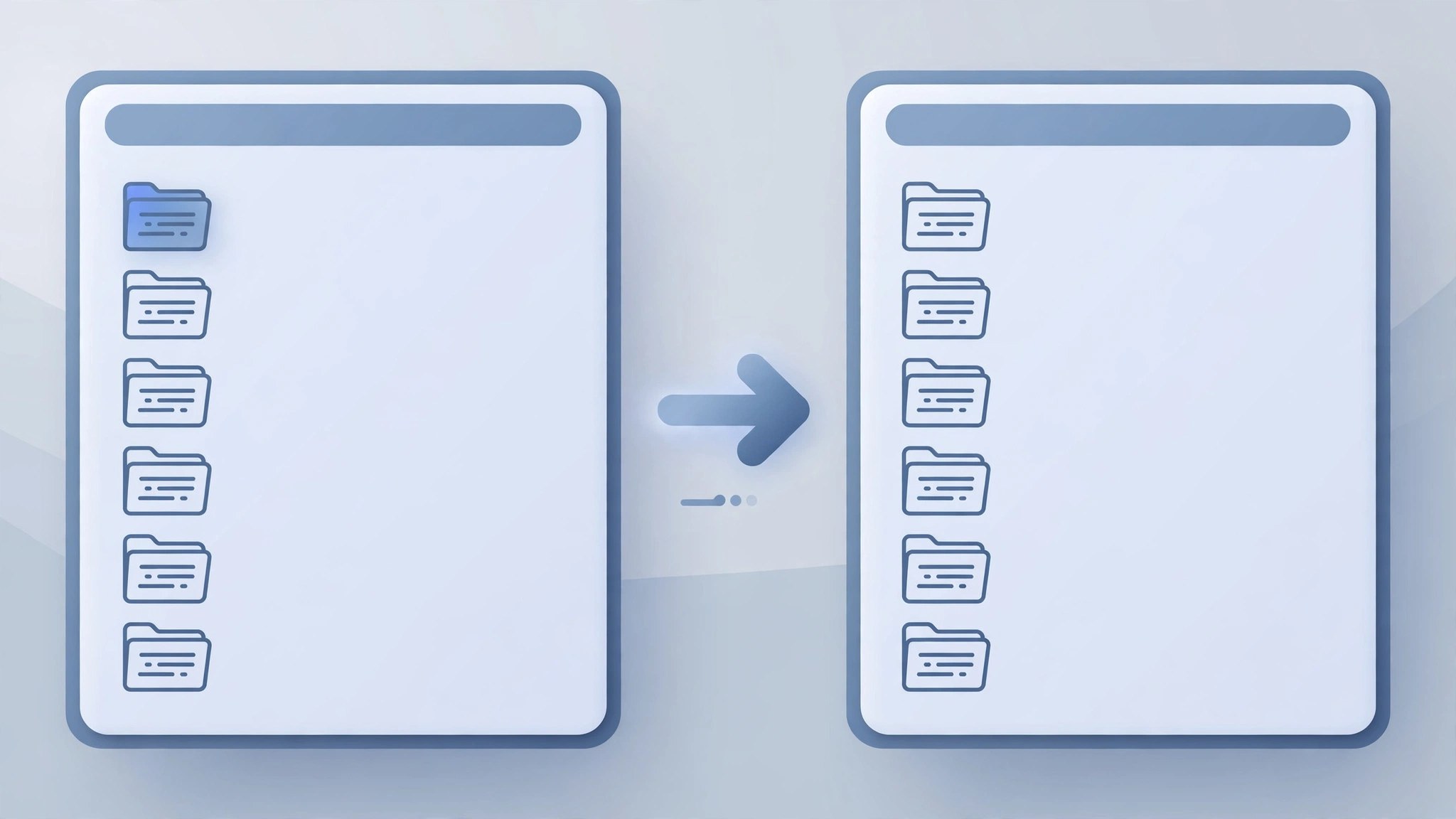
Mac UtilitiesCommander One is built for people who move a lot of files and find Finder slow going. Its two panels sit side by side, so you copy between folders without a pile of open windows. The PRO Pack turns it into a full workbench with server and cloud connections, archives and a terminal in one place.
Key Features
- Manage files in two panels with fast keyboard driven actions
- Connect to FTP and SFTP servers from inside the app
- Open Dropbox, Google Drive, OneDrive and Amazon S3 storage
- Create and unpack ZIP and other common archive formats
- Use the built in terminal and process viewer while working
How to Download
- Use the download button on this page and save the installer on your Mac.
- You can also Download from the official site and compare the free and PRO editions.
- Open the file, move Commander One to Applications and launch it.
System Requirements
Commander One needs macOS 10.13 or later and a modest amount of free storage, and it runs on both Apple silicon and Intel Macs. Cloud and server features need an internet connection and your own accounts for those services.
FAQs
Is Commander One free?
The base file manager is free. The PRO Pack is a paid upgrade that unlocks servers, cloud storage, archives and terminal tools.
Can it replace Finder for daily work?
For many people, yes. You can still keep Finder for system tasks and use Commander One whenever file work gets heavy.
Does it work with my cloud accounts?
Yes, the PRO Pack connects to popular services so remote files appear beside local folders and can be copied between them directly.







Leave a Reply