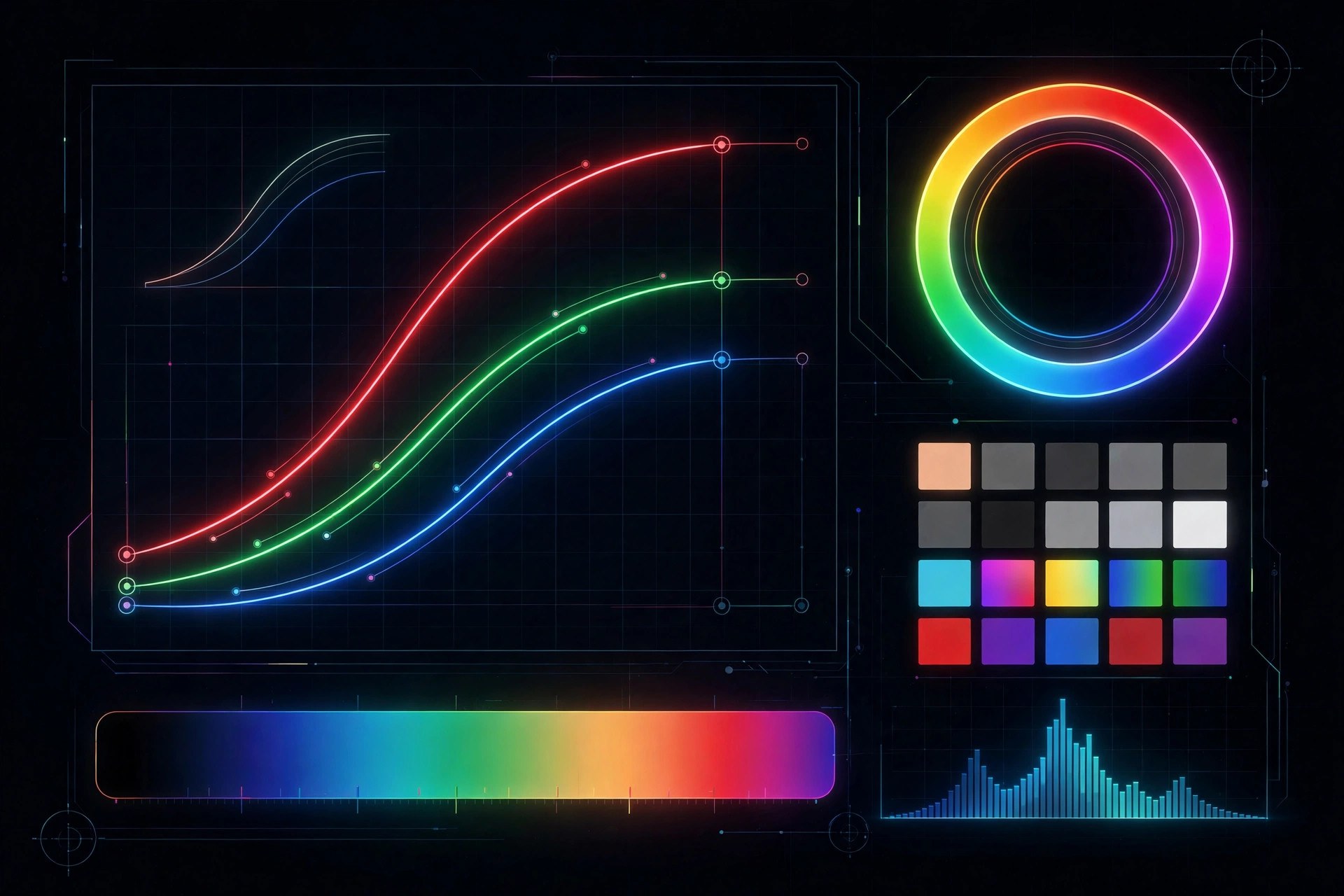
CHROMiX Curve+ Complete 5.1 for Mac
Mac UtilitiesCHROMiX Curve+ Complete is a calibration toolset for print professionals who need presses and proofers to hit a shared colour aim. It joins three tools called Verify, Calibrate and Blend, and the Complete licence unlocks all of them. You measure printed charts with a spectrophotometer, load the readings in, and Curve+ shows how far your output sits from the G7 or the newer G7+ specification, then builds correction curves that restore gray balance and tonal response. Updated Aug 21, 2026.
Key Features
- Verify tool checks output against G7 and G7+ aims and shows clear visual reports
- Calibrate tool builds correction curves from measured chart data
- Blend tool combines measurement sets so you can build cleaner ICC profiles
- Recalibration from a very small target when press time is limited
- Virtual Press Run and direct support for the Maxwell colour tracking service
How to Download
- Read the licence levels on the vendor page, since Complete unlocks every tool.
- Use this link to get the installer: Download from the official site and save the file to your Mac.
- Open the package and follow the installer prompts.
- Enter the username and serial number from your licence email to unlock the tools.
System Requirements
Curve+ Complete runs on a Mac with a recent version of macOS and free space for the app and your measurement files. You also need a supported measurement instrument, such as a scanning spectrophotometer. An internet connection helps with registration and updates.
FAQs
Can I try Curve+ before buying?
Yes. Without a licence it runs in demonstration mode with sample data, so you can learn the interface first.
What do the licence levels change?
Verify covers conformance checking. Calibrate adds curve building, and Complete adds Blend and the recalibration options.







Leave a Reply