Beamer 4.3.7 for Mac
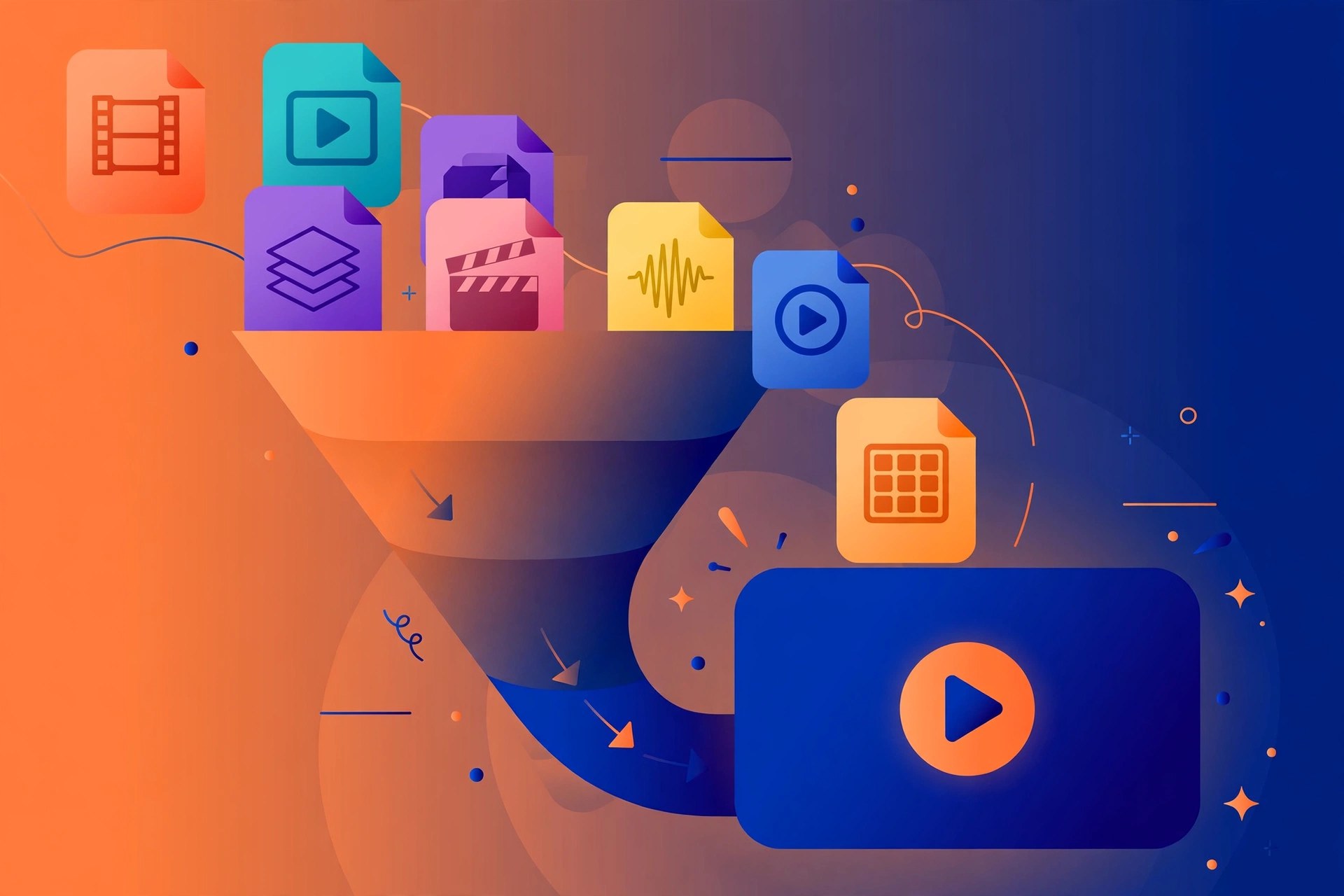
Mac VideoBeamer, now published by Softorino, solves one specific annoyance: a video file on your Mac that your TV will not play. You drag the file into Beamer and it streams straight to an Apple TV or Chromecast, converting formats as it goes. There is no media server to set up and no separate converted copy left behind.
Key Features
- Stream local video files from a Mac to Apple TV or Chromecast
- Plays formats TVs often reject, including MKV, AVI, MOV and HEVC
- Subtitle support for embedded and separate subtitle files
- Conversion handled during playback, with no pre-export step
- Control playback using the Apple TV Remote or from the Mac
How to Download
- Your Mac and your Apple TV or Chromecast need to be on the same Wi-Fi network.
- Download from the official site and run the installer or open the download in the Mac App Store.
- Open Beamer, drag in a video file, pick your TV from the list and press play.
System Requirements
Beamer 4 runs on recent versions of macOS on Apple silicon and Intel Macs and works with Apple TV models running current tvOS, Chromecast and Chromecast Ultra, and AirPlay 2 or Google Cast receivers. Check Softorino's page for the exact minimum macOS.
FAQs
Is Beamer free?
Beamer is free to download and try. Full use is covered by Softorino's Universal License, which also unlocks the company's other apps; check the official page for current pricing.
Does Beamer work like Plex?
Not really. Beamer is deliberately simple: it sends a file you choose from your Mac to your TV. It is not a library server for remote or shared access.