Aiseesoft Mac Video Enhancer 9.2.26 for Mac
Mac VideoAiseesoft Mac Video Enhancer 9.2.26 is a focused cleanup tool for footage that looks soft, dark, noisy, or shaky. Instead of re-editing a project from scratch, it works on the picture quality itself: raising resolution, balancing brightness and contrast, reducing grain, and steadying handheld shots.
It suits home users rescuing old family recordings, creators polishing phone clips before upload, and anyone with low-resolution downloads they want to watch on a larger screen. The workflow is deliberately simple, with a preview so you can compare the result before exporting.
Key Features
- Upscale lower-resolution video toward HD and 4K output for modern displays
- Reduce video noise and grain that show up in low-light recordings
- Optimise brightness and contrast automatically for a clearer picture
- Rotate, flip, and stabilise shaky footage with built-in editing controls
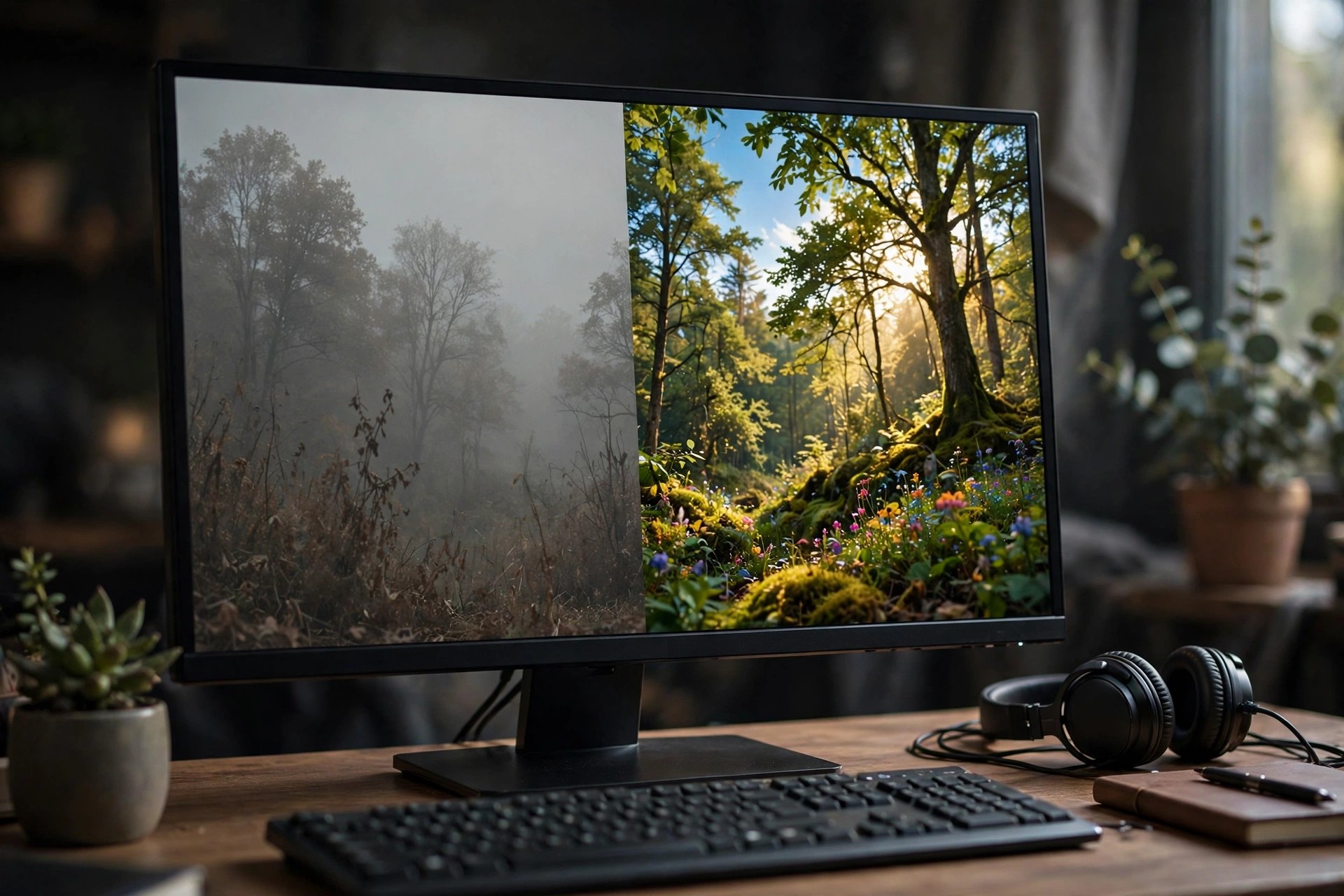
- Preview enhancements side by side and export in popular formats such as MP4, MOV, and MKV
How to Download
- Start your download from the official site: Download from the official site and choose the Mac version.
- Open the downloaded installer, drag the app into your Applications folder, and launch it.
- Try the free trial first to test the enhancement quality, then register a licence if it fits your needs.
Is Aiseesoft Mac Video Enhancer free?
No. It is paid software with a free trial download. The trial lets you test the tools with limits, and a licence unlocks full exporting.
Can it really fix very old, blurry videos?
It can noticeably improve sharpness, noise, and stability, but it cannot invent detail that was never recorded. Results are best on clips that are soft rather than severely damaged.