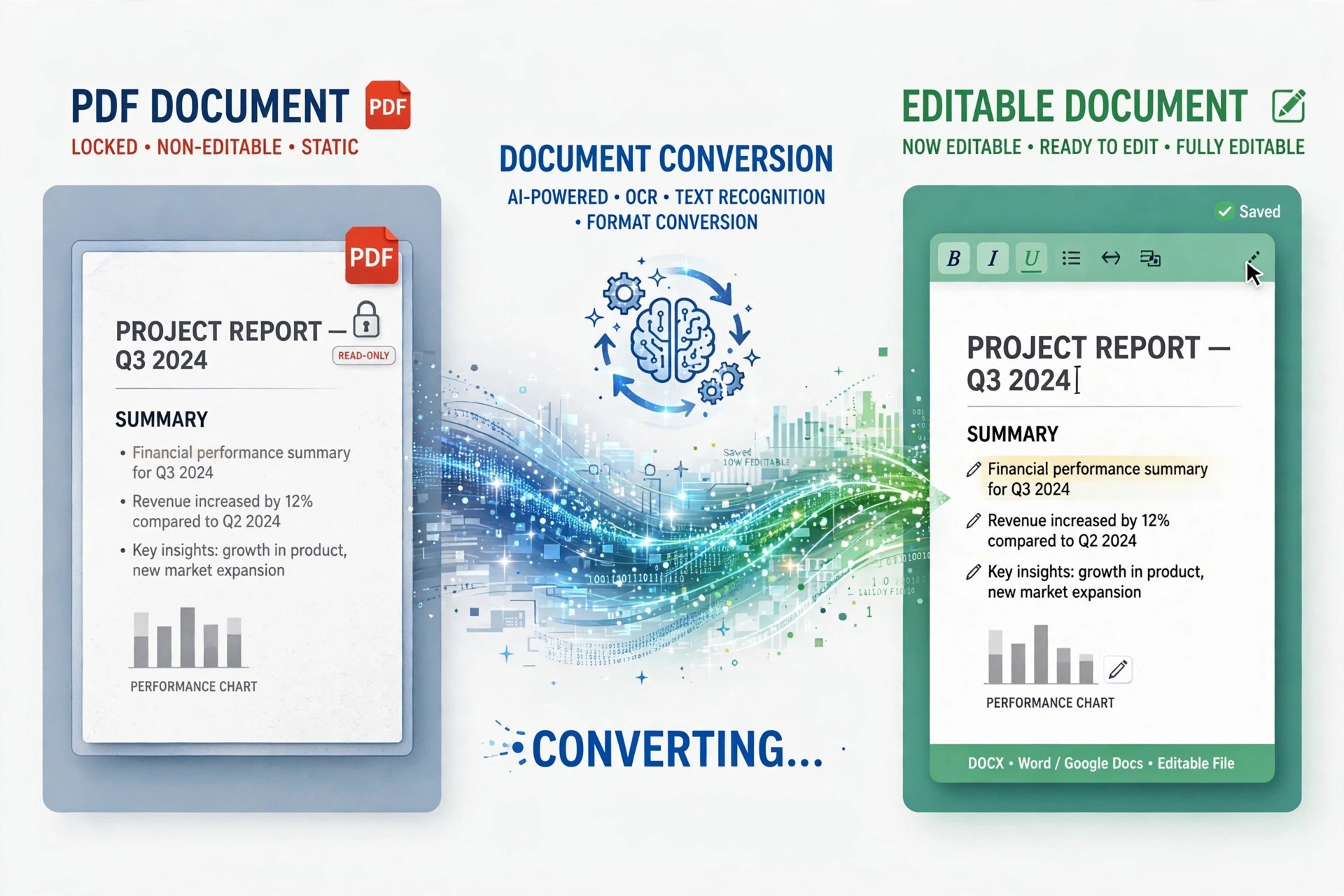
AnyMP4 PDF to Word Converter 3.1.7 for Mac
Mac BusinessSometimes you do not need a dozen output formats — you just need one PDF back in Word to fix a paragraph, reuse a table or update a contract. AnyMP4 PDF to Word Converter 3.1.7 for Mac is the single-purpose version of AnyMP4's PDF tools: it converts PDFs to Microsoft Word and Rich Text Format, keeping the document editable instead of leaving you retyping it.
It includes the same OCR technology as its bigger sibling, so scanned PDFs can be recognised as real text, with Accuracy, Balance and Speed modes to trade quality against time. You choose all pages or a custom range, and can queue multiple PDFs at once. AnyMP4 describes it as a home and small-business app; it is paid software, not a free utility.
Key Features
- Converts PDF to Microsoft Word 97-2003, Word 2007 (.docx-era) and Rich Text Format
- OCR recognition for scanned PDFs, with Accuracy, Balance and Speed modes
- Multiple OCR languages for documents that are not only in English
- Convert all pages or a custom page range, and rename files before output
- Batch conversion to turn several PDFs into Word documents in one session
How to Download
- Note which pages you actually need in Word — converting a range keeps files smaller and faster.
- Start your download from the official site: Download from the official site
- Install the app, load your PDF, choose Word or RTF output and the page range, then convert and open the result in Word or Pages.
Will my layout survive the conversion?
Simple text documents usually convert cleanly. Complex layouts with columns, floating images or unusual fonts may shift in Word, so review the output — choosing the OCR Accuracy mode helps on scanned files.
How is this different from AnyMP4 PDF Converter?
This app does one conversion — PDF to Word or RTF. The full PDF Converter also outputs Excel, PowerPoint, ePub, HTML and images. Choose this one only if Word is all you need.







Leave a Reply