Category: Mac Audio

  • Arturia Augmented Mallets 1.0.0.5402 for Mac

    Arturia Augmented Mallets 1.0.0.5402 for Mac

    Arturia Augmented Mallets 1.0.0.5402 for Mac

    Arturia Augmented Mallets 1.0.0.5402 for Mac

    Mac Audio
    Updated Nov 6, 2026
    Mac Audio • Updated Nov 6, 2026

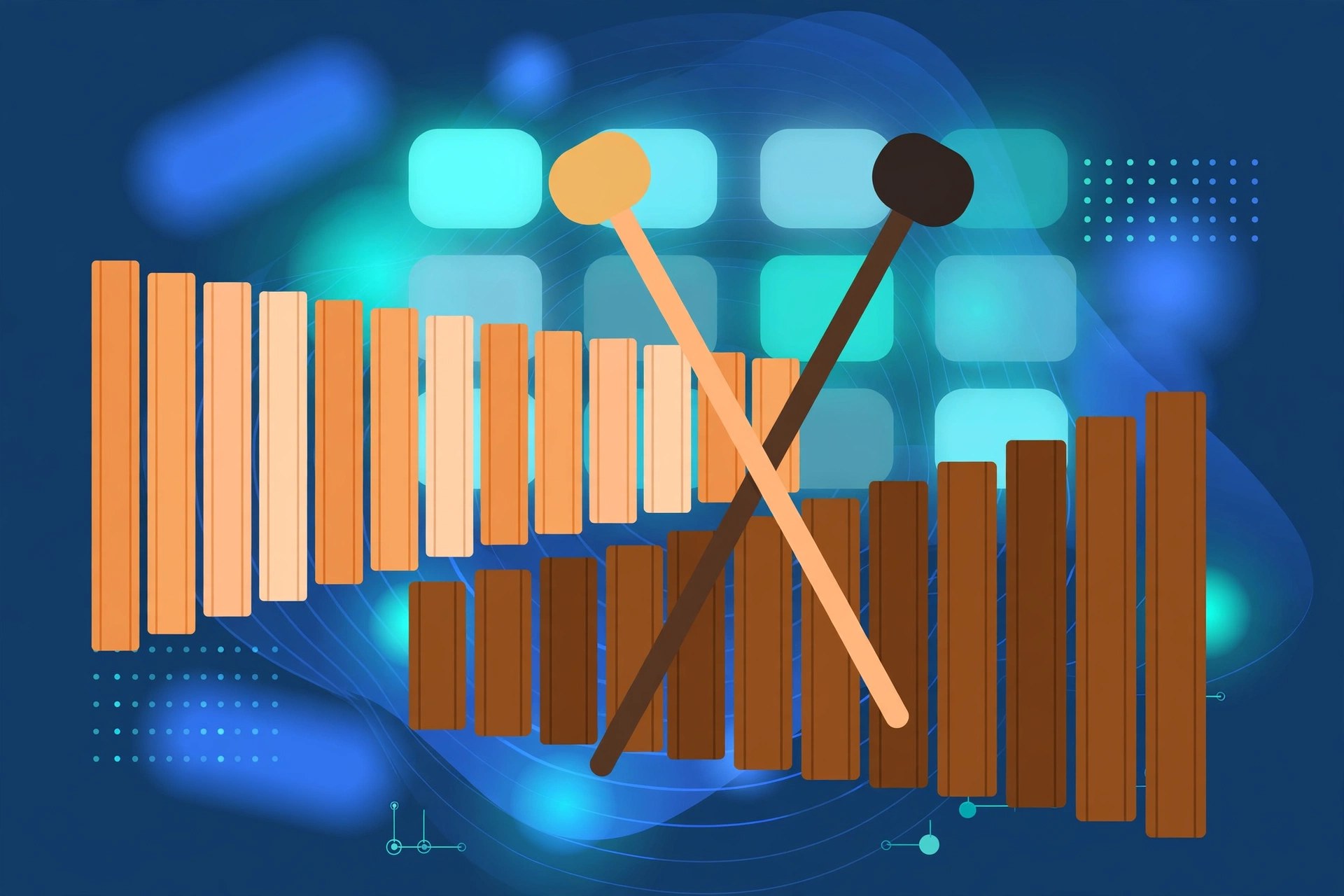
    Augmented Mallets brings tuned percussion into Arturia's Augmented family. It records instruments such as marimba, vibraphone, celeste and tubular bells, then layers them with synthesis, giving Mac producers melodic percussion sounds that can stay soft and acoustic or drift into shimmering, experimental territory.

    Key Features

    • Recordings of marimba, vibraphone, celeste and other mallet instruments
    • Two layers per preset, each mixing sampled and synthesised sources
    • Morph control for blending natural attack with electronic sustain
    • Macros and effects to shape tone, space and movement quickly
    • Presets for gentle melodies, rhythmic patterns and ambient textures

    How to Download

    1. Click the green Download button on this page to continue.
    2. Download from the official site — Arturia's Augmented series page lists every instrument in the range.
    3. Install the Arturia Software Center, sign in, and install and activate the instrument from there.

    System Requirements

    This Augmented instrument needs a recent version of macOS (Arturia lists macOS 11 or later for the current Augmented range) and a 64-bit DAW for plugin use. It runs on Intel and Apple silicon Macs, and needs a few gigabytes of free space for its sample content.

    FAQs

    What does the Morph control do?

    Morph is the centre of every Augmented instrument. One knob blends between the acoustic sample layer and the synthesis layers, so a sound can move from natural to electronic in a single gesture.

    Can I try it before buying?

    Arturia offers demos of its software instruments through the Arturia Software Center, and the instruments are also included in the Augmented Series bundle. Check the official site for current pricing and trial options.
  • Arturia Augmented Brass 1.2.1 for Mac

    Arturia Augmented Brass 1.2.1 for Mac

    Arturia Augmented Brass 1.2.1 for Mac

    Arturia Augmented Brass 1.2.1 for Mac

    Mac Audio
    Updated Nov 6, 2026
    Mac Audio • Updated Nov 6, 2026

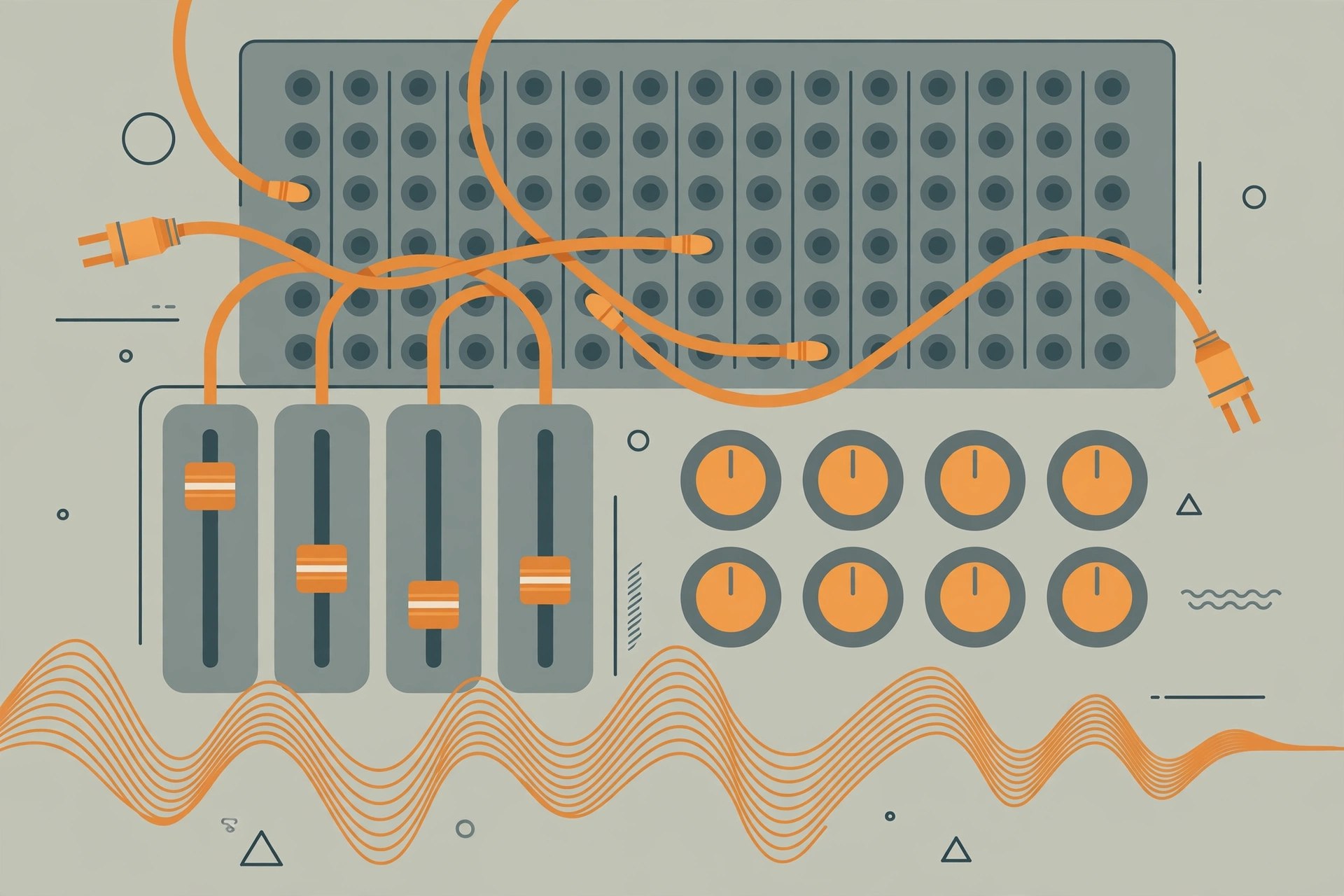
    Augmented Brass is part of Arturia's Augmented series, which pairs real instrument recordings with modern synthesis. Here, solo and section brass recordings are combined with synth engines, so you can play a natural trumpet or horn line and then morph it into something wider, darker and more cinematic, all inside your Mac DAW.

    Key Features

    • Sampled solo and ensemble brass blended with synthesis layers
    • Morph control to move between acoustic and electronic character
    • Multiple synth engines including virtual analog, granular, wavetable and harmonic
    • Built-in effects, modulation and an arpeggiator for movement
    • Presets covering orchestral brass, cinematic swells and hybrid synth brass

    How to Download

    1. Click the green Download button on this page to continue.
    2. Download from the official site — Arturia's Augmented series page lists every instrument in the range.
    3. Install the Arturia Software Center, sign in, and install and activate the instrument from there.

    System Requirements

    This Augmented instrument needs a recent version of macOS (Arturia lists macOS 11 or later for the current Augmented range) and a 64-bit DAW for plugin use. It runs on Intel and Apple silicon Macs, and needs a few gigabytes of free space for its sample content.

    FAQs

    What does the Morph control do?

    Morph is the centre of every Augmented instrument. One knob blends between the acoustic sample layer and the synthesis layers, so a sound can move from natural to electronic in a single gesture.

    Can I try it before buying?

    Arturia offers demos of its software instruments through the Arturia Software Center, and the instruments are also included in the Augmented Series bundle. Check the official site for current pricing and trial options.
  • Arturia ARP 2600 V 3.13.4.6366 for Mac

    Arturia ARP 2600 V 3.13.4.6366 for Mac

    Arturia ARP 2600 V 3.13.4.6366 for Mac

    Arturia ARP 2600 V 3.13.4.6366 for Mac

    Mac Audio
    Updated Nov 6, 2026
    Mac Audio • Updated Nov 6, 2026

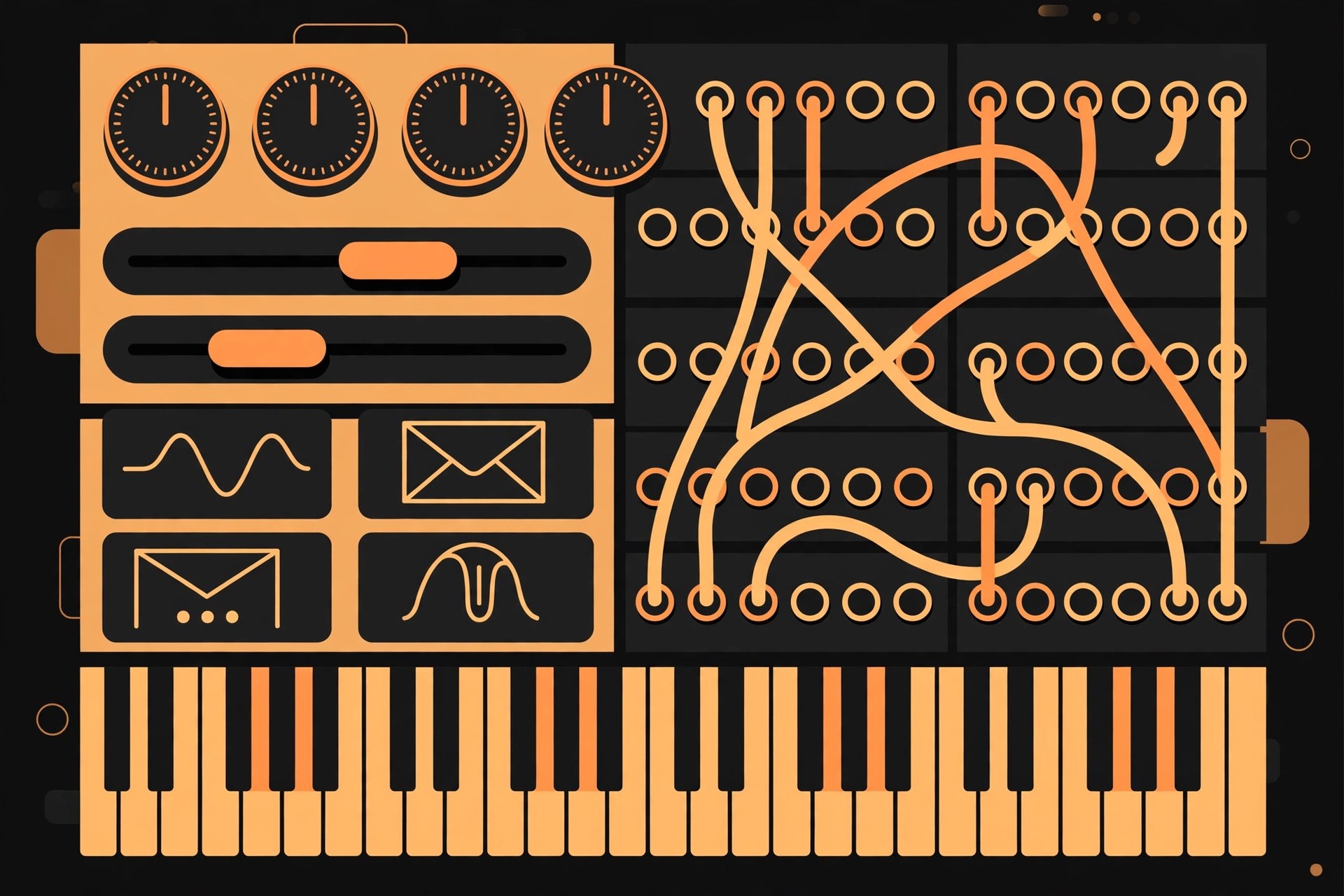
    The ARP 2600 is one of the best-known semi-modular synthesizers of the 1970s, used in studios, film soundtracks and classrooms. Arturia's ARP 2600 V recreates it in software for Mac, keeping the patch-cable workflow of the original while adding modern conveniences like presets and DAW integration.

    Key Features

    • Detailed modelling of the ARP 2600 semi-modular synthesizer
    • Three voltage-controlled oscillators, filter, envelopes and sample-and-hold
    • Virtual patch cables for flexible, experimental routing
    • Built-in sequencer-style and modulation extras beyond basic patching
    • Large preset library, standalone use and VST, AU and AAX plugin formats

    How to Download

    1. Click the green Download button on this page to continue.
    2. Use the green Download button to reach the developer's website, Arturia, and find ARP 2600 V in the software instruments range.
    3. Install the Arturia Software Center, sign in, and install and activate the plugin from there.

    System Requirements

    ARP 2600 V needs a recent version of macOS and a 64-bit DAW for plugin use. It runs on Intel and Apple silicon Macs, and a MIDI keyboard makes patching and playing far more enjoyable.

    FAQs

    Is ARP 2600 V part of a bundle?

    Yes. It is one of the instruments in Arturia's V Collection, and it is also sold on its own. Buying the collection is usually better value if you want several classic instruments.

    Can I try it first?

    Arturia provides demo versions of its instruments through the Arturia Software Center. A demo lets you test the sound and workflow on your own Mac before buying a licence.

  • Arturia ARP 2600 V 3.13.4.6366 for Mac

    Arturia ARP 2600 V 3.13.4.6366 for Mac

    Arturia ARP 2600 V 3.13.4.6366 for Mac

    Arturia ARP 2600 V 3.13.4.6366 for Mac

    Mac Audio
    Updated Nov 6, 2026
    Mac Audio • Updated Nov 6, 2026

    The ARP 2600 is one of the best-known semi-modular synthesizers of the 1970s, used in studios, film soundtracks and classrooms. Arturia's ARP 2600 V recreates it in software for Mac, keeping the patch-cable workflow of the original while adding modern conveniences like presets and DAW integration.

    Key Features

    • Detailed modelling of the ARP 2600 semi-modular synthesizer
    • Three voltage-controlled oscillators, filter, envelopes and sample-and-hold
    • Virtual patch cables for flexible, experimental routing
    • Built-in sequencer-style and modulation extras beyond basic patching
    • Large preset library, standalone use and VST, AU and AAX plugin formats

    How to Download

    1. Click the green Download button on this page to continue.
    2. Use the green Download button to reach the developer's website, Arturia, and find ARP 2600 V in the software instruments range.
    3. Install the Arturia Software Center, sign in, and install and activate the plugin from there.

    System Requirements

    ARP 2600 V needs a recent version of macOS and a 64-bit DAW for plugin use. It runs on Intel and Apple silicon Macs, and a MIDI keyboard makes patching and playing far more enjoyable.

    FAQs

    Is ARP 2600 V part of a bundle?

    Yes. It is one of the instruments in Arturia's V Collection, and it is also sold on its own. Buying the collection is usually better value if you want several classic instruments.

    Can I try it first?

    Arturia provides demo versions of its instruments through the Arturia Software Center. A demo lets you test the sound and workflow on your own Mac before buying a licence.

  • Arturia Analog Lab V Pro 5.11.1.6049 for Mac

    Arturia Analog Lab V Pro 5.11.1.6049 for Mac

    Arturia Analog Lab V Pro 5.11.1.6049 for Mac

    Arturia Analog Lab V Pro 5.11.1.6049 for Mac

    Mac Audio
    Updated Nov 6, 2026
    Mac Audio • Updated Nov 6, 2026

    Analog Lab V Pro is the full edition of Arturia's keyboard anthology for Mac. It combines more than 2,000 presets from dozens of modelled instruments — vintage synths, pianos, organs and more — with instant-access controls and close integration with Arturia's controllers, all in a single plugin and standalone app.

    Key Features

    • More than 2,000 presets spanning the whole V Collection and Pigments
    • Powerful browsing by instrument, type, style and musical genre
    • Macro controls, built-in effects and two sound layers per preset
    • Playlists and a Stage view made for gigs and rehearsals
    • Access to the Arturia Sound Store for extra preset banks

    How to Download

    1. Click the green Download button on this page to continue.
    2. Download from the official site and install the Arturia Software Center.
    3. Register your licence in your Arturia account, then install and activate Analog Lab from the Software Center.

    System Requirements

    You will need a recent version of macOS, a 64-bit host if you run it as a plugin, and enough free disk space for the multi-gigabyte sound library. Analog Lab runs on Intel and Apple silicon Macs as a standalone app and as VST, AU and AAX.

    FAQs

    How is Pro different from Intro and Play?

    Play is free with a small starter library, Intro includes a larger set and often comes with Arturia hardware, and Pro has the full library of over 2,000 sounds plus the complete feature set.

    Does Pro unlock editing of the original instruments?

    Pro gives you preset-level control with macros and effects. Deep editing of an individual instrument requires owning that instrument, such as through the V Collection, which then opens inside Analog Lab.

  • Arturia Analog Lab V 5.4.5 for Mac

    Arturia Analog Lab V 5.4.5 for Mac

    Arturia Analog Lab V 5.4.5 for Mac

    Arturia Analog Lab V 5.4.5 for Mac

    Mac Audio
    Updated Nov 6, 2026
    Mac Audio • Updated Nov 6, 2026

    Analog Lab V is Arturia's all-in-one preset instrument for Mac. It brings together sounds from the V Collection of classic synth and keyboard emulations, plus Pigments, behind one clean browser. It suits players who want great sounds quickly, and live performers who need reliable setlists of presets.

    Key Features

    • Over 2,000 curated presets from V Collection instruments and Pigments
    • Advanced browser to find sounds by type, style, genre or designer
    • Four macro controls on each preset for quick, musical tweaks
    • Two-part layers and splits, plus effects, for bigger combined sounds
    • Stage view and playlists designed for live performance

    How to Download

    1. Click the green Download button on this page to continue.
    2. Download from the official site and install the Arturia Software Center.
    3. Sign in, activate your licence, and install Analog Lab V from the Software Center.

    System Requirements

    Analog Lab V requires a recent version of macOS and runs in standalone mode or as a VST, AU or AAX plugin in a 64-bit DAW. It supports Intel and Apple silicon Macs, with several gigabytes of free space for its library.

    FAQs

    What is the difference between Analog Lab V and Analog Lab Pro?

    Analog Lab Pro is the current name for the full edition of Analog Lab V. The software itself is still called Analog Lab V, so older projects open as before. Play and Intro are smaller, cheaper editions.

    Can I try it before buying?

    Yes. The free Analog Lab Play edition gives you a taste of the workflow, and Arturia also offers demos through the Arturia Software Center. Check the official site for current trial options.

  • Arturia Analog Lab 4.2.3.3897 for Mac

    Arturia Analog Lab 4.2.3.3897 for Mac

    Arturia Analog Lab 4.2.3.3897 for Mac

    Arturia Analog Lab 4.2.3.3897 for Mac

    Mac Audio
    Updated Nov 6, 2026
    Mac Audio • Updated Nov 6, 2026

    Analog Lab, from French music company Arturia, is a preset instrument that collects sounds from Arturia's V Collection of vintage synth and keyboard recreations. Instead of opening many separate plugins, you browse thousands of ready-to-play presets in one place, tweak them with simple controls, and get straight to making music on your Mac.

    Key Features

    • Thousands of presets drawn from Arturia's modelled synths, pianos and organs
    • Fast browser with search by instrument, type, style and genre
    • Simple macro-style controls to shape a sound without deep editing
    • Layer and split two sounds for richer keyboard setups
    • Runs standalone and as a VST, AU and AAX plugin in 64-bit DAWs

    How to Download

    1. Click the green Download button on this page to continue.
    2. Download from the official site and install the Arturia Software Center.
    3. Sign in to your Arturia account, then download, activate and open Analog Lab from the Software Center.

    System Requirements

    Analog Lab needs a recent version of macOS and a 64-bit DAW if you use it as a plugin. It runs on Intel and Apple silicon Macs, and a few gigabytes of free space are needed for the sound library.

    FAQs

    Is there a free version of Analog Lab?

    Yes. Arturia offers Analog Lab Play free of charge with a smaller sound set, plus Intro and Pro editions with larger libraries. The official site lists what each edition includes.

    Do I need the full V Collection to use it?

    No. Analog Lab works on its own with its included presets. If you own the full V Collection instruments, you can open and edit those instruments in more depth from inside Analog Lab.

  • Aria Sounds Xiao Flute Kontakt for Mac

    Aria Sounds Xiao Flute Kontakt for Mac

    Aria Sounds Xiao Flute Kontakt for Mac

    Aria Sounds Xiao Flute Kontakt for Mac

    Mac Audio
    Updated Nov 6, 2026
    Mac Audio • Updated Nov 6, 2026

    The Xiao Flute from Aria Sounds is a Kontakt sample library of the xiao, the ancient Chinese end-blown bamboo flute also known as the dòngxiāo, prized for its soft, breathy and meditative tone. Recorded with a specialist ethnic flute performer, it features true legato sampled across the instrument's range — up to the octave — so flowing melodic lines hold together naturally. Aria Sounds even filled in the notes a real xiao cannot physically play, so you are not stopped mid-phrase by the instrument's natural gaps. It is sold on its own and as part of the Ethnic Flutes bundle with the Bansuri and a Bolivian pan flute.

    Key Features

    • Authentic Chinese xiao (dòngxiāo) bamboo flute, deeply sampled for Kontakt
    • True legato intervals recorded up to the octave
    • Extended playable range beyond what the physical instrument allows
    • High-quality 24-bit samples shared with the Ethnic Flutes bundle recordings
    • Expressive, breathy tone suited to scoring, ambient and world music

    How to Download

    1. Use the green Download button on this page to reach the options for this library.
    2. Purchase it from the developer's website or an authorised sample-library retailer — no single official product page could be verified for this listing.
    3. Extract the download and load the instrument in Kontakt, standalone or inside your DAW.

    System Requirements

    The Xiao Flute needs a Mac with the full, paid version of Native Instruments Kontakt 4 or above; it does not work in the free Kontakt Player. A recent version of macOS and a MIDI keyboard or controller make playing it much more enjoyable.

    FAQs

    What is a xiao?

    The xiao is a traditional Chinese vertical bamboo flute with a quiet, breathy sound, used for centuries in solo and ensemble music. This library captures that character for use in modern productions.

    Does it run in Kontakt Player?

    No. As with Aria Sounds' other libraries, the full retail version of Kontakt is required; the free Player only offers a short demo mode for unlicensed libraries like this one.

  • Aria Sounds LSS Solo Strings Solo Violin Kontakt for Mac

    Aria Sounds LSS Solo Strings Solo Violin Kontakt for Mac

    Aria Sounds LSS Solo Strings Solo Violin Kontakt for Mac

    Aria Sounds LSS Solo Strings Solo Violin Kontakt for Mac

    Mac Audio
    Updated Nov 6, 2026
    Mac Audio • Updated Nov 6, 2026

    The Solo Violin in LSS Solo Strings is Aria Sounds' dedicated solo violin instrument for Kontakt, drawn from the same London recording sessions as their London Symphonic Strings library. A solo violin is one of the hardest instruments to fake with samples, because every transition is exposed — so this library focuses on detailed sampling of a single player in a concert hall, with the articulations and legato a composer needs for a believable lead line. It sits alongside the matching solo viola, cello and double bass in the 16GB LSS Solo Strings bundle, and works in any Mac DAW that hosts Kontakt.

    Key Features

    • Dedicated solo violin sampled from the London Symphonic Strings sessions
    • Concert-hall recording that suits film, classical and songwriting contexts
    • Legato and sustain articulations for connected, singing melodic lines
    • Matches the solo viola, cello and double bass for quartet writing
    • Consistent Kontakt interface and scripting across the LSS Solo Strings set

    How to Download

    1. Use the green Download button on this page to reach the options for this library.
    2. Buy LSS Solo Strings from the developer's website or an authorised sample-library retailer — no single official product page could be verified for this listing.
    3. Download and extract the files, then open the violin instrument from within Kontakt on your Mac.

    System Requirements

    You need a Mac running a recent version of macOS and the full, paid version of Native Instruments Kontakt 4 or above. The library does not run in the free Kontakt Player, and you should allow room for your share of the 16GB bundle on your drive.

    FAQs

    Is the solo violin sold separately?

    It is primarily sold as part of the LSS Solo Strings bundle with viola, cello and double bass. Retailers occasionally discount the bundle heavily, so compare the developer's store with authorised retailers before buying.

    Why does it need full Kontakt?

    Aria Sounds builds its libraries for the full Kontakt sampler rather than licensing them for Kontakt Player. In the free Player they will only run briefly in demo mode, so a full Kontakt licence is required.

  • Aria Sounds LSS Solo Strings Solo Viola Kontakt for Mac

    Aria Sounds LSS Solo Strings Solo Viola Kontakt for Mac

    Aria Sounds LSS Solo Strings Solo Viola Kontakt for Mac

    Aria Sounds LSS Solo Strings Solo Viola Kontakt for Mac

    Mac Audio
    Updated Nov 6, 2026
    Mac Audio • Updated Nov 6, 2026

    The Solo Viola is one of four instruments in LSS Solo Strings, the solo string library from Aria Sounds drawn from their London Symphonic Strings recordings. Where the full LSS library gives you whole string sections, this is the intimate end of the range: a single viola, recorded in a concert hall, intended for exposed solo lines, string quartet writing and small ensemble work inside Kontakt. Together with the matching solo violin, cello and double bass, the four instruments make up the 16GB LSS Solo Strings bundle, and the viola can be bought as part of that set from Aria Sounds and authorised retailers.

    Key Features

    • Dedicated solo viola instrument sampled from the London Symphonic Strings sessions
    • Recorded in a concert hall for a natural, spacious sound
    • Multiple articulations and legato patches for expressive solo lines
    • Part of a matching quartet with solo violin, cello and double bass
    • Scripted Kontakt interface shared across the LSS Solo Strings instruments

    How to Download

    1. Use the green Download button on this page to reach the options for this library.
    2. LSS Solo Strings is sold through the developer's website and authorised sample-library retailers, so buy it from Aria Sounds or a retailer you trust — no single official product page could be verified for this listing.
    3. Download and extract the library, then load the viola instrument from Kontakt's file browser.

    System Requirements

    The library runs on Mac inside the full, paid version of Native Instruments Kontakt 4 or above; it is not compatible with the free Kontakt Player. Allow space for your share of the 16GB bundle, plus a recent version of macOS and a DAW if you work inside one.

    FAQs

    Can I buy the solo viola on its own?

    The solo instruments are marketed mainly as the LSS Solo Strings bundle of violin, viola, cello and bass. Check the developer's store and retailers for current bundle and single-instrument offers.

    Does it work in Kontakt Player?

    No. The LSS libraries require the full retail version of Kontakt. That is stated clearly by the sellers, so factor a Kontakt licence into the cost if you do not already own one.