Trimma 3.0 for Mac
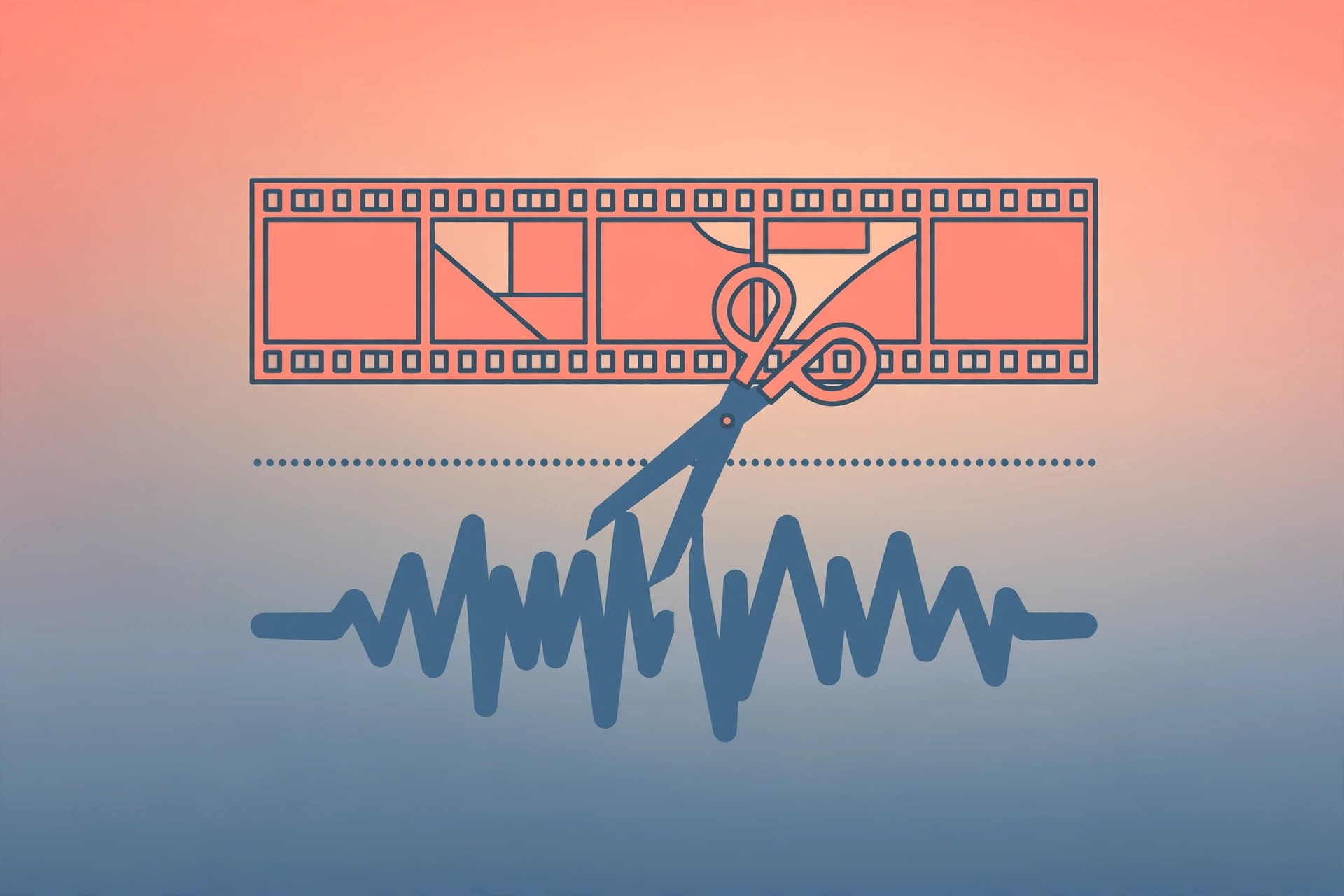
Mac UtilitiesTrimma is a focused Mac app from Briksoftware for one job done well: cutting video down to the good parts. Raw footage from a camera, a screen recording or an interview usually arrives with long takes, false starts and dead time. Trimma lets you remove what you will not use and split long recordings into clean clips before the material reaches your main editor. Because it can pass video through without a fresh encode, clips keep their original quality and export in a fraction of the time.
Key Features
- Precision cutting: trim video and audio with fine control down to single frames
- Suggested cuts: the app marks scene changes in video and silences in audio as smart cut points
- Timeline zoom: scroll over the timeline to zoom in for exact edit points
- Export presets: ready made choices include H.264 and H.265 output
- Command line tools: automate repeat jobs and batch work from the terminal
- Audio support: view waveforms and export audio work as M4A files
How to Download
You can get Trimma from its official site, either through the Mac App Store or as a direct download: Download from the official site. The vendor lists the current release for macOS 26 or later as a universal binary for Apple silicon and Intel Macs. A licence unlocks all features.
Frequently Asked Questions
Is Trimma a full video editor?
No. It is a trimming tool. It prepares clean clips that you then finish in an editor such as Final Cut Pro or DaVinci Resolve.
Does trimming reduce my video quality?
With passthrough export the clips keep their original quality, because the video is not encoded again.
Is Trimma free?
The download is available from the vendor, and a paid licence unlocks all features. Check the official site for the current terms.







Leave a Reply