BetterSnapTool 1.10.2 for Mac
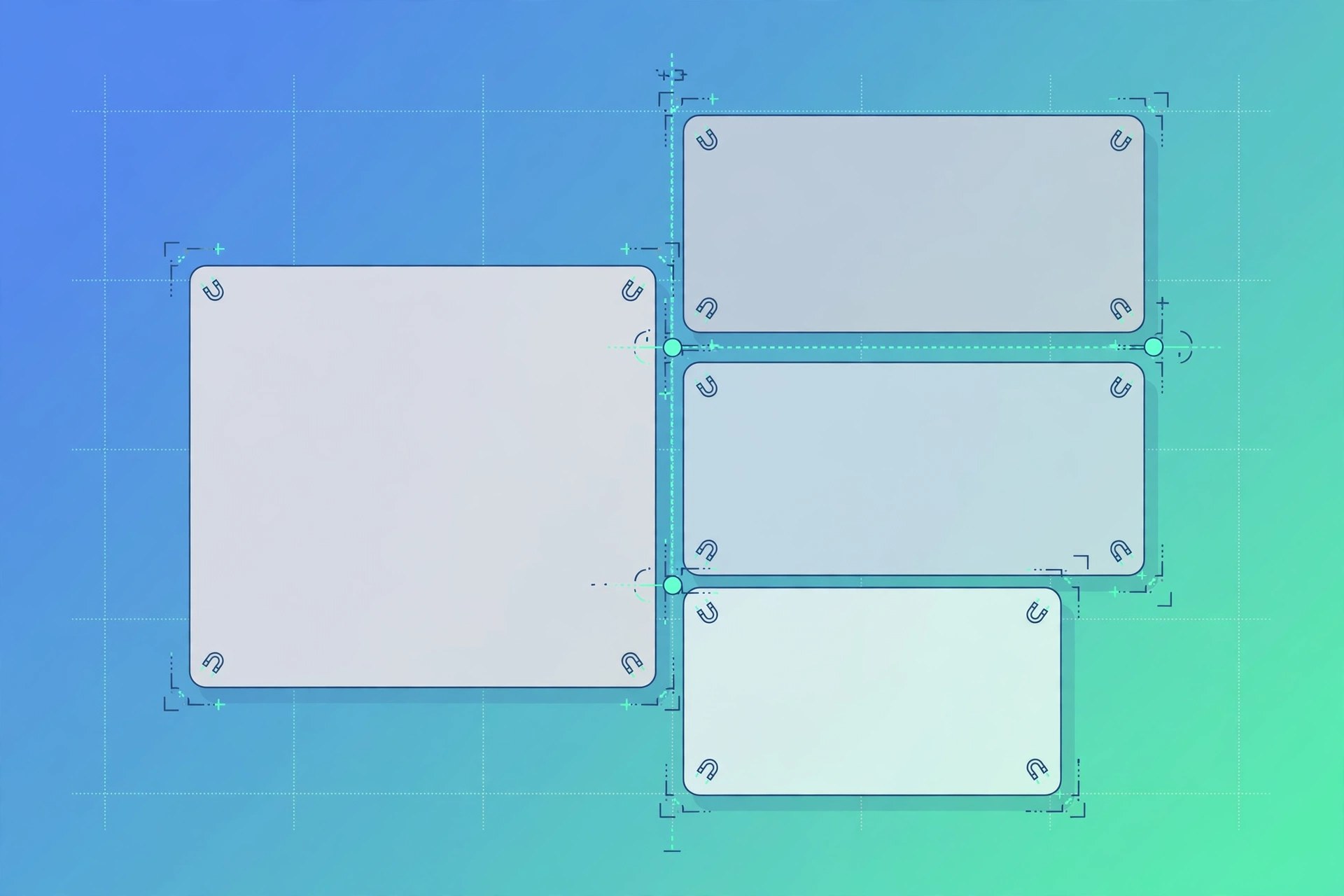
Mac UtilitiesBetterSnapTool is a window management app for Mac from folivora.AI, the developer behind BetterTouchTool. It lets you move and resize windows simply by dragging them to the edges or corners of your screen, so a window can fill half the screen, a quarter, or the full display in one motion. For people who arrange several apps side by side all day, it removes a lot of fiddly manual resizing, and it remains highly customisable for more specific layouts.
Key Features
- Snap windows to the left, right, top or bottom of the screen by dragging them
- Create your own custom snap areas anywhere on the screen
- Move and resize windows using customisable keyboard shortcuts
- Works across multiple monitors and with hidden docks
- Set different behaviour for individual apps if you need finer control
How to Download
- Click the green Download button on this page to continue to the download options.
- Go to Download from the official site and download the installer or complete your purchase there.
- Open the downloaded file, follow the on-screen instructions to install it, and launch the app from your Applications folder.
System Requirements
It requires macOS 12.0 or later according to its Mac App Store listing, and it runs on current Apple silicon and Intel Macs. It is sold through the Mac App Store.
FAQs
How much does BetterSnapTool cost?
It is a low-cost, one-time purchase on the Mac App Store with no subscription. The exact price in your region is shown on its App Store page.
Is BetterSnapTool the same as BetterTouchTool?
No. They are separate apps from the same developer. BetterSnapTool focuses only on window snapping, while BetterTouchTool is a much larger customisation and automation suite that also includes snapping.







Leave a Reply