BatchOutput DOC 2.6.5 for Mac
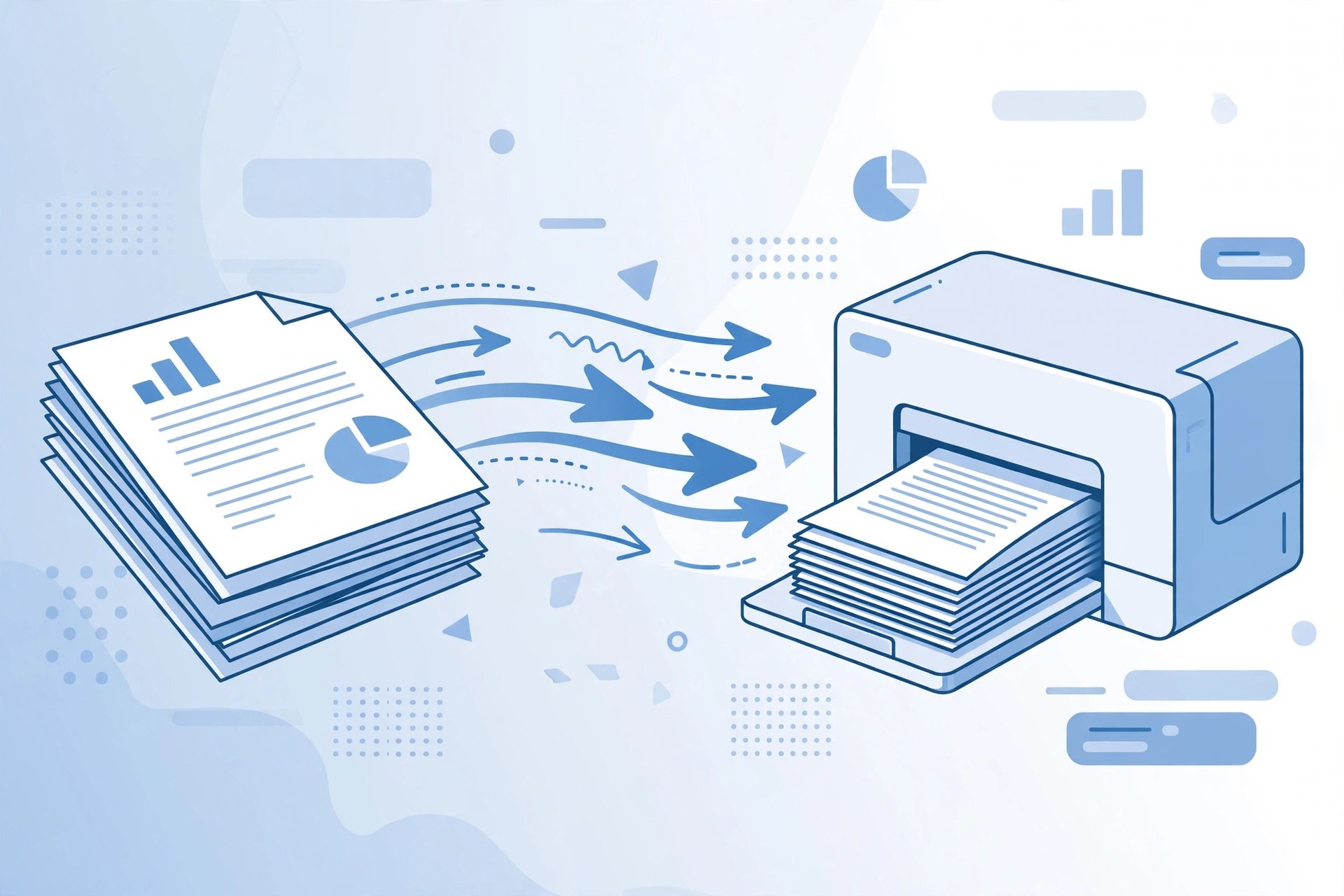
Mac BusinessBatchOutput DOC is an output automation tool for Microsoft Word on the Mac, from Toronto-based Zevrix Solutions. Word itself can only print or export the document you have open; BatchOutput DOC lets you line up many Word files and process them together, automating printing and professional PDF production with options Word does not offer on its own. Zevrix describes it as the only output automation tool of its kind for Word users on Mac. The current version is 2.6.5, which added support for macOS 26 Tahoe.
Key Features
- Batch print and export multiple Word documents to PDF in one run
- Variable output file names based on document properties
- Export single pages or page ranges as separate files
- PDF security options and professional output settings
- Part of the BatchOutput Office suite alongside the Excel and PowerPoint editions
How to Download
- Make sure you have Microsoft Word installed, since BatchOutput DOC drives Word to do the output.
- Download from the official site, where Zevrix offers a trial as well as individual and suite licences.
- Install the app, add a few test documents, and check the PDF output before running a large batch.
System Requirements
BatchOutput DOC works with Microsoft 365 and Office editions for Mac, on Macs running a recent version of macOS; version 2.6.5 supports macOS 26 Tahoe. It runs on Apple silicon and Intel Macs, and needs Word itself installed.
FAQs
Can I buy BatchOutput DOC on its own?
Yes. Each app is sold separately, or all three Office apps together as the BatchOutput Office Suite at a bundle discount. A trial is available from Zevrix first.
Does it work without Microsoft Word?
No. It automates Word's own printing and PDF export, so a working copy of Word for Mac is required.







Leave a Reply