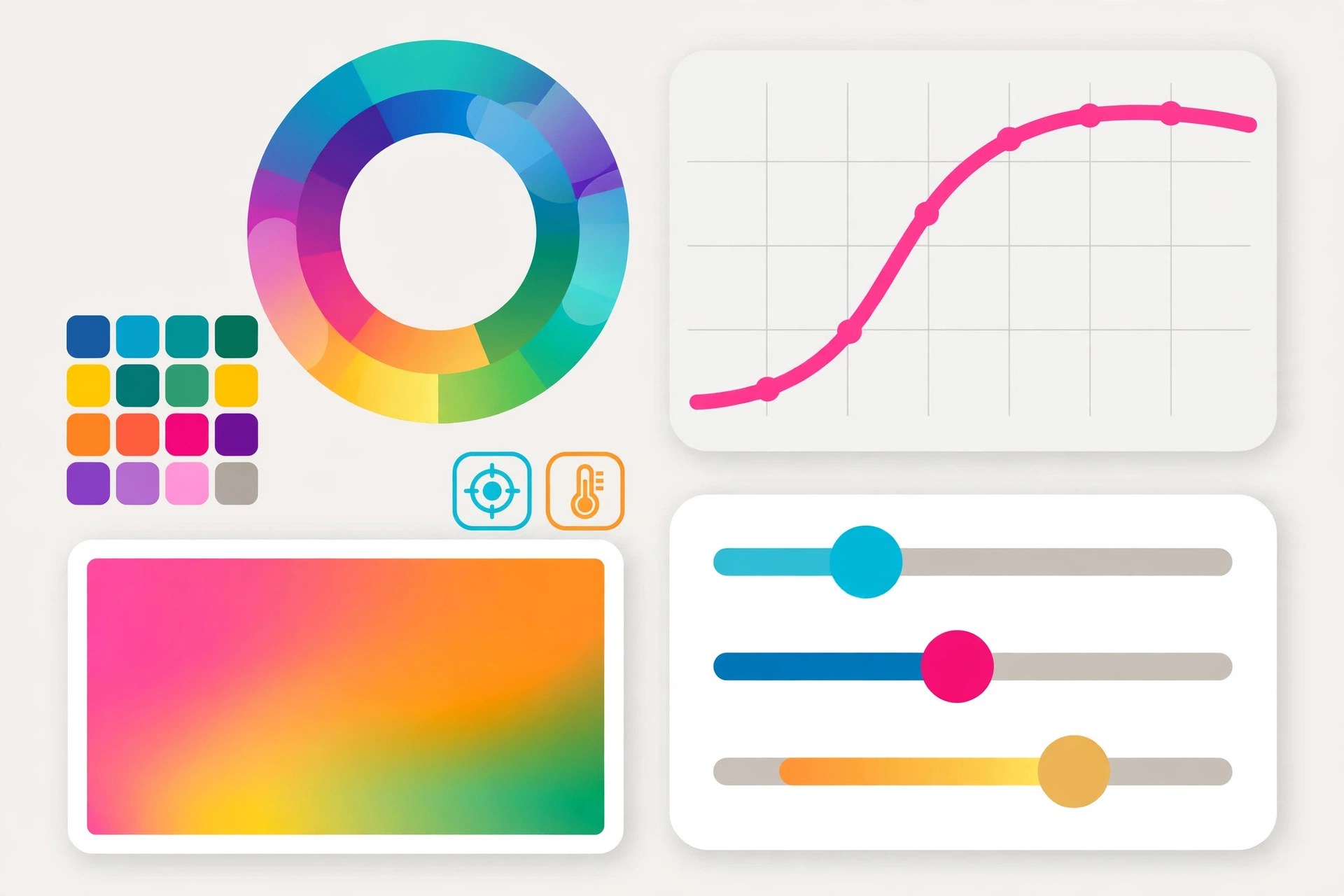
basICColor Input 6 for Mac
Mac Photo & DesignbasICColor Input is professional profiling software for digital cameras and scanners from basICColor, the German colour management specialist. If the colours in your photographs or scans have to be right from the start, you photograph or scan a colour target, and the app analyses it to build a profile describing exactly how your device sees colour. The current version is basICColor Input 6, which replaced the older version 5 line.
Key Features
- Creates ICC profiles for TIFF and JPEG workflows and DCP profiles for RAW files
- Automatic detection of RAW formats, with DCPs usable straight away in Adobe Camera Raw and Lightroom
- Multi-target profiling, combining several target shots into a single profile
- Support for common camera and scanner targets, including ColorChecker and IT8
- Profile types for photography, art reproduction, archival work and Capture One
How to Download
- Check the system requirements on the product page and make sure you have a suitable profiling target.
- Download from the official site, where basICColor sells Input 6 and the optional upgrade to Input 6 Pro.
- Install the software, shoot or scan your target under your working lighting, and let the app build your first profile.
System Requirements
basICColor Input 6 runs on Macs with an Intel Core or Apple silicon processor; the vendor lists Mac OS X 10.14 as the minimum system, with modest RAM and disk needs. You also need a physical profiling target, sold separately or in bundles.
FAQs
What is the difference between ICC and DCP profiles?
ICCs suit TIFF and JPEG captures and scanner work, while DCPs are the format RAW converters such as Lightroom use. Input creates whichever type matches your capture.
Is basICColor Input for beginners?
It is a professional tool with a professional price, aimed at work where colour accuracy really matters. The profiling itself is largely automatic once the target is captured well.







Leave a Reply