Bartender 7.1.0 for Mac
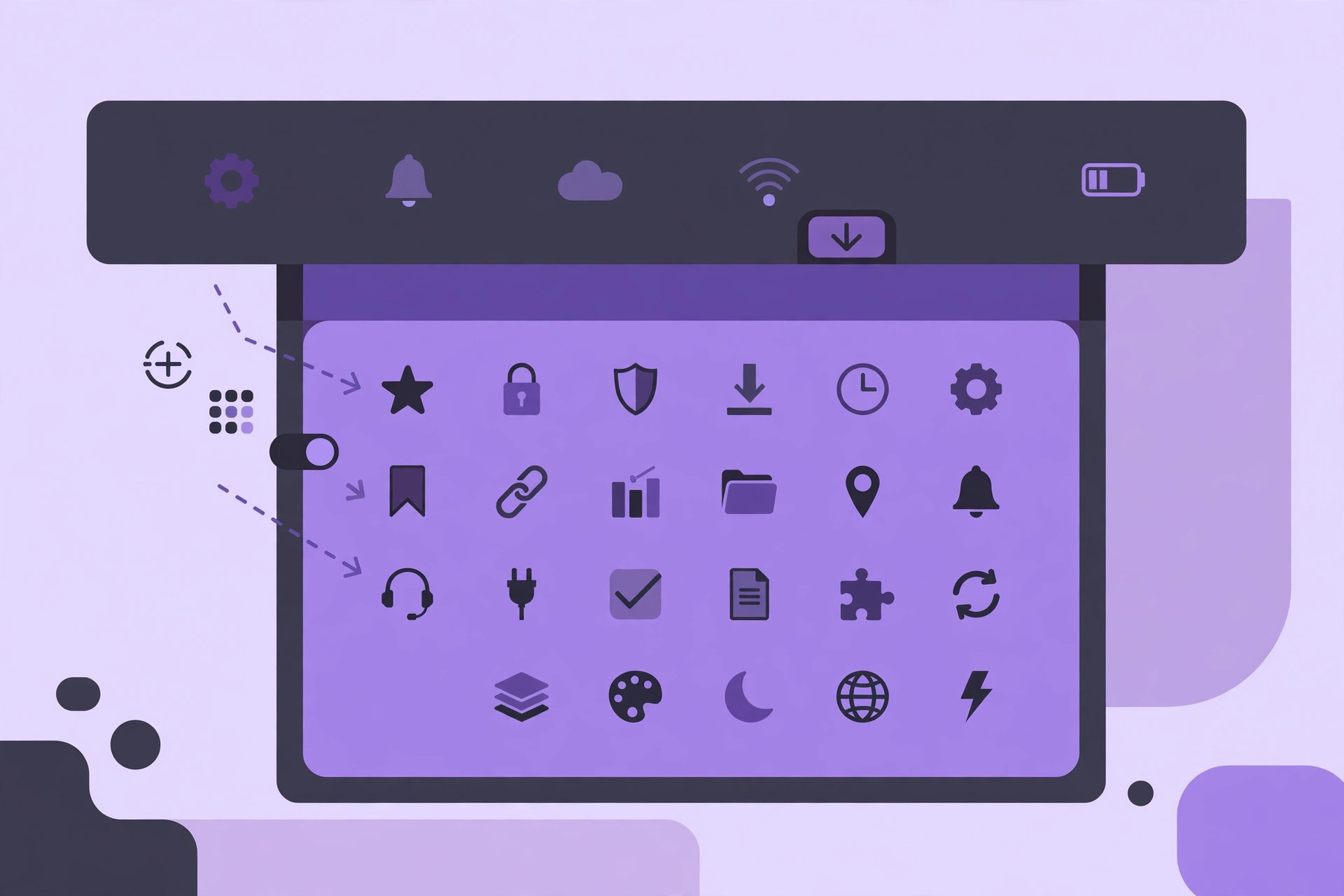
Mac UtilitiesBartender is the best-known menu bar manager for macOS, originally created by Surtees Studios and now stewarded by Applause Group. It gives you total control over your menu bar items: which ones show, which ones hide, and when they appear. The current line is Bartender 7, with version 7.1.0 adding macOS Tahoe support and easier migration of your existing setup.
Key Features
- Hide, rearrange and organise menu bar items, with a secondary Bartender Bar for hidden items
- Reveal hidden items on hover, click, scroll or a custom hotkey
- Triggers that show items automatically when conditions change, such as joining public Wi-Fi or unplugging power
- Keyboard-driven Command Bar in Bartender 7 for finding and activating menu bar items
- Handling for notched MacBook displays, plus search and configuration backups
How to Download
- Check which macOS you run: Bartender 7 is built for the latest macOS, and the purchase includes Bartender 6 for macOS Tahoe.
- Download from the official site, where a four-week free trial is available with no card required.
- Move Bartender to your Applications folder, grant the permissions it requests, and arrange your menu bar the way you want it.
System Requirements
Bartender 7 requires the latest version of macOS, while Bartender 6 covers macOS Tahoe, Sequoia and Sonoma. Both run natively on Apple silicon and Intel Macs. Check the official site to pick the right build for your system.
FAQs
Is Bartender free?
No, but there is a four-week free trial. After that you can buy a one-time Bartender 7 licence, a yearly Pro subscription with future upgrades, or a lifetime Mega Supporter licence.
I have an older Mac. Which version do I need?
New purchases include Bartender 7 and can also activate the latest Bartender 6, and earlier downloads are available from the developer's support page for older macOS versions.







Leave a Reply