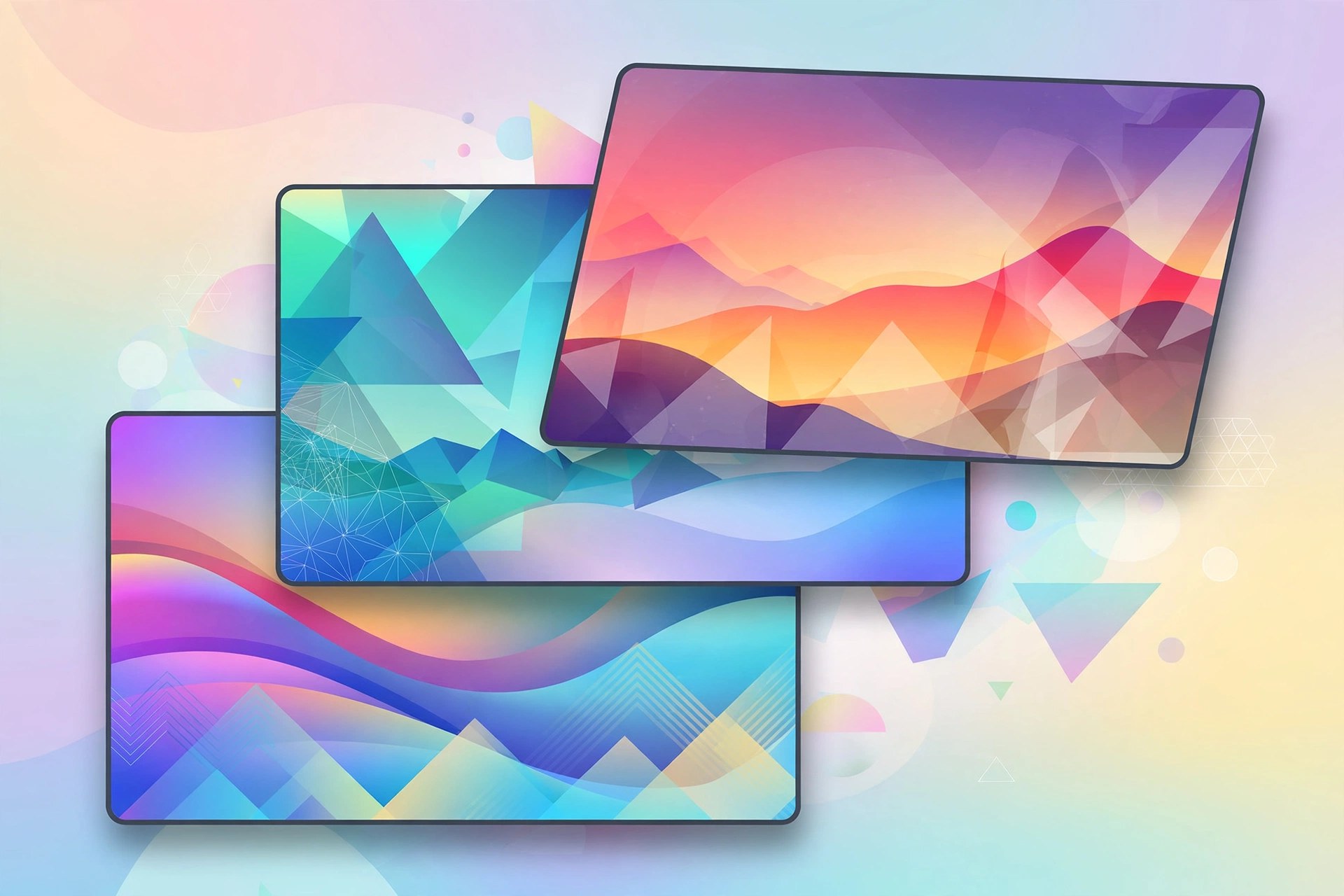
Backgrounds 10.0 for Mac
Mac UtilitiesBackgrounds is a Mac desktop customisation app that goes far beyond changing a wallpaper photo. Instead, your desktop itself becomes useful and alive through seven themes: Music, Parallax, Video, Quartz, System, Clock and Web. Your wallpaper can show the artwork of the song you are playing, play video, display live CPU and network activity, or keep the time in view — and themes can be combined, so system stats and a clock can stay visible on top of another theme. It also includes a Notification Center widget and two screen savers, Glass and Quartz X.
Key Features
- Seven desktop themes: Music, Parallax, Video, Quartz, System, Clock and Web
- Video theme plays your own videos as a live desktop wallpaper
- System theme monitors CPU and network usage right on the desktop
- Idle theme activates automatically when your Mac is idle, even in full screen
- Includes a Today widget and Glass and Quartz X screen savers
How to Download
- Use the green Download button on this page to check the current version and details.
- Visit the developer's website or the Mac App Store and find the official Backgrounds listing.
- Download and install it from that official listing, then open it and pick your first theme.
System Requirements
Backgrounds runs on a recent version of macOS and is distributed through the Mac App Store, which handles compatibility for your Mac model automatically. Live video and Quartz themes use more GPU power than a static wallpaper, so they suit a Mac that is plugged in or used at a desk.
FAQs
Does Backgrounds replace my normal wallpaper?
It enhances it rather than simply replacing the picture. You choose a theme — music artwork, video, system information and more — and can combine themes and set an idle theme for when you step away.
Is there anything extra to pay for?
The app has offered an optional Backgrounds Video Library HD & 4K subscription for extra video content, charged through your Apple ID. The core app and its themes are separate from that optional library.







Leave a Reply