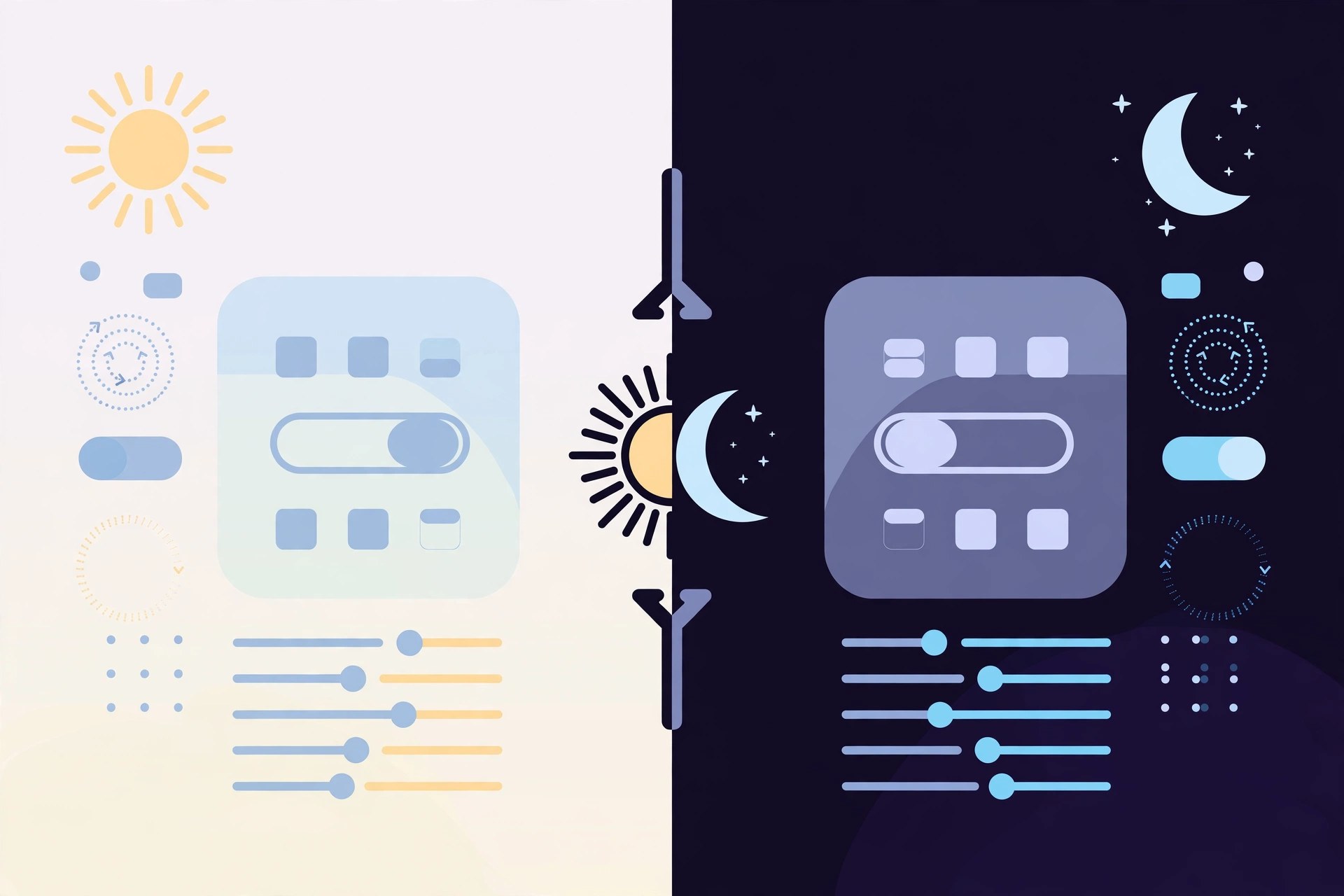
Auto Invert 2.2 for Mac
Mac UtilitiesAuto Invert is a small extension for Safari that gives websites a dark appearance, including the many sites that still offer no dark mode of their own. It works by inverting the brightness of the page rather than its colours, so text becomes light on a dark background while photos and videos keep looking normal. For anyone who reads on a Mac at night, it is a simple way to cut glare and make long pages easier on the eyes.
Key Features
- Turns bright websites into a dark, night-friendly view in Safari
- Inverts brightness without altering the colour palette of the page
- Leaves images and videos looking natural instead of negatively inverted
- Aimed at reducing eye strain and improving readability at night
- Distributed through the App Store as a Safari extension for Apple devices
How to Download
- Make sure your Mac runs macOS 10.14 or later, as the App Store listing requires.
- Download from the official site listing on the App Store.
- Install the app, then enable the extension in Safari's settings and reload a bright page to see the effect.
System Requirements
The App Store listing states the Mac version requires macOS 10.14 or later, with iPhone and iPad versions needing iOS 15 or later. It is a tiny extension, so storage and memory needs are minimal.
FAQs
Does it work on every website?
It works broadly in Safari, but pages with unusual designs can occasionally look odd. Sites that already have a proper dark mode usually look best with their own setting.
How is it different from macOS Dark Mode?
macOS Dark Mode only changes apps and sites that support it. Auto Invert applies its effect to web pages in Safari whether or not the site offers a dark theme of its own.







Leave a Reply