Author: admin

  • Acrok MXF Converter 7.3 for Mac

    Acrok MXF Converter 7.3 for Mac

    Acrok MXF Converter 7.3 for Mac

    Acrok MXF Converter 7.3 for Mac

    Mac Video
    Updated Nov 4, 2026
    Mac Video • Updated Nov 4, 2026

    Acrok MXF Converter 7.3 for Mac tackles MXF files, the container used by professional cameras from Canon's XF range, Panasonic P2, Sony XDCAM and others. Those files are built for broadcast workflows and frequently fail to open in everyday Mac software.

    The app transcodes MXF footage into native editing codecs and everyday formats, so clips drop straight into Final Cut Pro, Premiere Pro, Avid Media Composer or DaVinci Resolve. It also produces smaller viewing copies for clients, tablets and Smart TVs from the same source files.

    Key Features

    • Converts MXF to MOV, MP4, MKV, AVI, WMV and a wide range of other formats
    • Native editing outputs including ProRes, DNxHD and the Apple Intermediate Codec
    • Handles MXF from Canon, Panasonic, Sony, JVC, Blackmagic and RED cameras
    • Editing tools to trim, crop, merge, add watermarks and subtitles, and adjust effects
    • 2D-to-3D conversion modes and H.265/HEVC output support

    How to Download

    1. Download from the official site
    2. Run the installer and place the app in your Applications folder.
    3. Launch it, load your MXF files, select an editing or playback preset and convert.

    Is Acrok MXF Converter free?
    No. It is paid software, and Acrok provides a free trial so you can confirm it handles your camera's MXF files correctly before buying a licence.

    Is it safe to use MXF converters from random websites?
    Be careful. Unofficial download pages often package old builds or unwanted software with the installer. Downloading the trial directly from Acrok keeps your Mac and your footage safer.


  • Acrok MTS Converter 7.3 for Mac

    Acrok MTS Converter 7.3 for Mac

    Acrok MTS Converter 7.3 for Mac

    Acrok MTS Converter 7.3 for Mac

    Mac Video
    Updated Nov 4, 2026
    Mac Video • Updated Nov 4, 2026

    Acrok MTS Converter 7.3 for Mac is a specialist tool for AVCHD camcorder footage. MTS and M2TS files from Canon, Sony, Panasonic and JVC cameras often will not import cleanly into Mac editors, and this app converts them into friendly formats without fuss.

    You can send clips to editing formats such as ProRes for Final Cut Pro or the Apple Intermediate Codec for iMovie, or simply make MP4 and MOV copies for QuickTime, phones and TVs. Batch conversion means a whole memory card of clips can be processed in one run.

    Key Features

    • Converts AVCHD, MTS, M2TS and TS files to MOV, MP4, AVI, MKV, WMV and more
    • Optimised codecs for Final Cut Pro, iMovie, Avid Media Composer and Premiere Pro
    • Batch processing for converting many camcorder clips at once
    • Simple editing: trim, crop, merge, add watermarks or subtitles, adjust brightness and contrast
    • Extracts audio from MTS files to MP3, WAV, AAC, FLAC and other formats

    How to Download

    1. Download from the official site
    2. Install the app by following the on-screen steps and move it to Applications.
    3. Open it, import your MTS files, choose an output format and convert.

    Is Acrok MTS Converter free?
    No. It is a paid converter with a free trial, which is enough to test a few of your own camcorder clips and check quality before you decide to buy.

    Will converting MTS files lose quality?
    Choosing a high-quality or editor codec such as ProRes keeps quality very close to the original. Lower bitrate presets make smaller files for phones, so pick the preset that matches your goal.

  • Acrok HD Video Converter 7.3 for Mac

    Acrok HD Video Converter 7.3 for Mac

    Acrok HD Video Converter 7.3 for Mac

    Acrok HD Video Converter 7.3 for Mac

    Mac Video
    Updated Nov 4, 2026
    Mac Video • Updated Nov 4, 2026

    Acrok HD Video Converter 7.3 for Mac is built for one job: turning high-definition footage into a format your editor, TV or phone can actually use. It accepts recordings from Canon, Sony, Panasonic, Nikon and other cameras, including 4K and Full HD clips that refuse to open in some Mac apps.

    Beyond straight conversion, it prepares files for editing with output options aimed at Final Cut Pro, iMovie, Premiere Pro and Avid Media Composer. A small built-in editor covers trimming, cropping, merging clips and adding watermarks, so quick fixes do not need a second program.

    Key Features

    • Converts 4K, Full HD and HD video including MKV, MOV, MTS, M2TS, MXF, MP4 and AVI
    • Editor-ready outputs such as ProRes for Final Cut Pro and DNxHD for Avid
    • Device presets for Apple TV, iPad, iPhone, Android devices and Smart TVs
    • Built-in trimming, cropping, merging, watermarking and 2D-to-3D conversion
    • Audio extraction to MP3, WAV, FLAC, M4A and other common formats

    How to Download

    1. Download from the official site
    2. Open the installer and follow the prompts to add the app to Applications.
    3. Launch it, add a video, pick an output preset and start the conversion.

    Is Acrok HD Video Converter free?
    No. It is paid software with a free trial version, so you can convert sample clips first and buy a licence only if the results and speed suit your workflow.

    Why not grab it from a free download site?
    Unofficial copies are often outdated or bundled with unwanted extras, and licence keys sold there rarely work. The trial and licence from Acrok's own site are the safe, supported route.

  • Adobe Acrobat XI Pro 11.0.17 for Mac

    Adobe Acrobat XI Pro 11.0.17 for Mac

    Adobe Acrobat XI Pro 11.0.17 for Mac

    Adobe Acrobat XI Pro 11.0.17 for Mac

    Mac Business
    Updated Nov 4, 2026
    Mac Business • Updated Nov 4, 2026

    Adobe Acrobat XI Pro 11.0.17 for Mac was the final maintenance update of the Acrobat XI generation, Adobe's professional PDF editor of its time. Teams used it to build PDFs from office files, correct text in place, assemble long documents from mixed sources, and collect information through fillable forms.

    That history matters when you choose what to install today. Adobe ended support for Acrobat XI in 2017, so version 11.0.17 gets no security fixes and was never designed for current macOS releases. The maintained successor is today's Adobe Acrobat, sold by subscription with ongoing updates.

    Key Features

    • PDF creation from documents and scans, plus export to editable Word, Excel and PowerPoint files
    • In-place editing of text and graphics, page merging, splitting and reordering
    • Form authoring, commenting, review mark-up and electronic signature workflows
    • Redaction, password encryption and permission settings to protect shared documents
    • Action wizards and batch tools for repeating the same PDF tasks across many files

    How to Download

    1. Download from the official site — Adobe now provides the current Acrobat here.
    2. Create or sign in to an Adobe account, then start a trial or choose a plan.
    3. Install, launch Acrobat from your Applications folder, and sign in to finish.

    Is Acrobat XI Pro 11.0.17 free?
    No. XI Pro was a paid product and Adobe has discontinued it entirely. There is no legitimate free full version; the current Acrobat is the version Adobe offers with a free trial.

    Should I still run Acrobat XI on my Mac?
    It is not recommended. Without security updates since support ended, old Acrobat versions carry known risks, and installers found on unofficial sites are frequently tampered with. The current Acrobat from Adobe is the safe option.

  • Adobe Acrobat XI Pro 11.0.10 for Mac

    Adobe Acrobat XI Pro 11.0.10 for Mac

    Adobe Acrobat XI Pro 11.0.10 for Mac

    Adobe Acrobat XI Pro 11.0.10 for Mac

    Mac Business
    Updated Nov 4, 2026
    Mac Business • Updated Nov 4, 2026

    Adobe Acrobat XI Pro 11.0.10 for Mac was a widely used edition of Adobe's professional PDF software, released as part of the Acrobat XI generation. It let Mac users create PDFs from office documents, edit text and images inside existing files, combine several documents into one, and prepare forms.

    Important context: Acrobat XI is a legacy product. Adobe ended support for Acrobat XI years ago, no longer sells this version, and it receives no security updates. On a modern Mac, the supported choice is the current Adobe Acrobat, which is maintained, patched and built for recent versions of macOS.

    Key Features

    • Create PDFs from documents, scans and web pages, and export PDFs back to Word or Excel
    • Edit text, images and page order directly inside a PDF file
    • Fillable form creation, electronic signing and document commenting tools
    • Password protection, redaction and permissions controls for sensitive files
    • Merge, split and reorganise PDFs, with preflight checks for print work

    How to Download

    1. Download from the official site — this leads to the current, supported Adobe Acrobat.
    2. Sign in with an Adobe account and choose a plan or start the free trial.
    3. Run the installer, open Acrobat from Applications, and sign in to activate.

    Is Acrobat XI Pro 11.0.10 free?
    No. It was commercial software, and Adobe no longer sells it. The current Acrobat offers a free trial; anyone promising a free full copy of XI Pro is not an official source.

    Is it safe to install Acrobat XI from download sites?
    No. Unofficial copies of discontinued Adobe software are a common source of malware and cannot be activated or updated legally. Use Adobe's current Acrobat instead for a patched, supported PDF tool.

  • Soulver for Mac

    Soulver for Mac

    Soulver for Mac

    Soulver for Mac

    Mac Utilities
    Updated Nov 4, 2026
    Mac Utilities • Updated Nov 4, 2026

    Soulver for Mac, made by Acqualia, is a notepad calculator that lets you mix words and numbers on the same page. Instead of tapping buttons on a traditional calculator, you type lines like a note, and Soulver works out each answer live on the right-hand side as you write.

    It suits budgets, quotes, invoices, travel planning and quick estimates where the reasoning matters as much as the result. Because every calculation stays visible in plain language, you can re-read a sheet weeks later, change one figure, and watch every total update instantly across the page.

    Key Features

    • Natural-language calculations — write sums in words and see answers appear line by line
    • Live currency conversion, plus hundreds of units for length, weight, time, data and more
    • Variables, subtotals and answer references so later lines can build on earlier results
    • Date and time maths, percentages and time-zone conversions handled in plain text
    • Sheets saved as plain text files with iCloud sync across Mac, iPhone and iPad

    How to Download

    1. Download from the official site
    2. Open the download, move Soulver to Applications, and launch it.
    3. Start a new sheet, or buy a licence in the app to unlock it fully after the trial.

    Is Soulver free?
    No. Soulver is a paid app, but Acqualia offers a free trial so you can test the notepad calculator on your own sums before buying a licence.

    Can Soulver replace a spreadsheet?
    For quick, readable calculations, yes — it is faster to set up than a spreadsheet. For large tables a spreadsheet still fits better. Either way, download Soulver only from Acqualia or the App Store; unofficial copies may be altered and will not update properly.

  • Acorn 8.7.1 for Mac

    Acorn 8.7.1 for Mac

    Acorn 8.7.1 for Mac

    Acorn 8.7.1 for Mac

    Mac Photo & Design
    Updated Nov 4, 2026
    Mac Photo & Design • Updated Nov 4, 2026

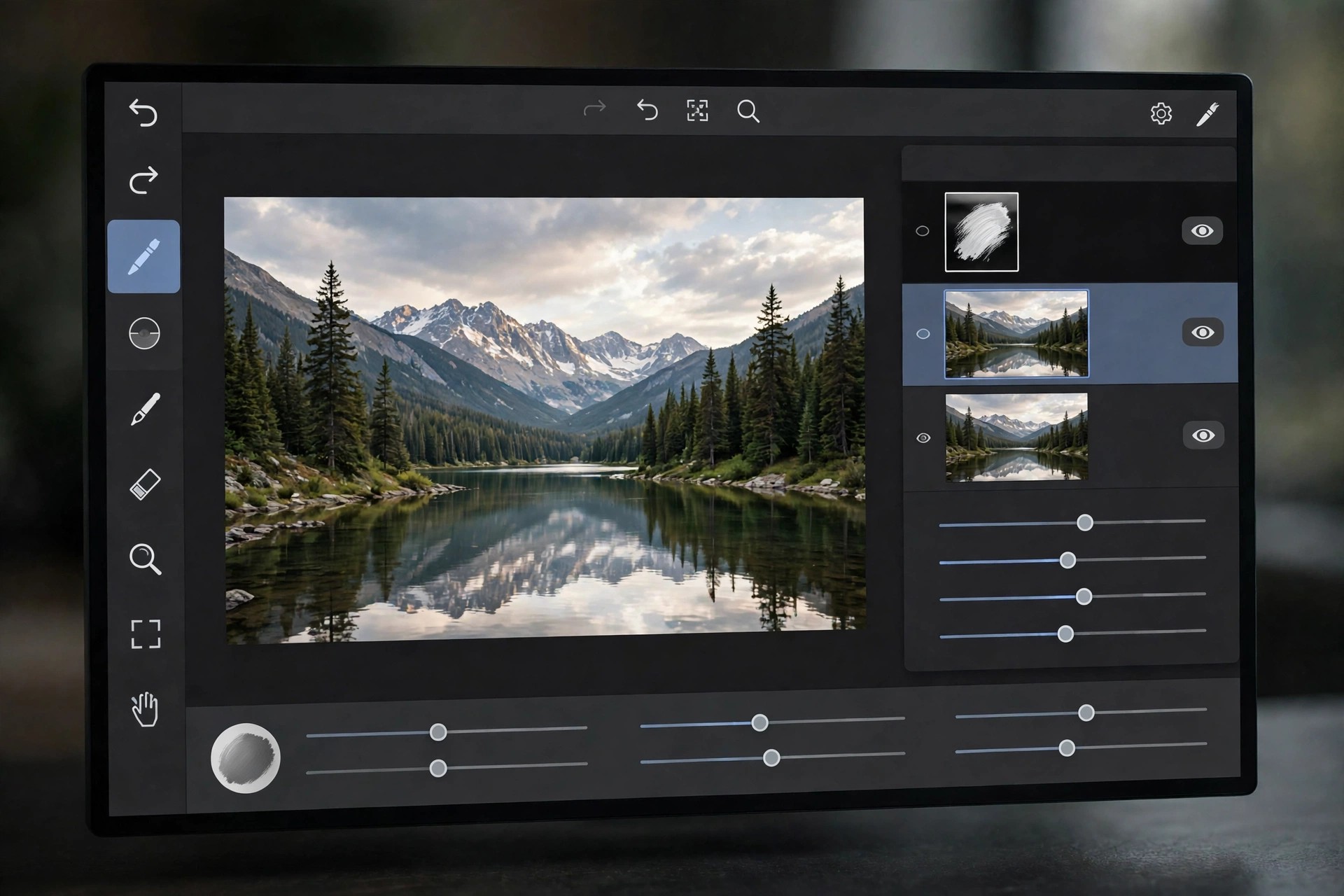
    Acorn 8.7.1 for Mac is a capable image editor from Flying Meat, built only for macOS and designed to feel quick and approachable from the first launch. It handles everyday photo touch-ups, screenshots, collages and original artwork in one tidy window, without the steep learning curve of larger professional suites.

    This release runs natively on Apple Silicon and Intel Macs and needs macOS 14 Sonoma or later. Work is organised in layers, so you can combine photos, text and shapes, adjust each part separately, and export a finished copy while keeping your editable original safe for later changes.

    Key Features

    • Layer-based editing with masks, blend modes and non-destructive filters you can revisit at any time
    • Photo tools for retouching, colour correction, curves and RAW image import
    • Vector shapes and editable text for posters, social graphics and annotated screenshots
    • Machine-learning selection helpers and a fast Metal-powered brushing engine
    • Automation support through Shortcuts, AppleScript and JavaScript for repeat jobs

    How to Download

    1. Download from the official site
    2. Open the downloaded file and drag Acorn into your Applications folder.
    3. Launch the app, try it out, and enter a licence key if you decide to buy.

    Is Acorn 8.7.1 free?
    No. Acorn is paid software sold as a one-time licence with no subscription, and Flying Meat offers a free trial so you can test it on your own photos before paying.

    Is it safe to download Acorn from other sites?
    Stick to Flying Meat or the Mac App Store. Unofficial download sites often bundle old or modified copies with unwanted software, and you would miss genuine updates and support.

  • Acon 1.1.1 for Mac

    Acon 1.1.1 for Mac

    Acon 1.1.1 for Mac

    Acon 1.1.1 for Mac

    Mac Utilities
    Updated Nov 4, 2026
    Mac Utilities • Updated Nov 4, 2026

    When macOS Big Sur redesigned app icons, many older apps were left with odd, outdated shapes that clashed with the new rounded-square look. Acon is a small, focused Mac utility that fixes exactly that: it turns your existing app icons into clean Big Sur-style icons, so your Dock and Launchpad look consistent again.

    The app is simple by design. Give it an icon, choose a solid colour or gradient background, and Acon shapes it into the modern squircle format with the right size and proportions. It runs on Apple Silicon and Intel Macs and works on macOS 10.11 and later, making it useful even for older machines.

    Key Features

    • Converts odd-shaped icons into rounded Big Sur-style icons
    • Solid colour and gradient background fills for a matching look
    • Simple, fast workflow with no design experience required
    • Native support for Apple Silicon and Intel Macs
    • Compatible with macOS 10.11 and later

    How to Download

    1. Download from the official site
    2. Open Acon from your Applications folder and drop in the icon you want to restyle.
    3. Pick a background, export the finished icon, and apply it to the app via Get Info.

    Is Acon free?
    Acon was distributed through the Mac App Store, and its store page lists its current pricing and terms. Avoid assuming it is free simply because some directory pages label it that way — check the official listing before installing.

    Is it safe to download Acon elsewhere?
    Only get it from the official Mac App Store listing. Third-party sites repackaging Mac App Store apps can ship modified installers, and there is no reason to risk that for a small icon utility.

  • Acon Digital Verberate Immersive 2.2.10 for Mac

    Acon Digital Verberate Immersive 2.2.10 for Mac

    Acon Digital Verberate Immersive 2.2.10 for Mac

    Acon Digital Verberate Immersive 2.2.10 for Mac

    Mac Audio
    Updated Nov 4, 2026
    Mac Audio • Updated Nov 4, 2026

    Acon Digital Verberate Immersive 2.2.10 for Mac is a reverb built for surround and immersive work, not just stereo. Film and TV mixers, Atmos music producers and game audio teams use it to place dialogue, music and effects inside believable three-dimensional spaces on a Mac.

    It extends the well-regarded Verberate engine into multichannel formats, with independent handling of the dry signal, early reflections and the reverb tail. Its Vivid Hall algorithm adds subtle time variation, so tails decay smoothly and naturally instead of sounding static or metallic, even in large, complex sessions.

    Key Features

    • Supports common surround and immersive formats up to 7.1.6 and beyond
    • Vivid Hall algorithm for dense, natural, resonance-free reverb tails
    • Separate placement of dry signal, reflections and tail in the surround field
    • Fifteen algorithmic early reflection patterns calculated in real time
    • Light on CPU, with VST, VST3, AAX and AU versions for Mac hosts

    How to Download

    1. Check your Mac DAW supports multichannel VST, AU or AAX plug-ins.
    2. Download from the official site and try it in a surround session.
    3. Install, load it on an immersive bus, and explore the factory presets first.

    Is Acon Digital Verberate Immersive free?
    No, it is a professional paid plug-in. A free trial from Acon Digital lets you test its Atmos workflow in your own studio before buying.

    Is the stereo Verberate enough for Atmos work?
    No, the stereo version handles mono and stereo only. For surround and immersive formats you need Verberate Immersive from the official site.

  • Acon Digital Restoration Suite 2.1.27 for Mac

    Acon Digital Restoration Suite 2.1.27 for Mac

    Acon Digital Restoration Suite 2.1.27 for Mac

    Acon Digital Restoration Suite 2.1.27 for Mac

    Mac Audio
    Updated Nov 4, 2026
    Mac Audio • Updated Nov 4, 2026

    Acon Digital Restoration Suite 2.1.27 for Mac is a four-plug-in bundle for cleaning up recordings that are nearly right, but spoiled by one flaw. Hiss on a quiet vocal, mains hum under a guitar take, clicks on a vinyl transfer or peaks clipped during recording — each problem gets its own dedicated tool.

    Keeping the tools separate makes the workflow simple and predictable. You load only the processor you need, adjust a small set of clear controls, and keep the rest of the performance untouched. That approach suits archivists, podcasters, musicians and video editors alike.

    Key Features

    • DeNoise reduces hiss, wind, buzz and broadband background noise
    • DeHum removes electrical hum and buzz with automatic frequency scan
    • DeClick repairs clicks and crackle while preserving transients
    • DeClip reconstructs peaks damaged by analogue or digital clipping
    • All four plug-ins run on Mac in VST, VST3, AAX and AU formats

    How to Download

    1. Confirm your Mac host application supports VST, AU or AAX plug-ins.
    2. Download from the official site and install the trial bundle.
    3. Test each plug-in on a short problem clip before processing full sessions.

    Is Acon Digital Restoration Suite free?
    No, it is a paid suite, but a free trial is available from Acon Digital. That trial is the best way to judge the repair quality on your recordings.

    Why avoid unofficial Restoration Suite downloads?
    Unofficial copies may be outdated, unstable or bundled with malware, and they receive no updates. Always download from Acon Digital itself.