Acrok MTS Converter 7.3 for Mac
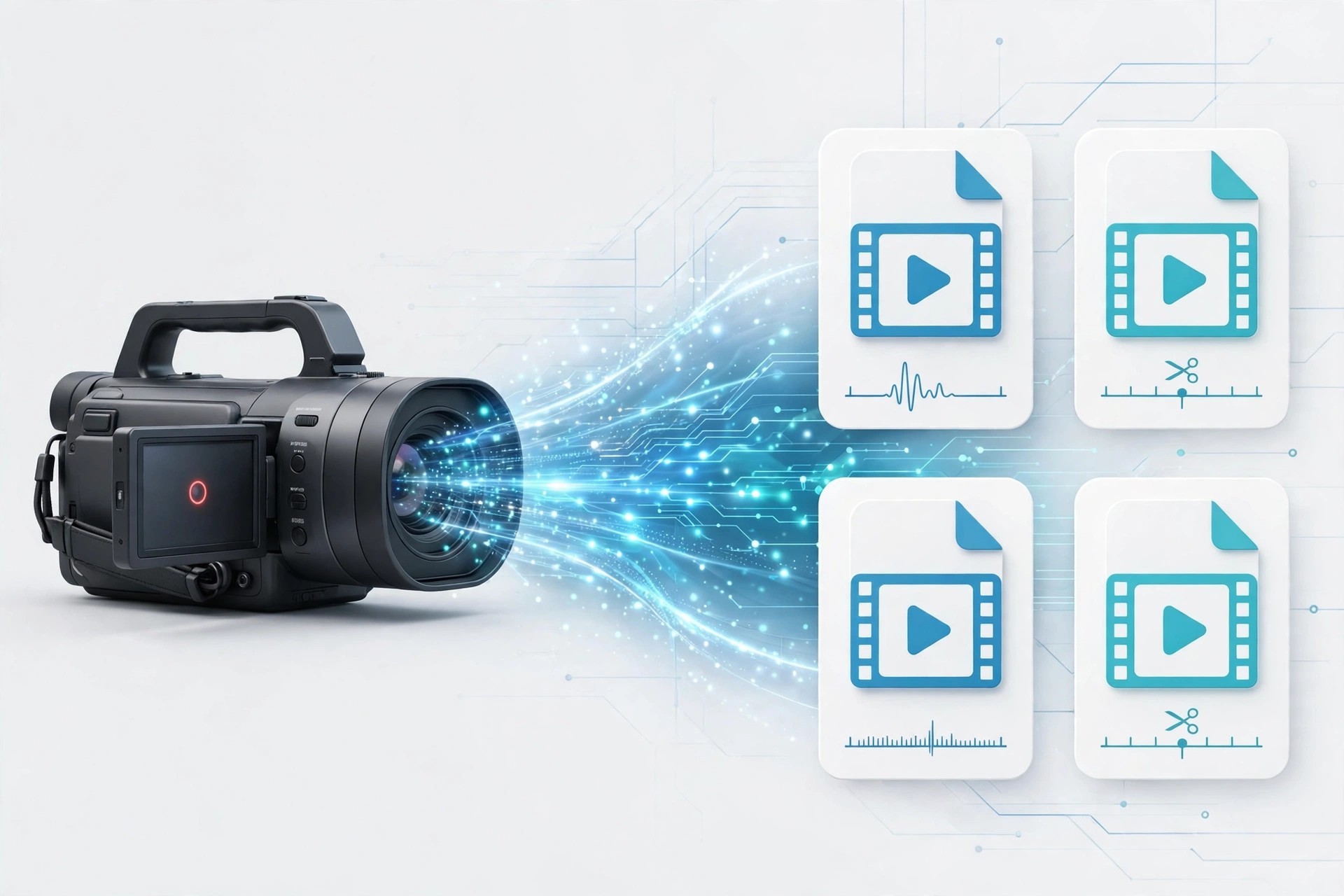
Mac VideoAcrok MTS Converter 7.3 for Mac is a specialist tool for AVCHD camcorder footage. MTS and M2TS files from Canon, Sony, Panasonic and JVC cameras often will not import cleanly into Mac editors, and this app converts them into friendly formats without fuss.
You can send clips to editing formats such as ProRes for Final Cut Pro or the Apple Intermediate Codec for iMovie, or simply make MP4 and MOV copies for QuickTime, phones and TVs. Batch conversion means a whole memory card of clips can be processed in one run.
Key Features
- Converts AVCHD, MTS, M2TS and TS files to MOV, MP4, AVI, MKV, WMV and more
- Optimised codecs for Final Cut Pro, iMovie, Avid Media Composer and Premiere Pro
- Batch processing for converting many camcorder clips at once
- Simple editing: trim, crop, merge, add watermarks or subtitles, adjust brightness and contrast
- Extracts audio from MTS files to MP3, WAV, AAC, FLAC and other formats
How to Download
- Download from the official site
- Install the app by following the on-screen steps and move it to Applications.
- Open it, import your MTS files, choose an output format and convert.
Is Acrok MTS Converter free?
No. It is a paid converter with a free trial, which is enough to test a few of your own camcorder clips and check quality before you decide to buy.
Will converting MTS files lose quality?
Choosing a high-quality or editor codec such as ProRes keeps quality very close to the original. Lower bitrate presets make smaller files for phones, so pick the preset that matches your goal.







Leave a Reply