Author: admin

  • Ample Bass P III 3.1.0 for Mac

    Ample Bass P III 3.1.0 for Mac

    Ample Bass P III 3.1.0 for Mac

    Ample Bass P III 3.1.0 for Mac

    Mac Audio
    Updated Nov 4, 2026
    Mac Audio • Updated Nov 4, 2026

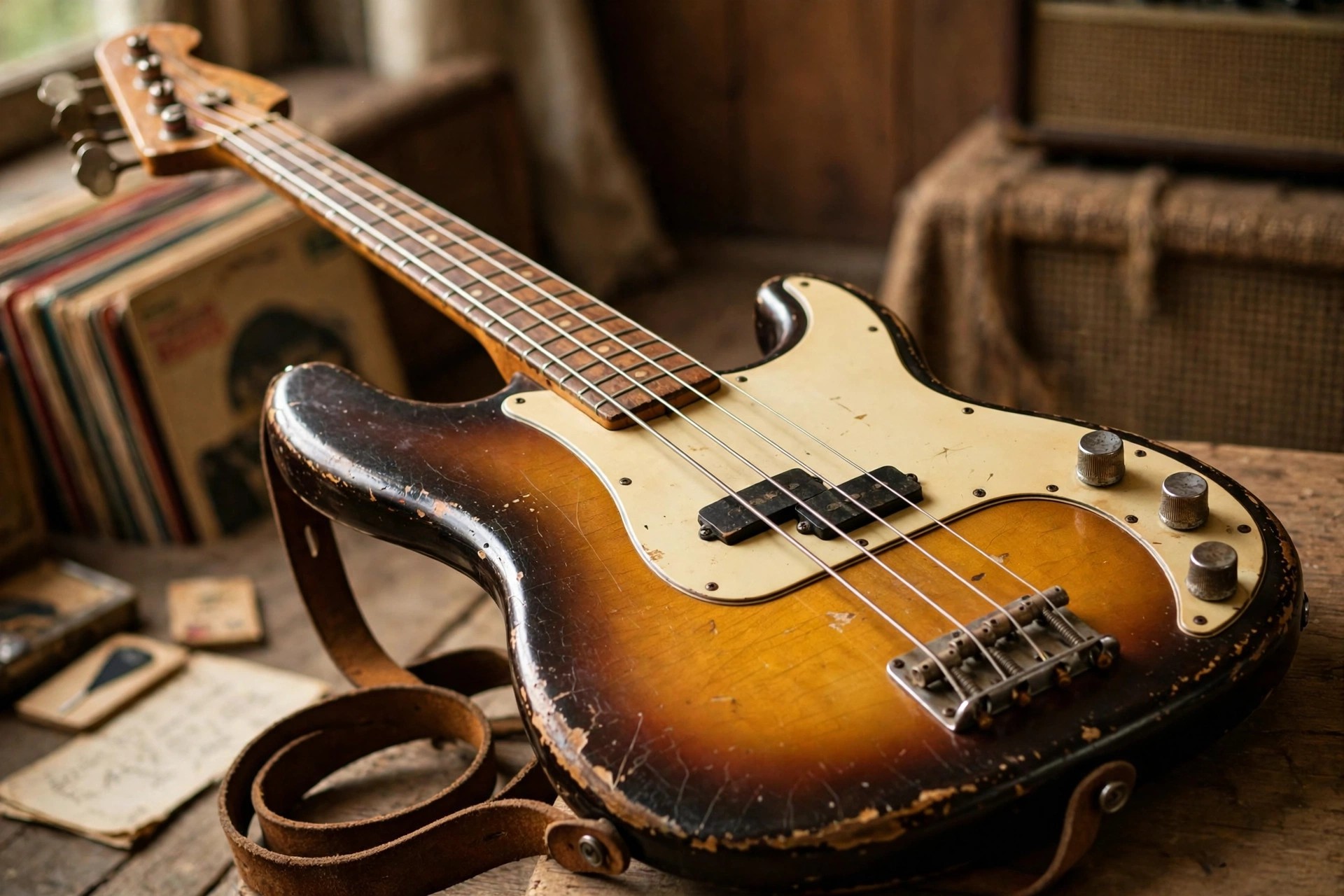
    Ample Bass P III 3.1.0 for Mac is the third-generation release of Ample Sound's Fender Precision Bass instrument. The Precision sound is all about a solid midrange thump that supports a song without fighting it, and this library captures that character with per-fret sampling and a wide articulation set that goes well beyond plain sustained notes, into slap, pop and tapped playing.

    Version 3.1.0 sits on the mature version 3 engine, with the Riffer for programming grooves and a Tab Player that can load popular tablature formats and perform them with realistic fingering logic. Ample Sound sells the instrument as a paid licence from its official store, with trial downloads offered on the product page; it is not a free full version, so use the trial to judge the tone in your own mixes first.

    Key Features

    • Classic Fender Precision Bass recorded fret by fret in 24-bit quality
    • Articulations include sustain, palm mute, natural harmonic, hammer-on and pull-off, legato slide, slap, pop, tap and dead note
    • Riffer with genre presets to shape and humanise programmed basslines
    • Tab Player that reads common guitar and bass tablature formats and adds performance detail automatically
    • AU, VST, AAX and standalone formats for Mac, suited to Logic Pro, Cubase, Ableton Live and Pro Tools sessions

    How to Download

    1. Download from the official site
    2. Pick the trial or complete your purchase, then download the Mac installer from your Ample Sound account.
    3. Install the library, activate with your serial while online, and load the plugin in your DAW to start writing parts.

    What is the difference between Bass P III and Bass P 4.0?
    They are two generations of the same Precision Bass instrument. The III release uses the version 3 engine, while 4.0 adds the newer Riffer 4 workflow and engine updates. Both share the same official product page.

    Can I play it from a MIDI keyboard?
    Yes. You can perform it live from any MIDI controller, trigger articulations with key switches, and it also supports MIDI guitar input for players who prefer to track parts on a guitar controller.
  • Ample Bass Metal Ray5 3.1.0 for Mac

    Ample Bass Metal Ray5 3.1.0 for Mac

    Ample Bass Metal Ray5 3.1.0 for Mac

    Ample Bass Metal Ray5 3.1.0 for Mac

    Mac Audio
    Updated Nov 4, 2026
    Mac Audio • Updated Nov 4, 2026

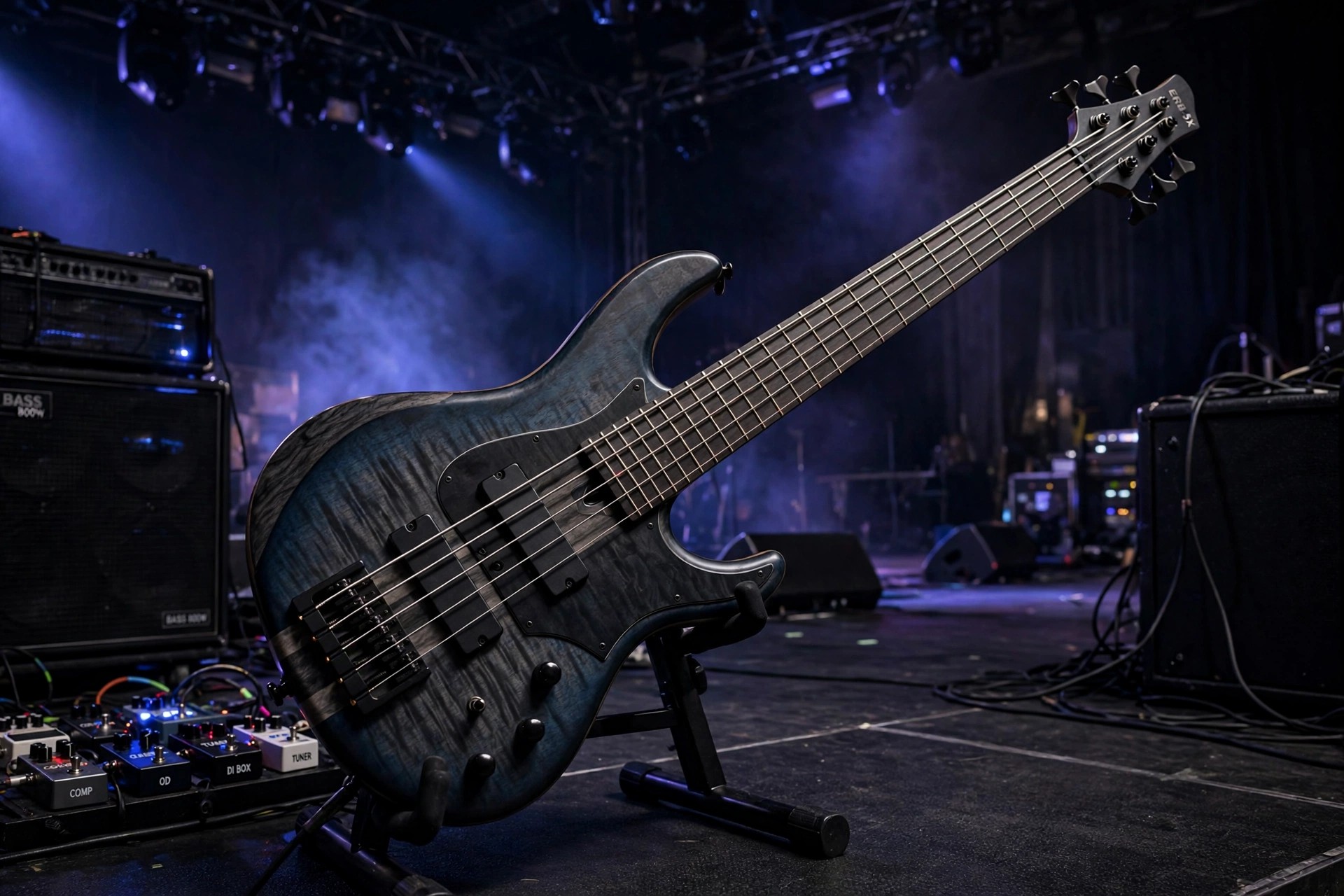
    Ample Bass Metal Ray5 3.1.0 for Mac is Ample Sound's virtual five-string bass, sampled from a Music Man StingRay 5 Classic. That instrument is known for a hard, bright attack that cuts through dense guitars, which makes this library a natural fit for metal, hard rock and modern productions that need low end with real definition rather than a soft, buried rumble.

    The 3.1.0 build belongs to the third-generation Ample Sound engine, with separate Fingerstyle and Pick playing styles so you can choose between a rounder fingered tone and a more aggressive picked edge. It is a paid instrument, not a free full version; Ample Sound sells it from its own store and offers trial downloads from the official site, so check the product page for the current price and trial terms before you buy.

    Key Features

    • Sampled Music Man StingRay 5 Classic with Fingerstyle and Pick libraries included
    • Nine articulations including sustain, palm mute, natural harmonic, hammer-on and pull-off, legato slides and dead notes
    • Drop tuning support down to A0 for extended low-range metal parts
    • Riffer MIDI editor and Tab Reader for building realistic basslines and importing Guitar Pro files
    • Runs as VST, VST3, AU and AAX plugins or standalone on macOS 10.15 and later, including Apple Silicon Macs

    How to Download

    1. Download from the official site
    2. On the Ample Sound page, choose the trial or buy the licence, then create your account to receive the Mac installer.
    3. Run the installer, place the sample library on an internal drive or fast SSD, and activate the product online before loading it in your DAW.

    Is Ample Bass Metal Ray5 free?
    No. It is a commercial instrument sold by Ample Sound. The official site offers a trial so you can test the sound and workflow in your own sessions before paying for the full licence.

    Which DAWs can use it on a Mac?
    Any host that accepts AU, VST, VST3 or AAX plugins, including Logic Pro, Cubase, Ableton Live, Studio One and Pro Tools, plus the included standalone app for quick practice and preset browsing.

  • Ample Sound Ample Bass Metal Ray 3.3.0 for Mac

    Ample Sound Ample Bass Metal Ray 3.3.0 for Mac

    Ample Sound Ample Bass Metal Ray 3.3.0 for Mac

    Ample Sound Ample Bass Metal Ray 3.3.0 for Mac

    Mac Audio
    Updated Nov 4, 2026
    Mac Audio • Updated Nov 4, 2026

    Ample Sound Ample Bass Metal Ray 3.3.0 for Mac is the virtual 5-string bass that Ample Sound sells today as Ample Metal Ray5. It is sampled from a Music Man StingRay 5 Classic, a bright, aggressive instrument with an extra low string, and it runs on macOS as an AU, VST or AAX plugin or in a standalone host for use in any modern DAW.

    The low tuning support, down to A0, and the hard, cutting character of the StingRay make this edition the one aimed at rock and metal producers, although fingerstyle and picked libraries keep it usable for pop and funk too. Version 3.3.0 is from the paid version 3 generation; Ample Sound offers a short full-feature trial, with current pricing and newer versions listed on the official page.

    Key Features

    • Music Man StingRay 5 Classic 5-string bass sampled on every fret
    • Pick and fingerstyle libraries for aggressive or rounded playing styles
    • Articulations including sustain, palm mute, harmonics, slides and dead notes
    • Drop tuning down to A0 for modern metal and extended-range parts
    • Riffer MIDI editor, Tab Reader, built-in amp models, cabinets and effects

    How to Download

    1. Download from the official site
    2. Start the Ample Sound trial or buy the licence, then download the Mac installer from your account.
    3. Install the library and plugin, activate it, and load it as an AU, VST or AAX instrument in your DAW.

    Is Ample Metal Ray5 free?
    No, it is a paid instrument. Ample Sound provides a limited full-feature trial, but long-term use requires a purchased licence; no legitimate free full version exists.

    Why choose this over other Ample basses?
    For the 5-string range and the StingRay bite. If your tracks need low, tight, aggressive bass that cuts through dense guitars, this is the Ample Sound edition built for that job.

  • Ample Sound Ample Bass Jaco Fretless 3.2.0 for Mac

    Ample Sound Ample Bass Jaco Fretless 3.2.0 for Mac

    Ample Sound Ample Bass Jaco Fretless 3.2.0 for Mac

    Ample Sound Ample Bass Jaco Fretless 3.2.0 for Mac

    Mac Audio
    Updated Nov 4, 2026
    Mac Audio • Updated Nov 4, 2026

    Ample Sound Ample Bass Jaco Fretless 3.2.0 for Mac is a virtual bass built from samples of a Fender Custom Shop Jaco Pastorius Relic Fretless Jazz Bass. Made by Ample Sound, it runs as an AU, VST or AAX plugin or standalone on macOS, giving producers that singing, sliding fretless tone most associated with jazz and fusion, directly inside a DAW session.

    Because the source instrument has no frets, this edition includes a slide system designed specifically for fretless playing, so legato lines can glide over any interval and speed instead of stepping between notes. Version 3.2.0 belongs to the paid version 3 generation. Ample Sound offers a short full-feature trial, and the official page now covers newer releases, so check it for today's price.

    Key Features

    • Fender Custom Shop Jaco Pastorius Relic Fretless Jazz Bass, 2.2 GB library
    • Fretless slide engine with polyphonic legato for smooth, vocal-like lines
    • Articulations including sustain, palm mute, harmonics, slap, pop and slides
    • Riffer MIDI editor and Tab Reader for Guitar Pro file import
    • Built-in bass amp models, four cabinets with microphone choices, and effects

    How to Download

    1. Download from the official site
    2. Take Ample Sound's trial or purchase the licence, then get the Mac installer from your account.
    3. Install and activate the plugin, then load it as an AU, VST or AAX instrument in your DAW.

    Is Ample Bass Jaco Fretless free?
    No, it is paid software. A limited full-feature trial is available from Ample Sound, but there is no legitimate free full version of this instrument.

    What music suits a fretless bass?
    Jazz, fusion, funk and expressive pop or film work, anywhere a smooth gliding bass line should sing rather than thump. The fretless engine is what sets this edition apart from Ample Sound's fretted models.

  • Ample Sound Ample Bass Acoustic 3.2.0 for Mac

    Ample Sound Ample Bass Acoustic 3.2.0 for Mac

    Ample Sound Ample Bass Acoustic 3.2.0 for Mac

    Ample Sound Ample Bass Acoustic 3.2.0 for Mac

    Mac Audio
    Updated Nov 4, 2026
    Mac Audio • Updated Nov 4, 2026

    Ample Sound Ample Bass Acoustic 3.2.0 for Mac is a virtual instrument that recreates a Guild B-54 CE acoustic bass inside your DAW. Made by Ample Sound, it runs as an AU, VST or AAX plugin, or standalone, so you can play warm acoustic low end in Logic Pro, Cubase, Pro Tools and other hosts without owning the physical instrument.

    The library was recorded on every fret with body and room microphones plus a DI signal, and the two can be blended: keep the natural acoustic body for folk and unplugged sessions, or lean on the DI for a tighter, more electric feel. Version 3.2.0 is a paid release from the version 3 generation; Ample Sound offers a short full-feature trial, so confirm current pricing on the official page.

    Key Features

    • Guild B-54 CE acoustic bass sampled on every fret, around 4.89 GB
    • Articulations including sustain, palm mute, harmonics, slides, slap and pop
    • Separate mic and DI signals with their own mixing and stereo modes
    • Riffer MIDI editor and Tab Reader for importing Guitar Pro bass lines
    • Built-in bass amp models, cabinets and effects including EQ and reverb

    How to Download

    1. Download from the official site
    2. Start Ample Sound's trial or buy the licence, then download the Mac installer from your account.
    3. Install the library and plugin, activate it, and load it as an AU, VST or AAX instrument in your DAW.

    Is Ample Bass Acoustic free?
    No, it is a paid instrument. Ample Sound offers a limited full-feature trial, but continued use requires buying a licence; there is no legitimate free full version.

    Which DAWs does it work in?
    Any Mac host that supports AU, VST or AAX plugins, such as Logic Pro, Cubase, Ableton Live and Pro Tools, and it can also run in its standalone host.

  • AmoyShare Photo Collage Maker 3.1.2 for Mac

    AmoyShare Photo Collage Maker 3.1.2 for Mac

    AmoyShare Photo Collage Maker 3.1.2 for Mac

    AmoyShare Photo Collage Maker 3.1.2 for Mac

    Mac Photo & Design
    Updated Nov 4, 2026
    Mac Photo & Design • Updated Nov 4, 2026

    AmoyShare Photo Collage Maker 3.1.2 for Mac is a simple design app for turning a folder of photos into something worth sharing. Rather than starting from a blank canvas in a professional editor, you pick a ready-made layout and drop your pictures in to build collages, greeting cards, calendars, posters and scrapbook pages.

    The app came from AmoyShare, a multimedia software maker best known for its music and video downloaders and converters. This collage tool was aimed squarely at home users, with templates for birthdays, weddings and holidays. It was commercial software sold through the maker's site, although we could not confirm that a current official Mac product page is still maintained for this version.

    Key Features

    • Check AmoyShare's current site for this product before trusting any third-party installer.
    • If you obtain the official app, install it, choose a template, add your photos and export or print your collage.
    • Is Photo Collage Maker free?
      It was sold as paid software, sometimes promoted in giveaway offers, so it is not a free full version by default. Because we could not confirm a live official page, be cautious with sites still charging for version 3.1.2.

      Do I need design experience?
      No. The whole point of the app is template-based design: pick a layout, drop in photos, adjust and decorate, then save, email or print the finished piece.

  • Ammonite 1.23.1 for Mac

    Ammonite 1.23.1 for Mac

    Ammonite 1.23.1 for Mac

    Ammonite 1.23.1 for Mac

    Mac Utilities
    Updated Nov 4, 2026
    Mac Utilities • Updated Nov 4, 2026

    Ammonite 1.23.1 for Mac is a tag visualiser and search utility from Soma-Zone, the German developer also known for BackupLoupe. macOS tags are useful only if you can find things with them again, and Ammonite turns all the tags on your system into a cloud where the most-used tags appear biggest and are clickable.

    Clicking a tag instantly narrows the results to matching documents, and you can combine several tags, exclude others, or filter by date. Ammonite reads tags from Finder files and also works directly with DEVONthink databases and Obsidian vaults. It is shareware: you can download and try it from the maker, then buy a licence if it earns a place in your workflow.

    Key Features

    • Tag cloud view for Finder, DEVONthink and Obsidian, sized by tag usage
    • Left-click to include a tag, right-click to exclude it, with instant results
    • Tag hierarchies using names like Publisher>Manning, nested without limits
    • Search by creation or modification date and date range
    • Quick Look previews, document details, and support for OpenMeta and native macOS tags

    How to Download

    1. Download from the official site
    2. Use the Download link on the Soma-Zone page to get the trial, or the Buy link for a licence.
    3. Install Ammonite, let it index your tags, and click through the cloud to find your documents.

    Does Ammonite replace DEVONthink?
    No. It is a companion tool. It searches and visualises tags inside DEVONthink databases, Finder folders and Obsidian vaults, but your documents still live in those apps.

    Is Ammonite free?
    It is shareware rather than a free full version. The download lets you try it out first, and ongoing use requires buying a licence from Soma-Zone.

  • Amita Capture 1.56 for Mac

    Amita Capture 1.56 for Mac

    Amita Capture 1.56 for Mac

    Amita Capture 1.56 for Mac

    Mac Photo & Design
    Updated Nov 4, 2026
    Mac Photo & Design • Updated Nov 4, 2026

    Amita Capture 1.56 for Mac is a photogrammetry app that rebuilds real objects as 3D models from ordinary photographs. You shoot a subject from many angles with a phone, iPad, DSLR or drone, feed the set of images into the app, and it calculates the geometry and surface detail into a model you can inspect from every side.

    Finished models are stored in the app's model and image library, can be previewed in augmented reality on an iOS device, and can be passed to other 3D software. Version 1.56 needs macOS 13 and serious hardware: Apple silicon, or an Intel Mac with plenty of RAM and a capable AMD GPU.

    Key Features

    • Check the Mac App Store for a current listing under the same name before using any other source.
    • Install the app, import a well-lit photo set taken around your subject, and choose a detail level to build the model.
    • Is Amita Capture free?
      We could not confirm a current official price or trial for version 1.56, so do not treat any site offering a "free full version" as trustworthy. Check the official store listing for today's terms.

      What Mac do I need?
      A powerful one. The listings for 1.56 call for macOS 13 or later, an M1-series or better Apple silicon Mac, or an Intel Mac with 16 GB of RAM and an AMD GPU with 4 GB of VRAM.

  • Ambient Design ArtRage 6.1.1 for Mac

    Ambient Design ArtRage 6.1.1 for Mac

    Ambient Design ArtRage 6.1.1 for Mac

    Ambient Design ArtRage 6.1.1 for Mac

    Mac Photo & Design
    Updated Nov 4, 2026
    Mac Photo & Design • Updated Nov 4, 2026

    Ambient Design ArtRage 6.1.1 for Mac is a digital painting studio built to behave like real art materials. Made by Ambient Design in New Zealand, it gives you a canvas where oils smear and blend, watercolours bleed into the paper, and pencils respond to pressure and tilt, without the mess of a physical desk.

    ArtRage 6 was the last classic desktop edition sold with a serial number before ArtRage Vitae moved to the app stores. It is paid software, and version 6.1.1 is one of its free incremental updates for registered owners. Ambient Design still offers an unlimited-time ArtRage 6 demo, although the demo cannot save files.

    Key Features

    • Realistic oil, watercolour, ink, pencil, crayon and airbrush tools
    • Canvas textures and paint thickness that affect how strokes blend and smear
    • Layers, blend modes, stencils, rulers and reference image tracing
    • Custom brush designer for building your own natural-media presets
    • Works with graphics tablets, including pressure, tilt and multitouch gestures

    How to Download

    1. Download from the official site
    2. Try the free ArtRage 6 demo for macOS, or buy the full program from the ArtRage store.
    3. Open the disk image, drag ArtRage to Applications, then enter your serial number if you bought the full edition.

    Is ArtRage 6 free?
    No, the full program is paid. The official demo has no time limit and includes the tools, but it cannot save, export or record scripts, so it is for testing only.

    Can I still update to 6.1.1?
    Yes, if you own ArtRage 6. Register your serial number in the ArtRage Member Area and download the latest 6.x installer for macOS from your profile page.

  • Amberlight 2.1 for Mac

    Amberlight 2.1 for Mac

    Amberlight 2.1 for Mac

    Amberlight 2.1 for Mac

    Mac Photo & Design
    Updated Nov 4, 2026
    Mac Photo & Design • Updated Nov 4, 2026

    Amberlight 2.1 for Mac is a generative art program from Escape Motions, the Slovak studio behind Rebelle and Flame Painter. Instead of painting with brushes, you place invisible fields on the canvas and watch thousands of particles stream around them, forming luminous, fractal-like swirls that would be almost impossible to draw by hand.

    Version 2.1 sits in the Amberlight 2 generation, which added a full animation mode, modifiers and variations on top of the original still-image tool. It is a paid program, not a free full version, and Escape Motions provides a demo build so you can test the effect on your own Mac before buying a licence and activating it online.

    Key Features

    • Up to 12 editable fields that attract and repel particles in real time
    • Animation mode with a timeline, keyframes, modifiers and variations
    • High-resolution rendering for print, backgrounds and motion graphics work
    • Export stills as JPG, BMP, TIF or PNG, including alpha channel support
    • Export animation as image sequences or AVI, MOV, MKV and WEBM video

    How to Download

    1. Download from the official site
    2. From the Escape Motions site, choose the Amberlight demo or buy the full licence in the shop.
    3. Install the app, launch it and register with your licence details or Community account to activate.

    Is Amberlight free?
    No. Amberlight 2 is paid software. The demo lets you experiment before buying, but full rendering and regular use require a purchased licence from Escape Motions.

    What kind of art does it make?
    Abstract, glowing particle art. Artists use it for wallpapers, book covers, backgrounds and animated loops, often compositing the transparent exports inside a photo or video editor afterwards.