Author: admin

  • Amazing Slow Downer 4.1.5 for Mac

    Amazing Slow Downer 4.1.5 for Mac

    Amazing Slow Downer 4.1.5 for Mac

    Amazing Slow Downer 4.1.5 for Mac

    Mac Audio
    Updated Nov 4, 2026
    Mac Audio • Updated Nov 4, 2026

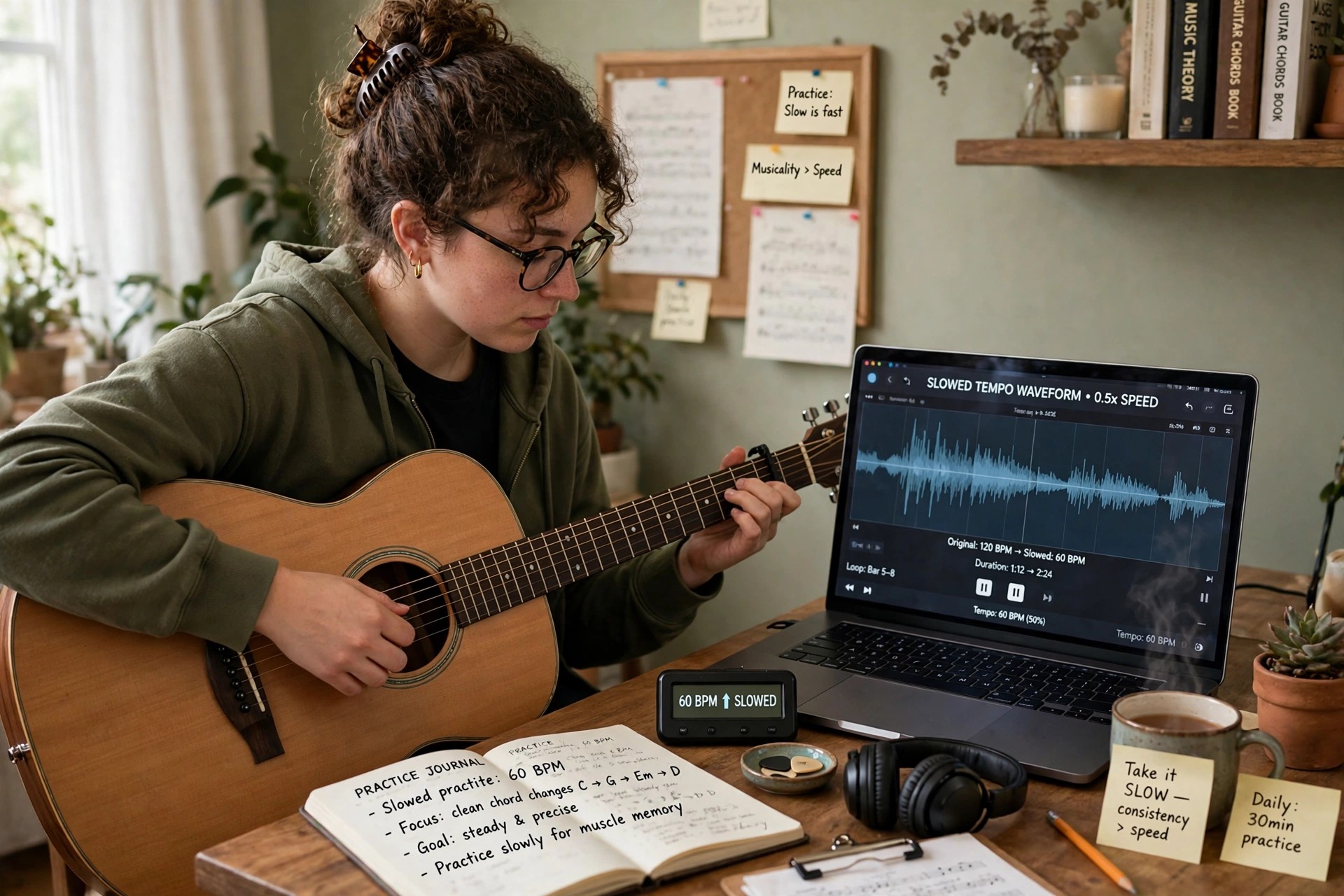
    Amazing Slow Downer 4.1.5 for Mac is a practice tool from Roni Music, the Swedish developer Rolf Nilsson's software label, built for musicians, transcribers and dancers. Its one job is done exceptionally well: it changes the speed of music in real time — from 20 percent of the original tempo up to double speed — without changing the pitch, so a fast guitar solo can be slowed to a crawl while staying in the same key.

    You can load songs from your own files or straight from a CD, set loop points around a tricky passage and repeat it until it clicks, and shift the pitch in semitones when you need the recording to match your instrument. It is paid software, and Roni Music offers a free trial that limits playback to the first part of each file, which is enough to judge whether it suits your practice routine.

    Key Features

    • Real-time tempo change from 20% to 200% with no change in pitch
    • Pitch shifting in semitones, at full or reduced speed, for matching your instrument's key
    • Loop any section with precise start and end points for focused practice
    • Works with audio CDs plus MP3, AAC/MP4, FLAC, Ogg, AIFF and WAV files
    • Built-in equaliser and the option to save slowed-down versions as new files

    How to Download

    1. Download from the official site
    2. On Roni Music's site, open the download area and choose the Mac version to get the free trial.
    3. Install the app, try it on your own tracks, and buy the licence from Roni Music if you want the trial limits removed.

    Is Amazing Slow Downer free?
    There is a free trial, but it only plays the first portion of each file or CD track. The full version is a paid licence — it is not a free full version, and unlocking it requires buying from Roni Music.

    Does it work with Spotify or Apple Music streaming?
    No. The Mac version works with files you own and with CDs, and streaming services are not supported for slowed-down playback, so build your practice library from your own audio files.

  • Amarra Symphony 3.0 for Mac

    Amarra Symphony 3.0 for Mac

    Amarra Symphony 3.0 for Mac

    Amarra Symphony 3.0 for Mac

    Mac Audio
    Updated Nov 4, 2026
    Mac Audio • Updated Nov 4, 2026

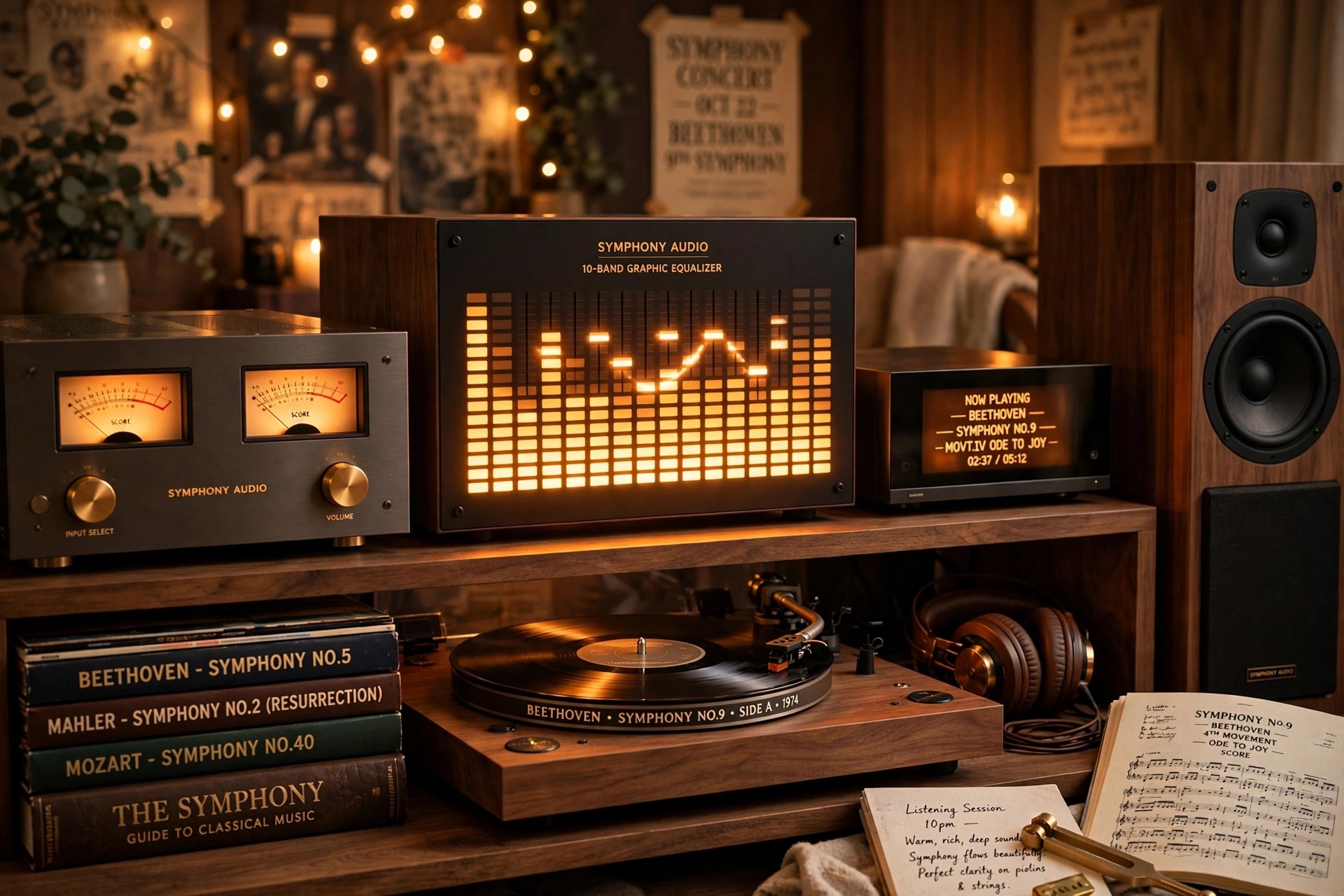
    Amarra Symphony 3.0 for Mac was the flagship music player in Sonic Studio's Amarra family, sitting above the standard Amarra editions as the choice for serious audiophile systems. It combined the company's high-resolution playback engine with Sonic EQ and, most distinctively, iRC impulse response correction built on Dirac technology, which measured your listening room and built correction filters to tame its acoustic problems.

    Honesty matters with this one: Symphony was a premium product in its day, sold at a premium price, but it belongs to an earlier generation of the Amarra line. Sonic Studio no longer lists Symphony in its current catalogue — Amarra Luxe is the player the company sells and supports today — so treat Symphony as legacy software for existing licence holders rather than something to buy new.

    Key Features

    • Because Symphony is retired, check Sonic Studio's current Amarra range — Amarra Luxe is its modern successor for Mac listeners.
    • If you already own a Symphony licence, contact Sonic Studio support directly for installer and activation help rather than using third-party downloads.
    • Can I still buy Amarra Symphony?
      Not as a current product. Sonic Studio's store now centres on Amarra Luxe and Amarra sQ+, and Symphony is no longer part of the active line-up, so any site offering fresh Symphony licences or installers should be treated with caution.

      What made Symphony different from regular Amarra?
      Room correction. Symphony integrated Dirac-based iRC measurement and filtering directly into the player, letting it compensate for speaker placement and room acoustics — the feature that justified its flagship price.

  • Amarra sQ 2.3 for Mac

    Amarra sQ 2.3 for Mac

    Amarra sQ 2.3 for Mac

    Amarra sQ 2.3 for Mac

    Mac Audio
    Updated Nov 4, 2026
    Mac Audio • Updated Nov 4, 2026

    Amarra sQ 2.3 for Mac is a real-time audio enhancement utility from Sonic Studio. Unlike the Amarra players, it does not play your music files itself — instead it sits between your Mac and your speakers or headphones and processes every sound the system produces, so streaming services, web video, movies and voice calls all pass through Sonic Studio's mastering-grade processing.

    It works through a virtual audio driver that routes system sound into the app, where a four-band parametric equaliser and the Audio Conditioner cleanup stage reshape it before output. Amarra sQ was a paid app, and the line continues today as Amarra sQ+, which is the current version Sonic Studio sells and supports — the official link below leads to that current product page.

    Key Features

    • Processes all Mac audio in real time: Spotify, Apple Music, YouTube, Netflix, browsers and calls
    • Four-band fully parametric Sonic EQ with multiple filter types and custom presets
    • Audio Conditioner reduces noise and harshness, with Music, Video and Voice modes
    • Factory presets tuned for popular headphones and music genres
    • Optional remote control from the Amarra Play app on iPhone or iPad

    How to Download

    1. Download from the official site
    2. On Sonic Studio's page, choose the current Amarra sQ+ release, which supersedes the older sQ versions.
    3. Install the app together with its audio driver, select the driver as your Mac's output, and pick a preset that suits what you are listening to.

    How is Amarra sQ different from Amarra Luxe?
    Luxe is a player for your own music library and hi-res streaming accounts. sQ is a system-wide processor: it improves whatever is already playing, from any app, rather than playing files itself.

    Is Amarra sQ still the current version?
    No. Sonic Studio replaced it with Amarra sQ+, which added full 64-bit support for modern macOS releases. Buy or download sQ+ from the official page rather than hunting for old sQ installers on third-party sites.

  • Amarra Luxe 4.3 for Mac

    Amarra Luxe 4.3 for Mac

    Amarra Luxe 4.3 for Mac

    Amarra Luxe 4.3 for Mac

    Mac Audio
    Updated Nov 4, 2026
    Mac Audio • Updated Nov 4, 2026

    Amarra Luxe 4.3 for Mac is a high-resolution music player from Sonic Studio, a California company whose mastering tools have a long history in professional audio. Luxe is the flagship of the Amarra family, created for listeners who keep serious local music libraries and external DACs, and who want playback handled by an engine designed purely for sound quality rather than a general media app.

    The player scans and organises your collection, including formats the stock Music app ignores such as FLAC and DSD, and folds TIDAL and Qobuz streaming into the same library view. Amarra Luxe is paid software sold under a licence from Sonic Studio; check the official product page for the current price and any trial offer before you commit.

    Key Features

    • High-resolution playback of FLAC, ALAC, AIFF, WAV and DSD 64/128 files
    • MQA core decoding for local MQA files and TIDAL Masters streaming
    • Integrated Qobuz and TIDAL streaming, including hi-res catalogues, in one library
    • Imports and upgrades your existing Apple Music library for Amarra-quality playback
    • Precision EQ and remote control through the Amarra Play iOS companion app

    How to Download

    1. Download from the official site
    2. Follow Sonic Studio's purchase or trial route on that page and download the Mac installer.
    3. Install Amarra Luxe, activate it with the licence details Sonic Studio emails you, then scan your music folders to build your library.

    Is Amarra Luxe free?
    No. It is a paid, licensed player, not a free full version. Sonic Studio has priced Luxe well below its earlier flagship products, but you should always confirm the current price and trial terms on the official page.

    Why use Amarra Luxe instead of the Music app?
    It plays formats Apple leaves out, such as FLAC and DSD, decodes MQA, and merges TIDAL and Qobuz streaming with your local files — all through a playback engine tuned for external DACs and critical listening.

  • Amadine 1.6.7 for Mac

    Amadine 1.6.7 for Mac

    Amadine 1.6.7 for Mac

    Amadine 1.6.7 for Mac

    Mac Photo & Design
    Updated Nov 4, 2026
    Mac Photo & Design • Updated Nov 4, 2026

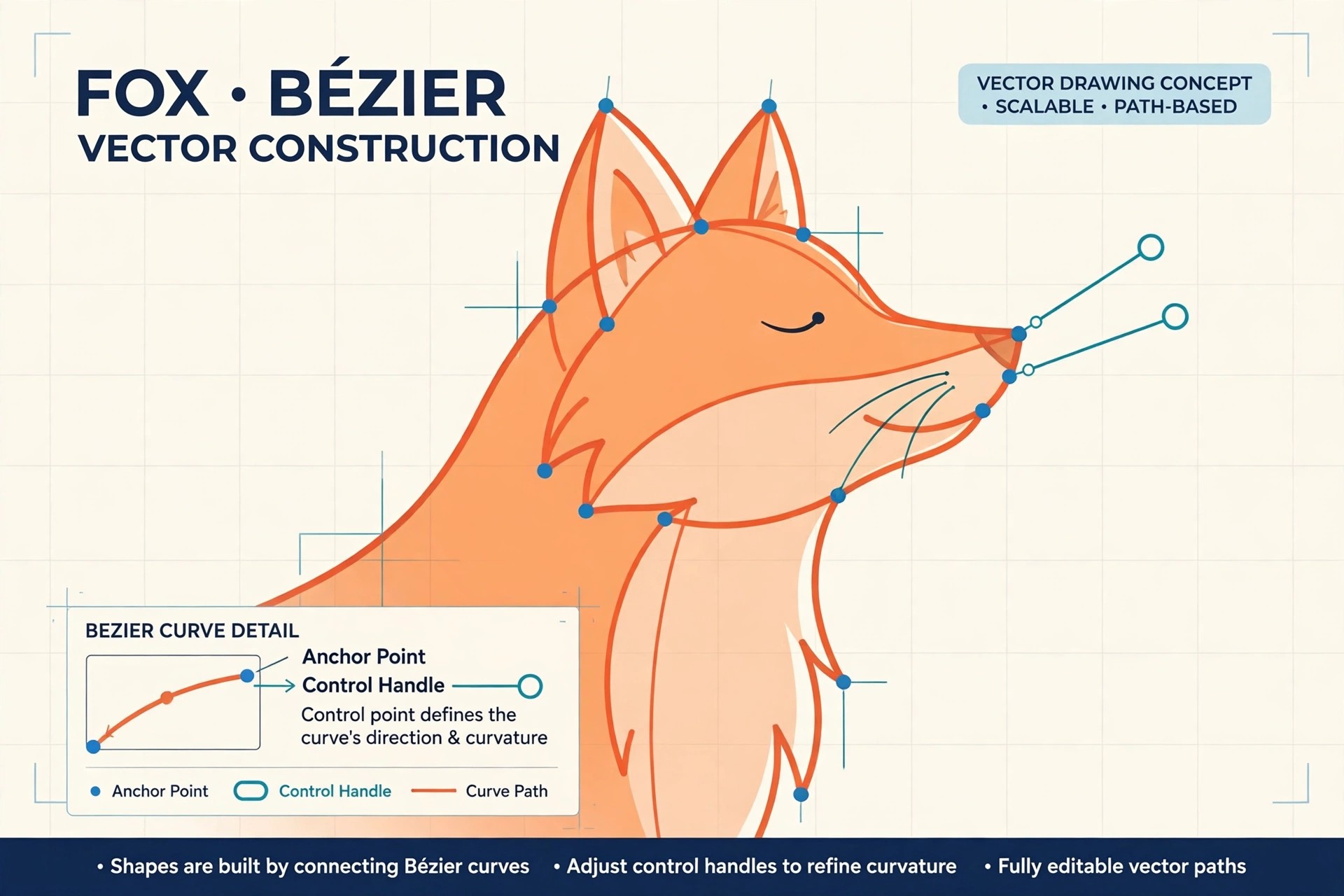
    Amadine 1.6.7 for Mac is a vector graphics and illustration app from BeLight Software, built specifically for macOS rather than adapted from another platform. It is aimed at designers and illustrators who create logos, icons, lettering, infographics, print layouts and interface graphics, and who want professional vector tools in a clean, approachable interface.

    The app ships with more than thirty tools for drawing, selecting, transforming and typesetting, including a precision pen, a pressure-sensitive draw tool and text on a path. Amadine is free to download and draw with; exporting, printing and image tracing are unlocked with a licence, which BeLight sells as either a one-time lifetime purchase or a subscription, with matching iPad and iPhone versions that sync through iCloud.

    Key Features

    • Over 30 vector tools, including a precision Pen and a freehand Draw tool with stroke pressure
    • Advanced path editing, boolean shape operations, gradients, blend modes and layer effects
    • Image tracing to convert raster artwork into editable vectors (licence required)
    • Exports to SVG, PDF, EPS, PNG, JPEG and TIFF for print and web workflows
    • Native Apple Silicon performance with Metal acceleration and iCloud sync across Mac, iPad and iPhone

    How to Download

    1. Download from the official site
    2. Download the free app from BeLight's site or from the Mac App Store and start drawing straight away.
    3. When you need export, printing or tracing, buy the lifetime licence or subscription through the official store or in-app purchase.

    Is Amadine free?
    The download itself is free and the drawing tools work without paying, but it is not an unlimited free full version: exporting, printing and image tracing stay locked until you buy a licence or start a subscription.

    Can Amadine replace Adobe Illustrator?
    For many illustrators and logo designers, yes. It covers pen work, shapes, typography and SVG/PDF export at a far lower cost, though heavy Illustrator users may miss some specialised plugins and collaboration features.

  • Amadeus Pro 2.8 for Mac

    Amadeus Pro 2.8 for Mac

    Amadeus Pro 2.8 for Mac

    Amadeus Pro 2.8 for Mac

    Mac Audio
    Updated Nov 4, 2026
    Mac Audio • Updated Nov 4, 2026

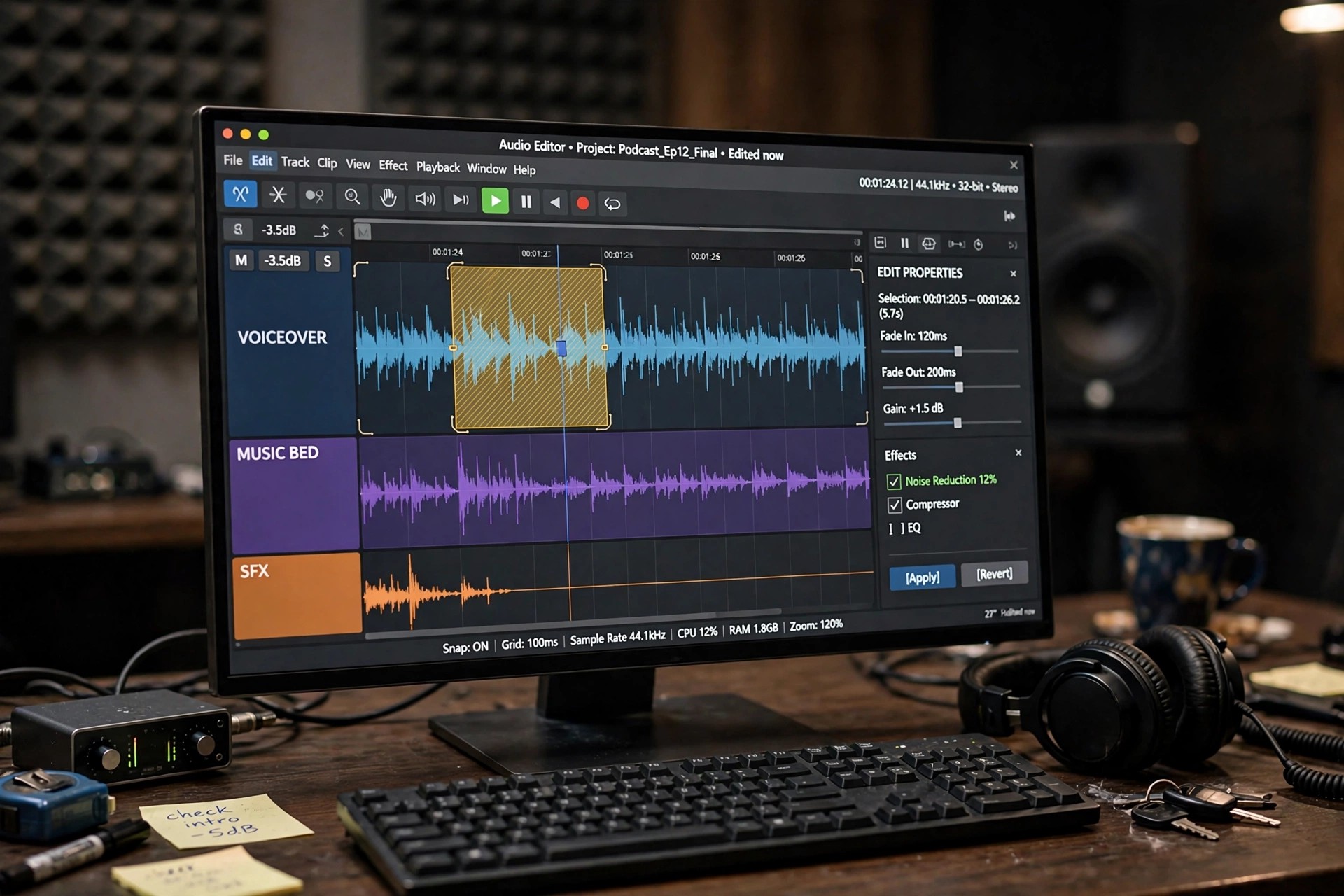
    Amadeus Pro 2.8 for Mac is a multitrack audio editor and recorder from HairerSoft, the small independent developer behind one of the longest-running audio apps on the Mac. It is built for people who need to record, edit, clean up and convert sound without the weight of a full digital audio workstation — podcasters, musicians, archivists digitising tapes and vinyl, and anyone preparing audio for release.

    Each track in a project can be adjusted independently for volume and panning, and edits are designed to avoid the clicks and cracks that careless cutting introduces. Amadeus Pro is a paid app, sold for a one-off licence fee, and HairerSoft offers a free trial of the full editor so you can test it on your own recordings before deciding to buy.

    Key Features

    • Multitrack editing and recording with independent volume and panning per track
    • Converts between MP3, AAC, Apple Lossless, FLAC, Ogg Vorbis, AIFF, WAV and more
    • Batch processing to convert, normalise or process whole folders of files at once
    • Repair tools for de-noising, de-clicking and restoring ageing or damaged recordings
    • Real-time spectrum and sonogram analysis, plus VST and Audio Unit plug-in support

    How to Download

    1. Download from the official site
    2. Download the free trial from HairerSoft, or choose the Mac App Store edition if you prefer buying through Apple.
    3. Install the app, work through your trial, and enter the licence details from HairerSoft when you are ready to keep it.

    Is Amadeus Pro free?
    No. It is paid software with a one-off licence, not a free full version. The official trial lets you use the editor before paying, which is the safe way to check it fits your workflow.

    Is there a Windows version of Amadeus Pro?
    No. Amadeus Pro is developed for macOS only. Windows users will need a different editor, but Mac users get an app designed specifically around macOS conventions and file handling.

  • AltTab Pro 11.7.1 for Mac

    AltTab Pro 11.7.1 for Mac

    AltTab Pro 11.7.1 for Mac

    AltTab Pro 11.7.1 for Mac

    Mac Utilities
    Updated Nov 4, 2026
    Mac Utilities • Updated Nov 4, 2026

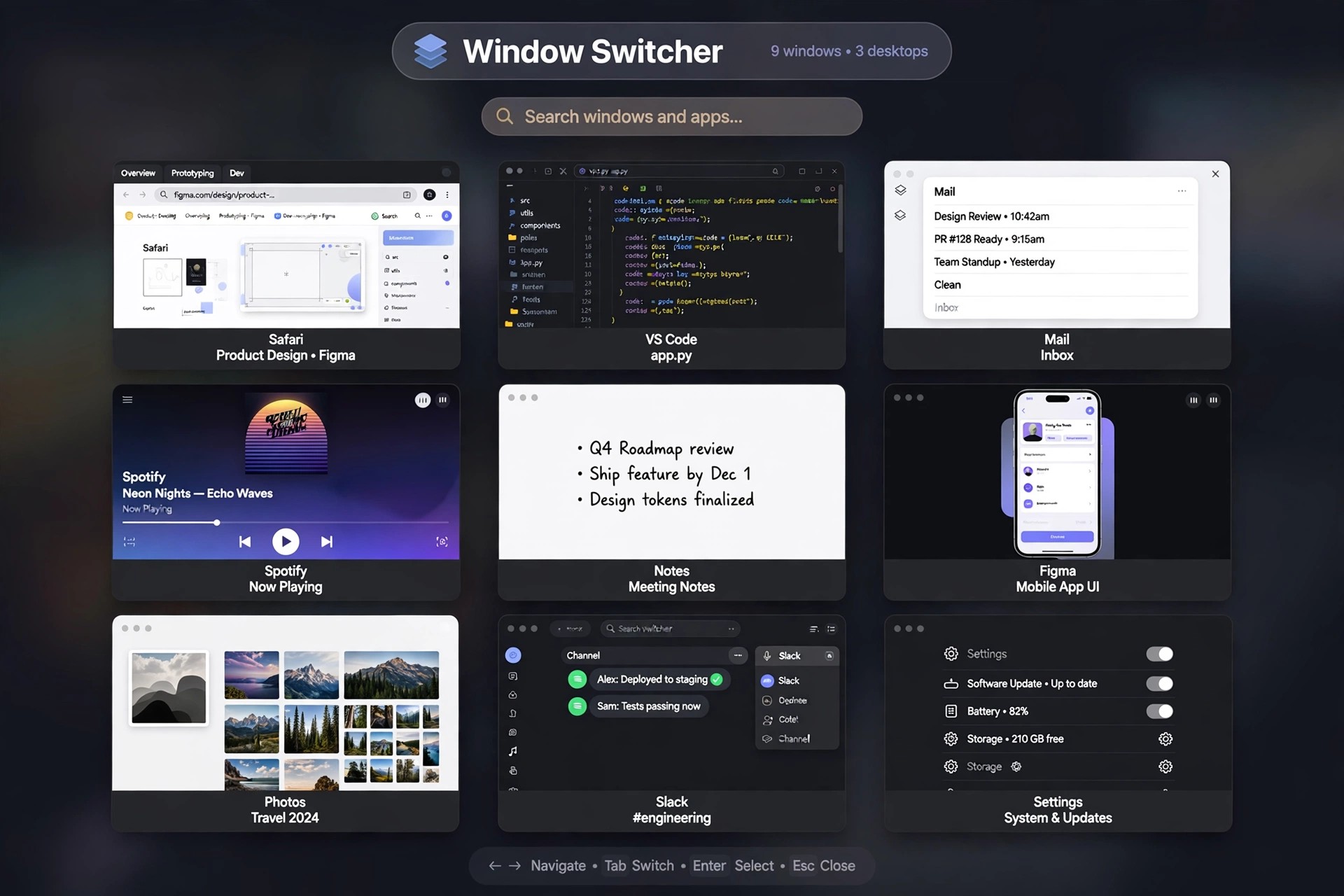
    Listings for an "AltTab Pro" circulate on download sites, but it is worth knowing what the official project actually publishes: AltTab is a single, free and open-source window switcher for macOS, maintained by developer Louis Pontoise and contributors on GitHub. There is no separate official application called AltTab Pro with its own version line — the version numbers attached to "Pro" listings on third-party sites do not come from the project's own release history.

    What you get from the official AltTab is the complete switcher: live thumbnails of every window, including minimised and hidden ones, across all Spaces and monitors, with customisable shortcuts and appearance styles. If optional paid extras are ever offered by the project, they belong to that same one app — you never need to hunt down a different "Pro" program from a mirror site, and nobody legitimate will sell you a cracked copy of free software.

    Key Features

    • Windows-style switching with live previews of every open window
    • Includes minimised and hidden windows from all Spaces and displays
    • Type-to-filter and search through long window lists on busy desktops
    • Custom shortcuts, appearance styles and thumbnail sizing options
    • Open source under the GPL, with signed releases published on GitHub

    How to Download

    1. Download from the official site
    2. Download the standard AltTab release from the official site or GitHub — that is the genuine, complete app.
    3. Open it and approve the Accessibility and Screen Recording permissions macOS asks for, then set your preferred shortcut in its preferences.

    Is AltTab Pro a real, separate product?
    Not as a standalone application. The official project distributes one app, AltTab, free of charge. Treat any site selling an "AltTab Pro" installer or licence key as unofficial, and get the app from the project's own site instead.

    Do I have to pay anything to use AltTab?
    No. The core window switcher is free and open source, and it keeps working without any payment. You can optionally support the developer, but paying is never required to unlock the switcher itself.

  • AltTab 10.3.0 for Mac

    AltTab 10.3.0 for Mac

    AltTab 10.3.0 for Mac

    AltTab 10.3.0 for Mac

    Mac Utilities
    Updated Nov 4, 2026
    Mac Utilities • Updated Nov 4, 2026

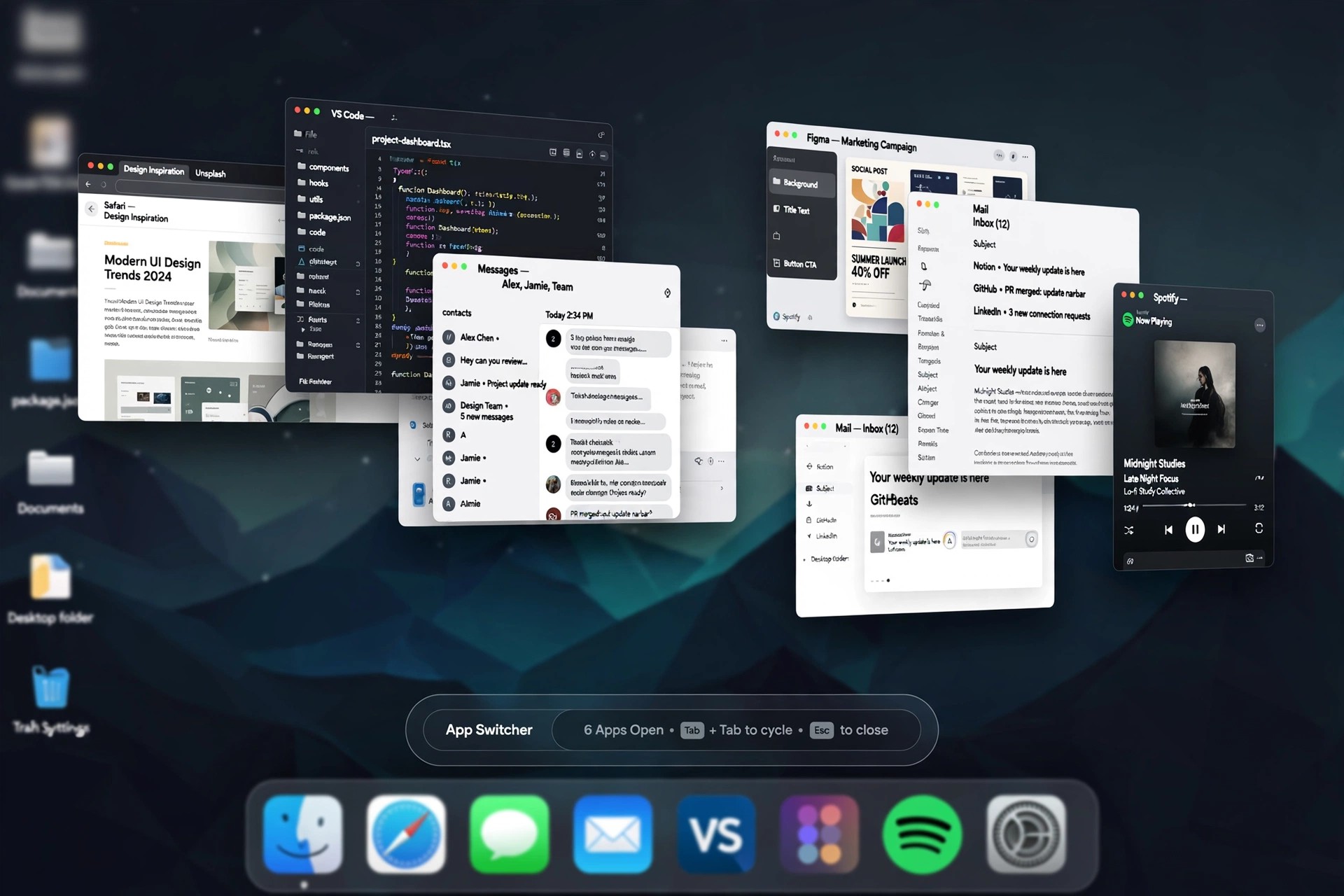
    AltTab 10.3.0 for Mac gives macOS the window switcher it never shipped with: a Windows-style Alt+Tab overlay that shows every open window, instead of the single icon per app that Command+Tab offers. It is an open-source project maintained by developer Louis Pontoise together with community contributors, and its full source code is published on GitHub under the GPL licence.

    Press the shortcut and you see live thumbnails of all your windows, including minimised and hidden ones, gathered from every Space and every connected monitor. You can tap through the list, click a thumbnail to jump straight to a window, or close, minimise and quit apps without leaving the switcher. AltTab is completely free to use — there is no paid full version waiting to be unlocked.

    Key Features

    • Live thumbnail previews of every window, including minimised and hidden windows
    • Sees windows across all Spaces and multiple monitors in one overlay
    • Fully customisable shortcuts — keep the Option+Tab default or remap it to Command+Tab
    • Several appearance styles with adjustable thumbnail sizes, themes and spacing
    • Window actions from inside the switcher: close, minimise, hide, fullscreen or quit apps

    How to Download

    1. Download from the official site
    2. Grab the latest release from the official site or the project's GitHub page, or install it with Homebrew using brew install --cask alt-tab.
    3. Launch the app and grant the Accessibility and Screen Recording permissions macOS requests, so AltTab can list your windows and draw their previews.

    Is AltTab really free?
    Yes. AltTab is free, open-source software with no licence fee and no feature paywall. If a third-party site tries to sell you an AltTab download or a licence key for it, you are not dealing with the official project.

    Why does AltTab ask for Accessibility and Screen Recording access?
    macOS requires Accessibility permission before any app may read window titles and move focus between windows, and Screen Recording permission before it can capture window previews. Without the second permission AltTab still works, but it shows app icons instead of live thumbnails.

  • Alpha Blender Pro 1.1.1 for Mac

    Alpha Blender Pro 1.1.1 for Mac

    Alpha Blender Pro 1.1.1 for Mac

    Alpha Blender Pro 1.1.1 for Mac

    Mac Photo & Design
    Updated Nov 4, 2026
    Mac Photo & Design • Updated Nov 4, 2026

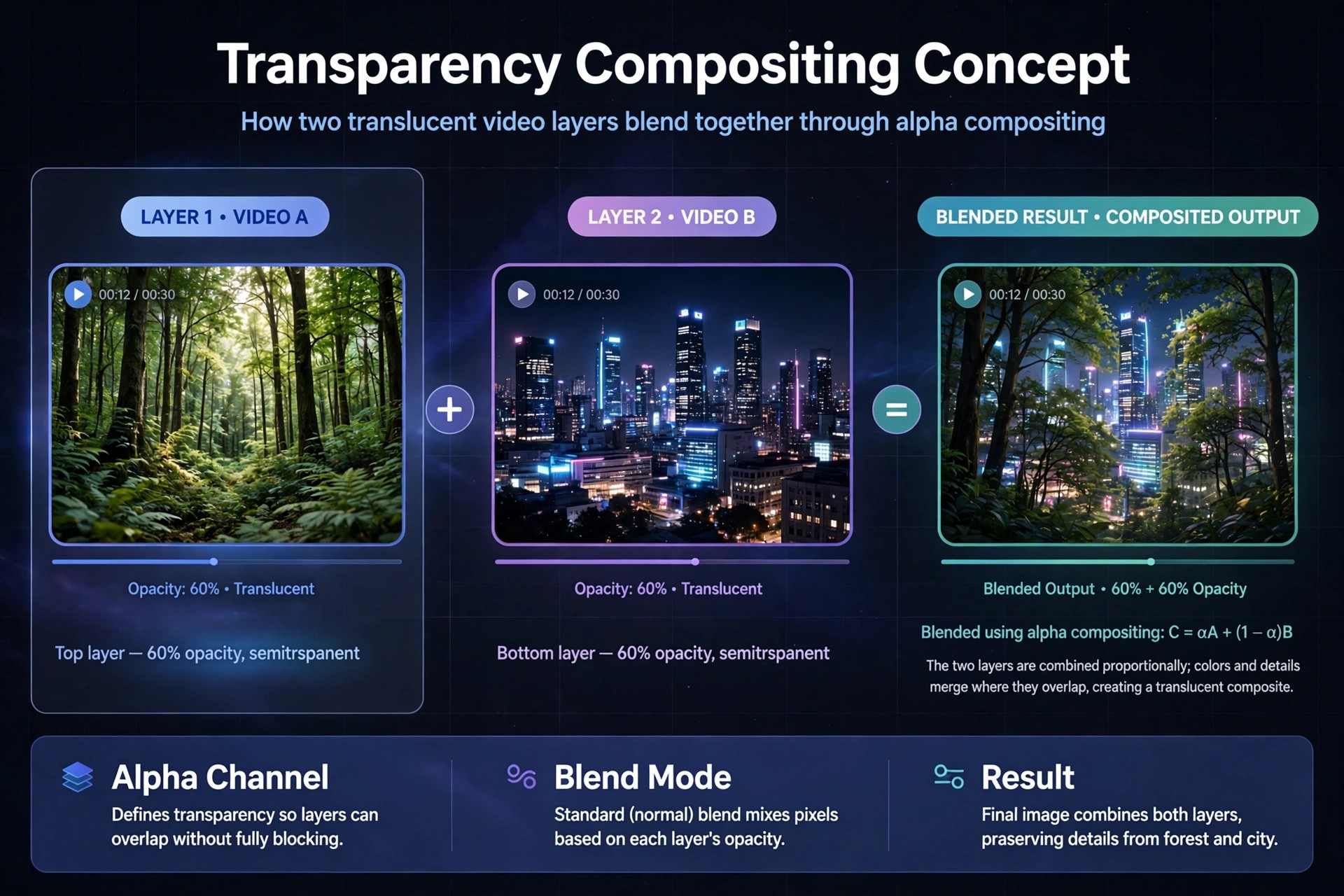
    Alpha Blender Pro 1.1.1 for Mac circulates in software listings as a lightweight image editing tool for cutting subjects out of photos. The descriptions attached to it say the app lets you trace or brush around a shape, remove the background behind it, refine the edge, and save the result with transparency for use in designs and composites.

    A word of honesty is needed here: unlike the established apps in this category, Alpha Blender Pro has no verifiable official vendor website or Mac App Store listing that we could confirm. The name appears almost entirely on third-party download blogs, with no identifiable developer, support page or pricing information. Treat those listings with caution, and do not pay for or run installers from unverified sources claiming to offer this app.

    Key Features

    • Note: we could not verify an official site for this app, so the link above may be empty — do not substitute random download mirrors, which are a common malware source.
    • For this job today, consider a verified alternative from a known vendor, such as Affinity Photo or Adobe Photoshop, from their official pages.
    • Who makes Alpha Blender Pro?
      We could not identify a developer or company behind it. No official site, App Store page or support contact could be verified, which is unusual for legitimate commercial Mac software.

      Is it safe to download from blogs offering it?
      We would not recommend it. Unverifiable apps promoted only through download blogs carry real risk, and established editors from official sources cover background removal more safely.

  • Almighty 2.10.5 for Mac

    Almighty 2.10.5 for Mac

    Almighty 2.10.5 for Mac

    Almighty 2.10.5 for Mac

    Mac Utilities
    Updated Nov 4, 2026
    Mac Utilities • Updated Nov 4, 2026

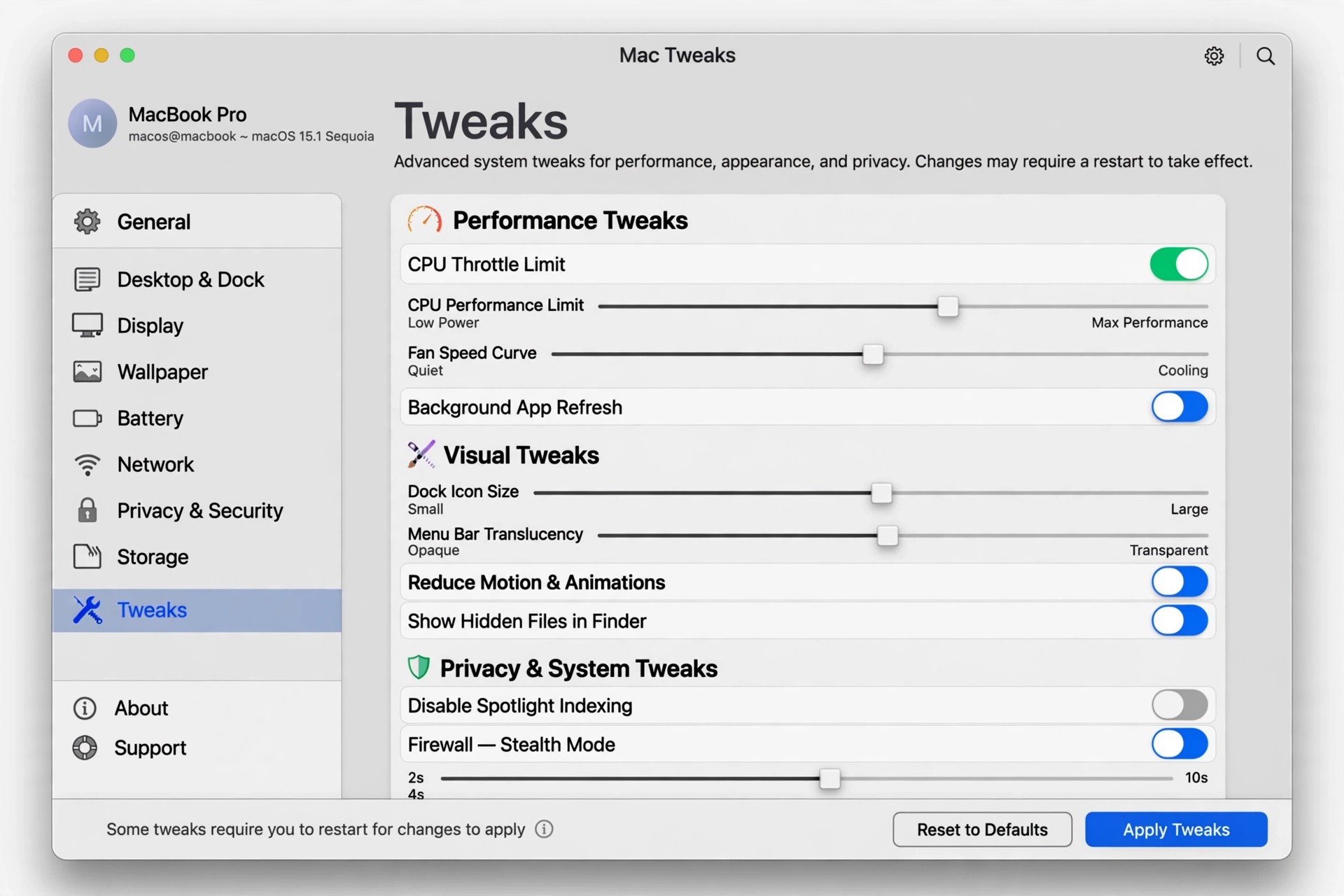
    Almighty 2.10.5 for Mac is a tweaks and utilities collection from Indie Goodies, developed by Khuong Pham. It gathers more than a hundred small macOS adjustments into one native Swift app, so settings that normally need Terminal commands or hidden preferences become simple toggles you can trigger from the menu bar or a keyboard shortcut.

    The tweaks are grouped by area: System options such as keeping the Mac awake or scheduling shutdown, Finder controls like showing hidden files and full paths, Dock customisation, window and display helpers, and a set of Xcode tools for developers. Almighty is free to download with basic tweaks included and a trial of the Pro features; the full standalone licence is a one-off purchase, and a slightly reduced version is also sold on the Mac App Store.

    Key Features

    • Over 100 tweaks for System, Finder, Dock, display and Xcode in one app
    • Popular tools include Keep Mac Awake, hide desktop icons and clear clipboard
    • Extract text from images, visualise keystrokes and preview Dock windows
    • Assign keyboard shortcuts or Siri Shortcuts to any tweak
    • Create your own script-based tweaks in the standalone version

    How to Download

    1. Download from the official site
    2. Pick the standalone edition for the full tweak set, or use the Mac App Store or Setapp edition if you prefer those stores.
    3. Install and launch Almighty, browse the categories, and enable the tweaks you want — Pro features unlock with a licence key.

    Is Almighty free?
    It is free to download, and many basic tweaks work without payment. Advanced tweaks need the Pro upgrade after the trial, sold as a one-off licence rather than a subscription.

    Why does the App Store version have fewer tweaks?
    Apple's store rules block some system-level changes, so a number of tweaks are marked standalone-only. The developer's own edition includes the complete set.