AudioSwitcher 3.08 for Mac
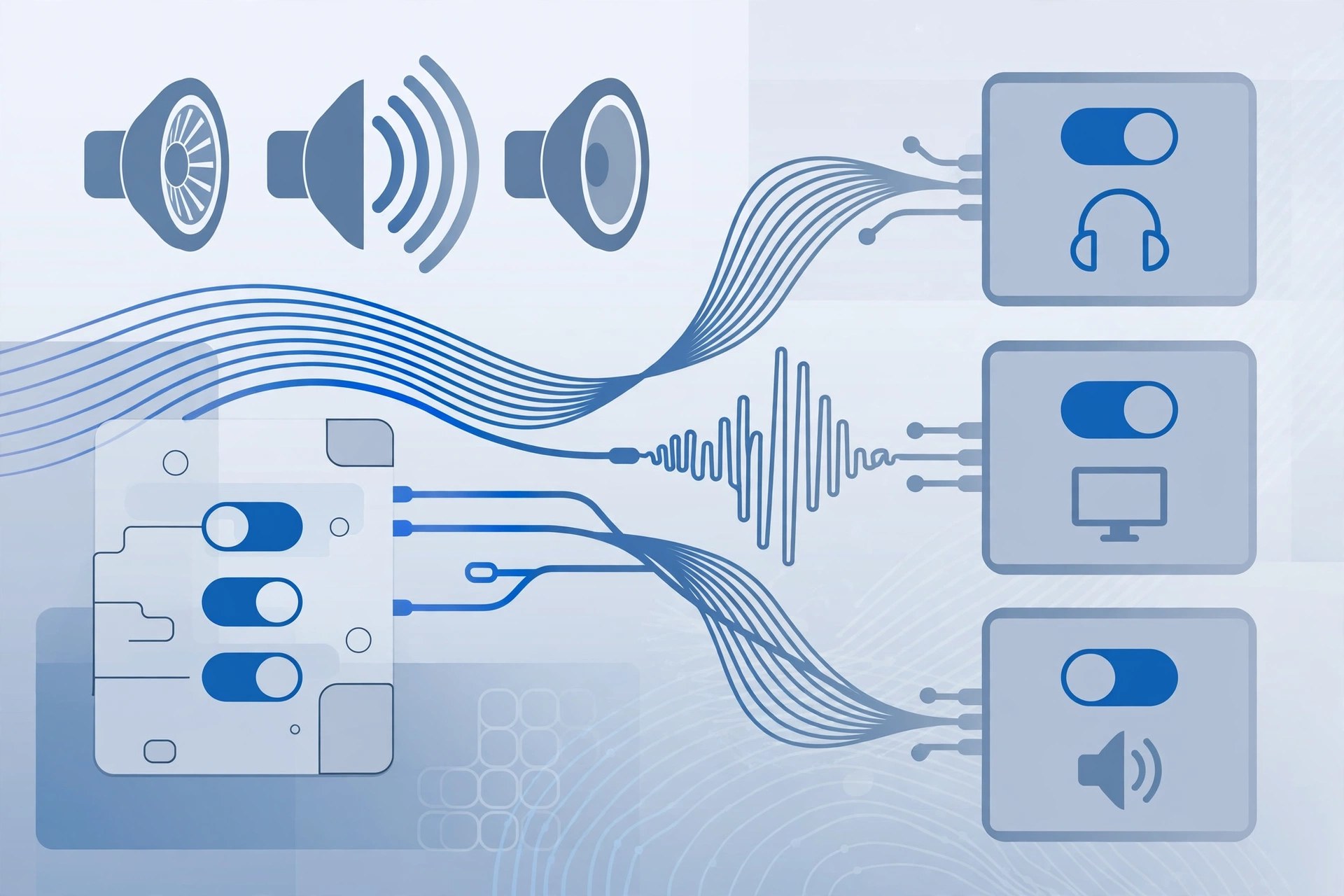
Mac UtilitiesAudioSwitcher is a small menu bar utility for Mac that makes changing audio devices far quicker than opening System Settings. Version 3.08 sits in your status bar and lists every connected input and output device in real time, so you can jump between speakers, headphones, USB interfaces and microphones as your setup changes through the day. It is a handy tool for anyone who regularly plugs and unplugs audio gear, records voice, or joins calls on different headsets.
Key Features
- Switch input and output devices directly from the menu bar
- Adjust the volume of a device even when it is not currently active
- Real-time device list that updates as hardware connects or disconnects
- Option to ignore devices you never use, keeping the list tidy
- Set default volume levels and show the level as a percentage in the status bar
How to Download
- Confirm you are running a recent version of macOS.
- To get the app, use the green Download button on this page to reach the developer's website and follow the link to the developer's download or store page.
- Open the app, grant any permissions macOS asks for, and pick your devices from the new menu bar icon.
System Requirements
AudioSwitcher 3.08 needs a recent version of macOS and runs as a lightweight menu bar app, so it works comfortably on both Intel and Apple silicon Macs without using noticeable system resources in the background.
FAQs
Does AudioSwitcher replace the macOS Sound settings?
No. It sits alongside them and simply gives you faster access to the same input, output and volume controls from the menu bar, without opening Settings each time.
Can I control a device that is not selected?
Yes. One of its most useful tricks is changing the volume of an inactive device in advance, so levels are already right when you switch over to it.







Leave a Reply