Audio Normalizer 1.1.0 for Mac
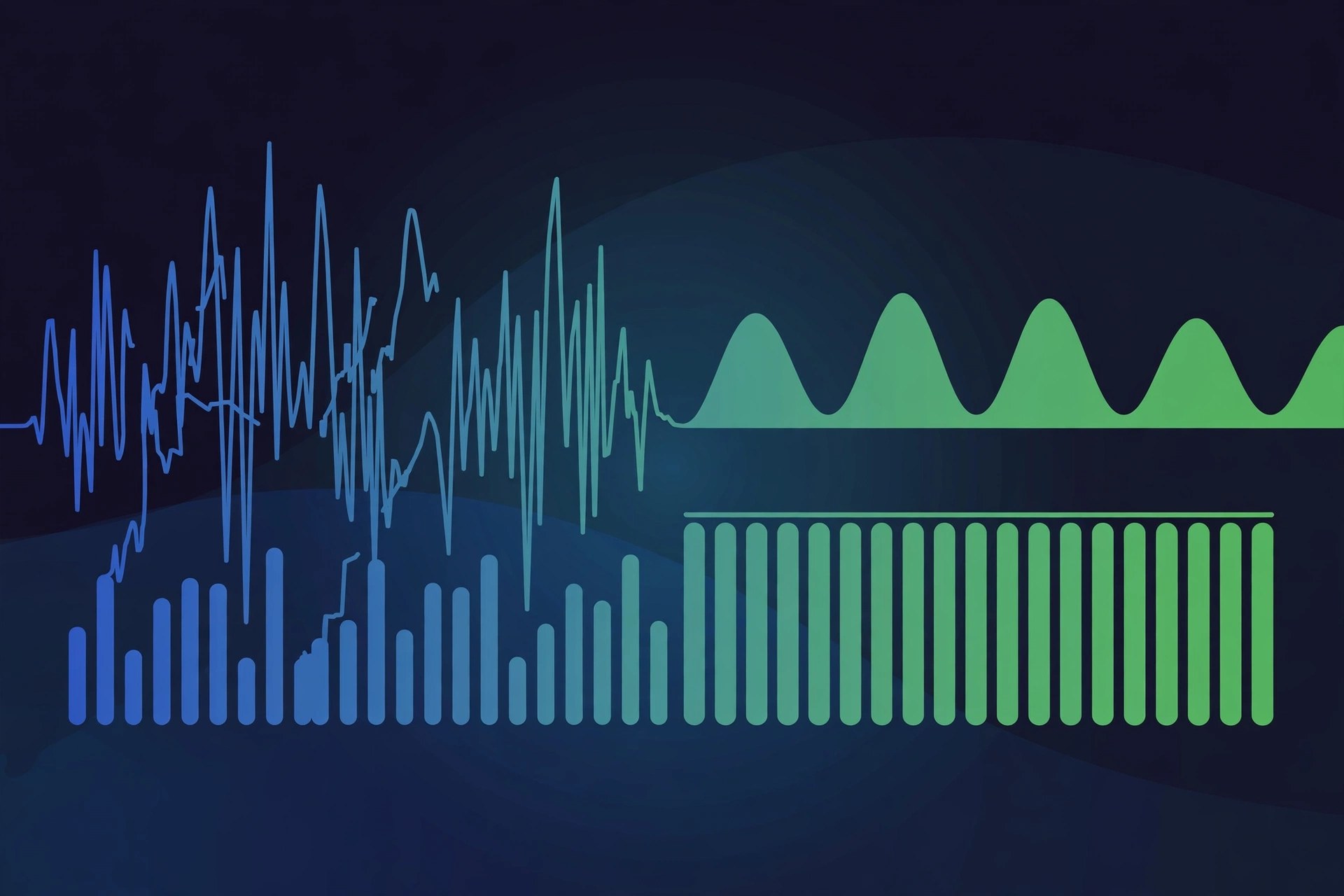
Mac AudioAudio Normalizer is a small Mac utility for fixing an annoying everyday problem: audio files that all play at different volumes. It analyses your music, podcast or voice files and evens out their levels, in batches, so a whole folder or library plays back at a consistent loudness without you reaching for the volume control between tracks.
Key Features
- Batch normalizing: balance many audio files to the same volume in a single pass
- Works with popular formats including MP3, M4A, WAV, AAC, FLAC, AIFF and OGG
- Levels supported files directly, aiming to adjust volume without unnecessary quality loss
- Custom target volume level, so you can match a library, podcast or broadcast need
- Simple drag-and-drop style workflow designed for non-technical users
How to Download
- Check your Mac is running a recent version of macOS before installing.
- Use the green Download button on this page to get the package, or visit the developer's website for the current release.
- Use the green Download button on this page to get the app, add a test folder of files, and compare playback before and after.
System Requirements
Audio Normalizer runs on Intel and Apple silicon Macs with a recent version of macOS. Normalizing is light work, though very large batches of long files naturally take longer to process.
FAQs
Will normalizing reduce my audio quality?
For its supported lossless-style workflows the app adjusts level directly where the format allows it, which avoids a full re-encode. As with any processing, keep a backup of originals until you have checked the results.
Can it fix DRM-protected files?
No. Files protected by DRM cannot be analysed or adjusted, so protected downloads from some stores are excluded. Your own rips, recordings and unprotected purchases work normally.







Leave a Reply