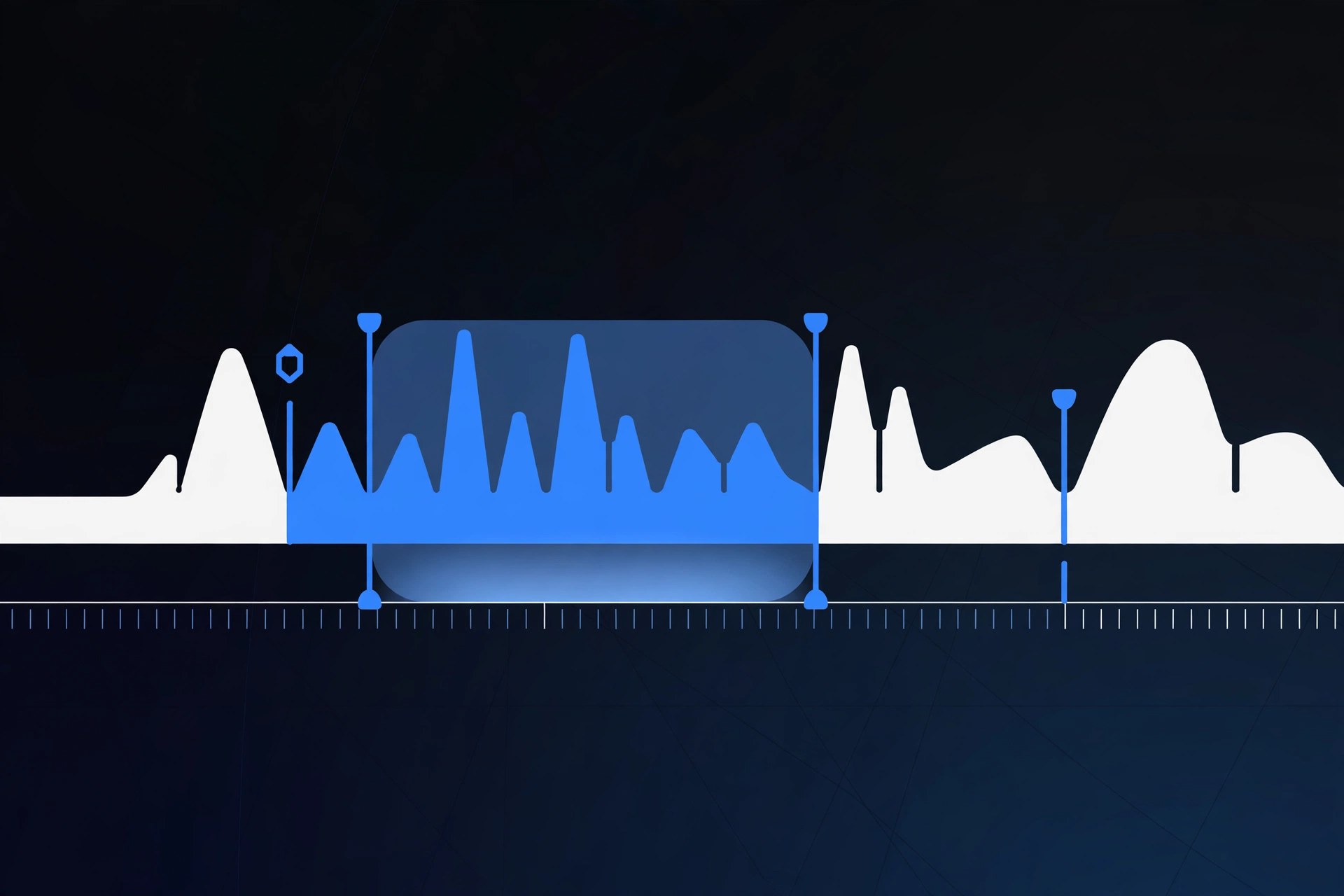
Audio Editor 1.8.2 for Mac
Mac AudioAudio Editor is a straightforward Mac app for everyday audio editing jobs that do not need a full digital audio workstation. Open a recording, music file or voice note, tidy it up on the waveform, and export a clean copy. It suits podcasters, students, musicians and anyone who regularly trims or cleans up audio on a Mac.
Key Features
- Waveform editing to trim, cut, copy and delete sections of a recording
- Fade in and fade out controls for smooth starts and endings
- Volume adjustment to lift quiet recordings or tame loud ones
- Support for common audio files such as MP3, WAV and M4A
- Export your edited audio in popular formats for sharing or further production
How to Download
- Check your Mac is running a recent version of macOS before installing.
- Use the green Download button on this page to get the package, or visit the developer's website for the current release.
- Install the app, open your first audio file, and use the waveform tools to make your edits.
System Requirements
Audio Editor runs on Intel and Apple silicon Macs with a recent version of macOS. It is a lightweight app, so any modern Mac handles typical editing work comfortably.
FAQs
Is Audio Editor a full DAW?
No. It is a focused editor for cutting, trimming and polishing single audio files. For multitrack recording and mixing with instruments and plug-ins, you would want a DAW such as GarageBand or Logic Pro instead.
Can I use Audio Editor for podcasts?
Yes. Trimming silences, cutting mistakes, adding fades and levelling volume are exactly the jobs this kind of editor is made for, before you publish or send the episode on for production.







Leave a Reply