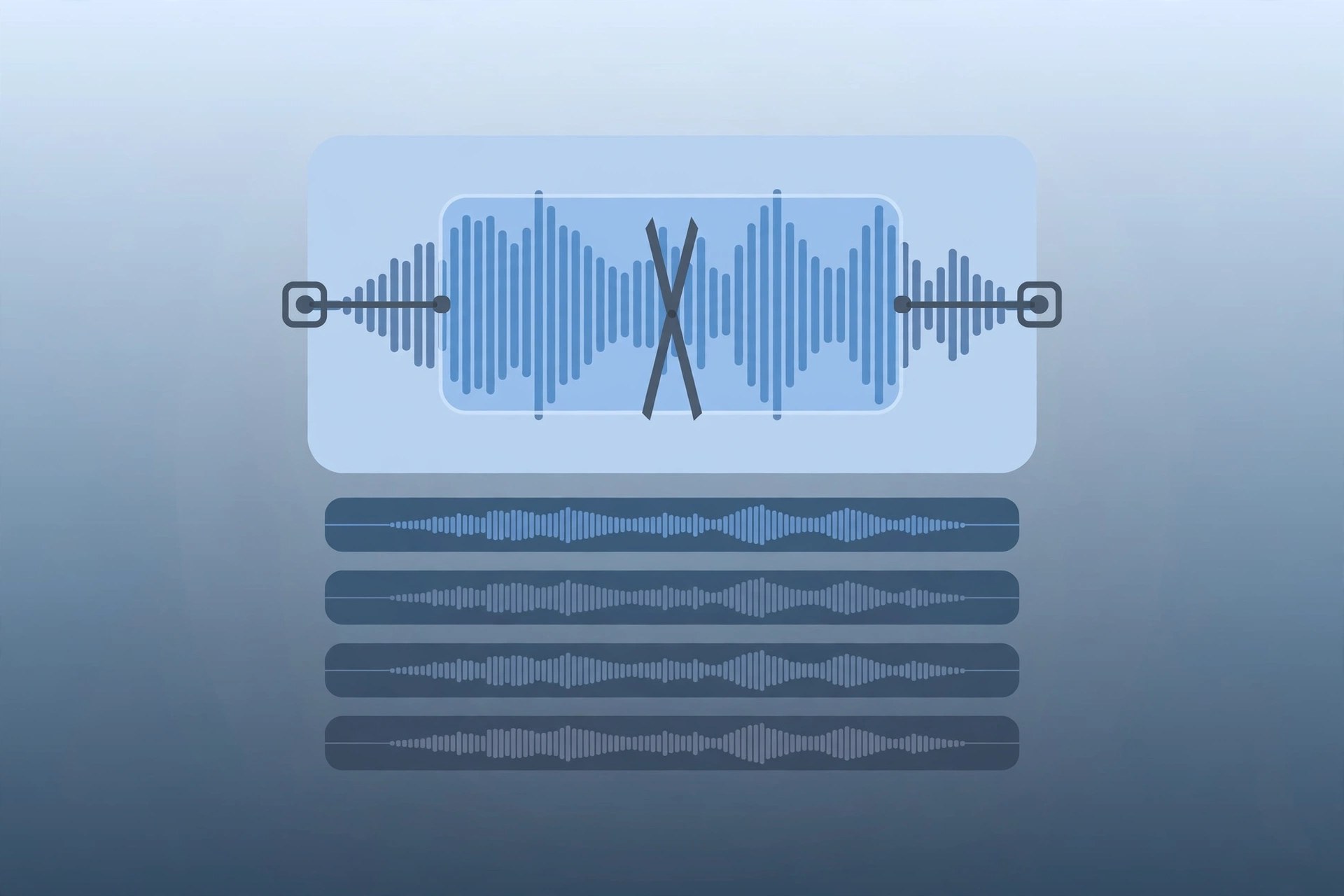
Audacity 4.0.2 for Mac
Mac UtilitiesAudacity is a free audio editor and recorder that has been a first choice for podcasters, musicians and students for many years. On a Mac it gives you a full multitrack workspace where you can record live audio, import existing files, clean up spoken word recordings and mix music without paying for studio software. It suits beginners who need simple trimming as well as experienced editors who work with long projects and many clips at once.
Key Features
- Record live audio through a microphone or mixer and watch levels as you go
- Edit with cut, copy, paste and delete across multiple tracks
- Apply effects such as volume adjustment, equalization, noise reduction and compression
- Import and export common formats including WAV, MP3, FLAC and Ogg Vorbis
- Support for plugins including Audio Units on Mac and VST3
- Change tempo and pitch without altering the rest of the recording
How to Download
The safest place to get Audacity is the project website, where the Mac build is offered as a universal disk image for Apple silicon and Intel machines. Open the download page, choose the macOS option and install it like any standard Mac app. Download from the official site
Frequently Asked Questions
Is Audacity really free?
Yes. Audacity is free and open source software, and the full editor is available at no cost.
Does Audacity work on Apple silicon Macs?
Yes. The current Mac build is universal and runs natively on Apple silicon and Intel Macs.
Can I record a podcast with Audacity?
Yes. You can record your voice, edit out pauses and mistakes, adjust levels and export the finished episode as an MP3 file.







Leave a Reply