Astrofox for Mac
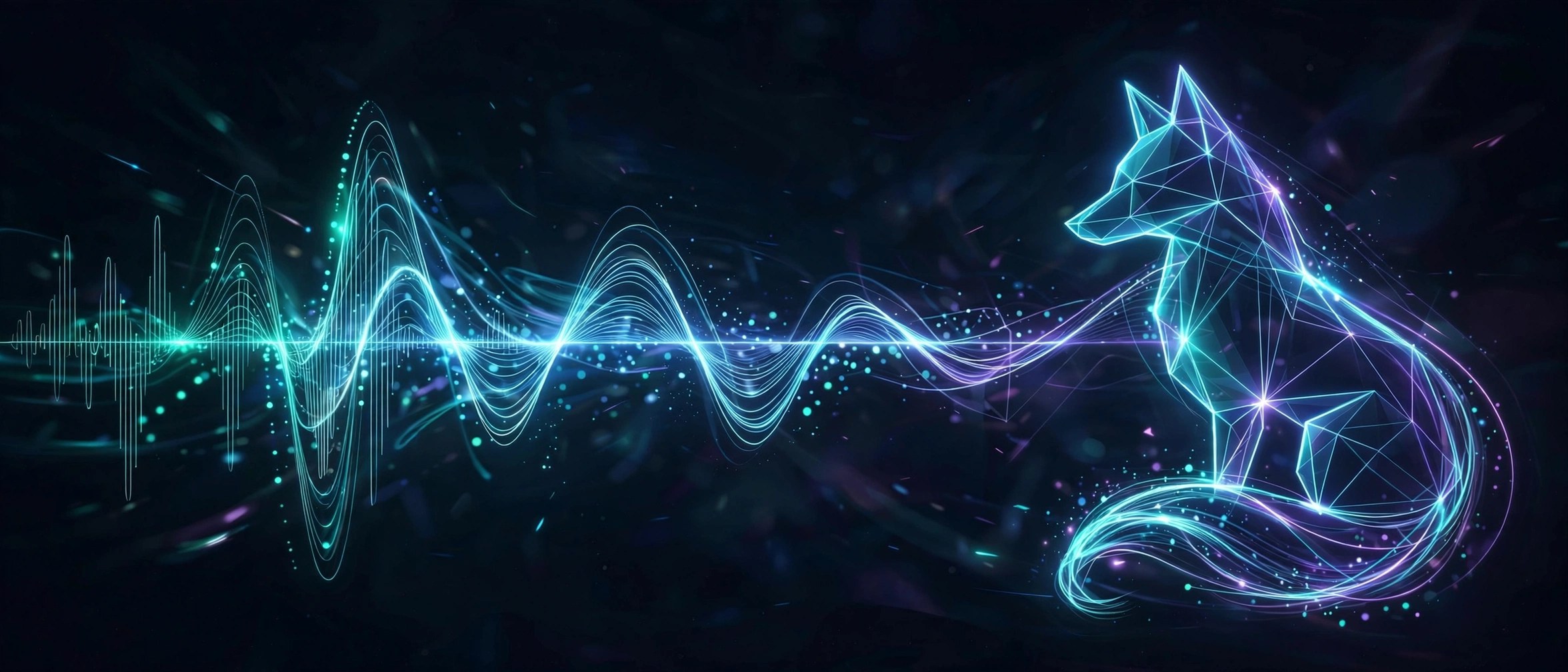
Mac UtilitiesAstrofox is a motion graphics program that listens to your music and moves with it. Load an audio track and the app analyses the sound as it plays, driving shapes, images, text and effects in time with the beat. Musicians use it to make videos for songs without learning a full video editor, and the live preview makes experimenting feel playful rather than technical. Updated Aug 16, 2026.
Key Features
- Audio reactive visuals driven by real time sound analysis
- Layers for shapes, images and text that respond to the music
- Effects and blending options to shape the final look
- Live preview stage so changes are seen and heard at once
- Video export that renders your project ready to share
How to Download
- Start at Download from the official site and follow the links to the Mac download.
- Open the downloaded disk image and move Astrofox to Applications.
- Launch the app, load an audio file and build your first scene.
System Requirements
Astrofox is a cross platform desktop app and the Mac build comes as a standard disk image. A modern Mac with a recent version of macOS and enough free space for rendered video files will serve you well.
FAQs
What kind of files can Astrofox export?
Projects are rendered to video using the encoding tools bundled with the app, so you end up with a normal video file you can upload or share anywhere.
Do I need video editing experience to use it?
No. The workspace is built around layers and simple controls, and the preview reacts instantly, so beginners can get a good looking result by experimenting.
Is Astrofox free?
Astrofox is an open source project. Check the official site for the current download terms for the Mac build before you install.







Leave a Reply